9. General operation example
P7: Create user Keys and Presets
1. Select the S ite s creen de stination and the layer in prev iew.
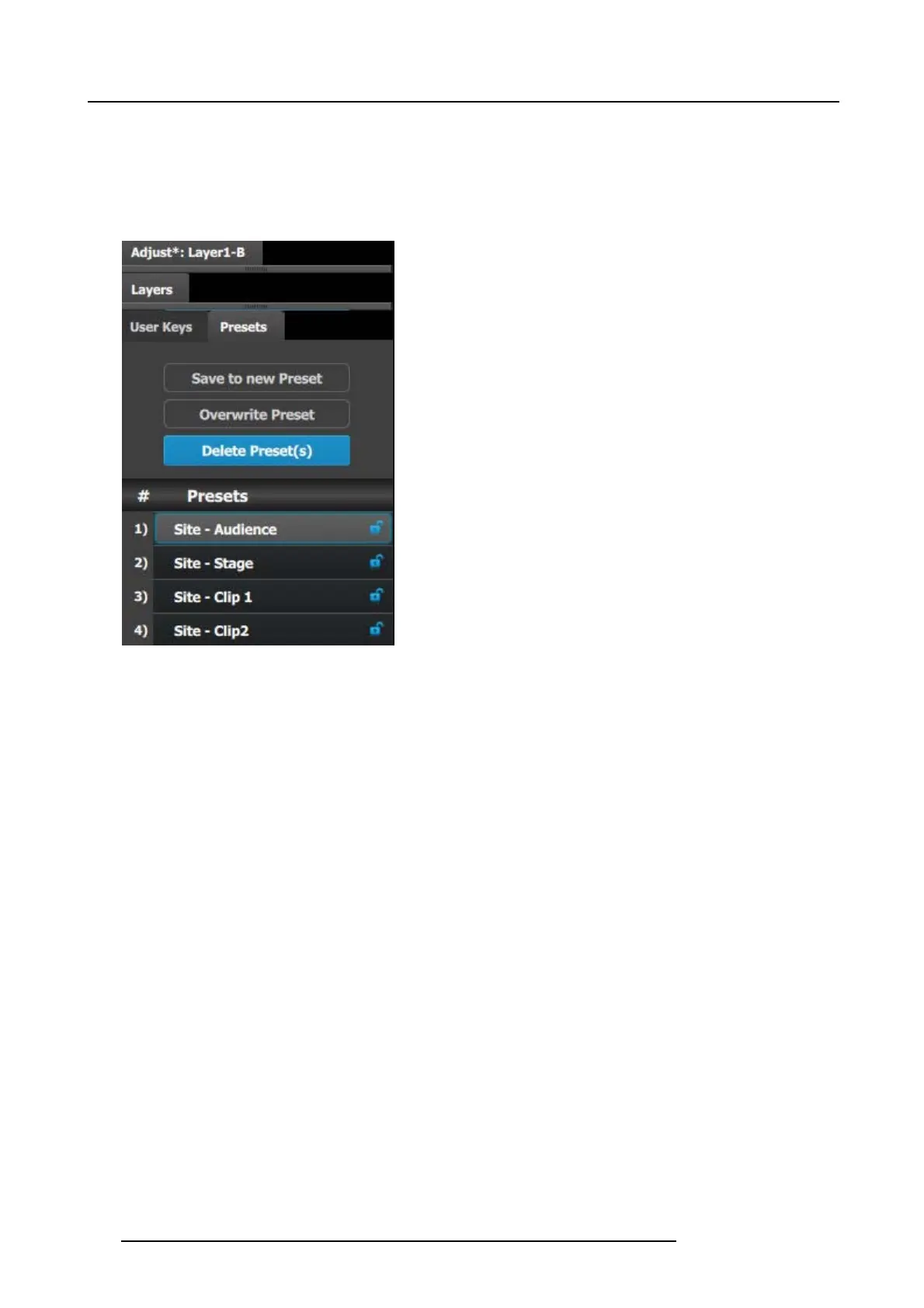
2. Under the Pres et tab click in the “ Sav e to new Preset” button.
3. Editthenametoreflect the source that is on Preview.
4. Repeat the previous steps to save 3 mor e presets, so we hav e a preset f or both video clips and both cameras.
Image 9-24
5. Select the Main screen and select the sources into the two PiP s are the event requirements described in the introduction of the
application note.
6. Save each look into a preset and g ive it an appropriate nam e.
Now you are ready to execute the prese ts and transition o n the desire prev iew look into Pr ogram. Remember to s elect the corre-
sponding destinations when you use the Trans All button.
208
R5905948 E2 12/12/2014



 To Next Page