CAPINTEC, INC. CAPTUS
®
3000
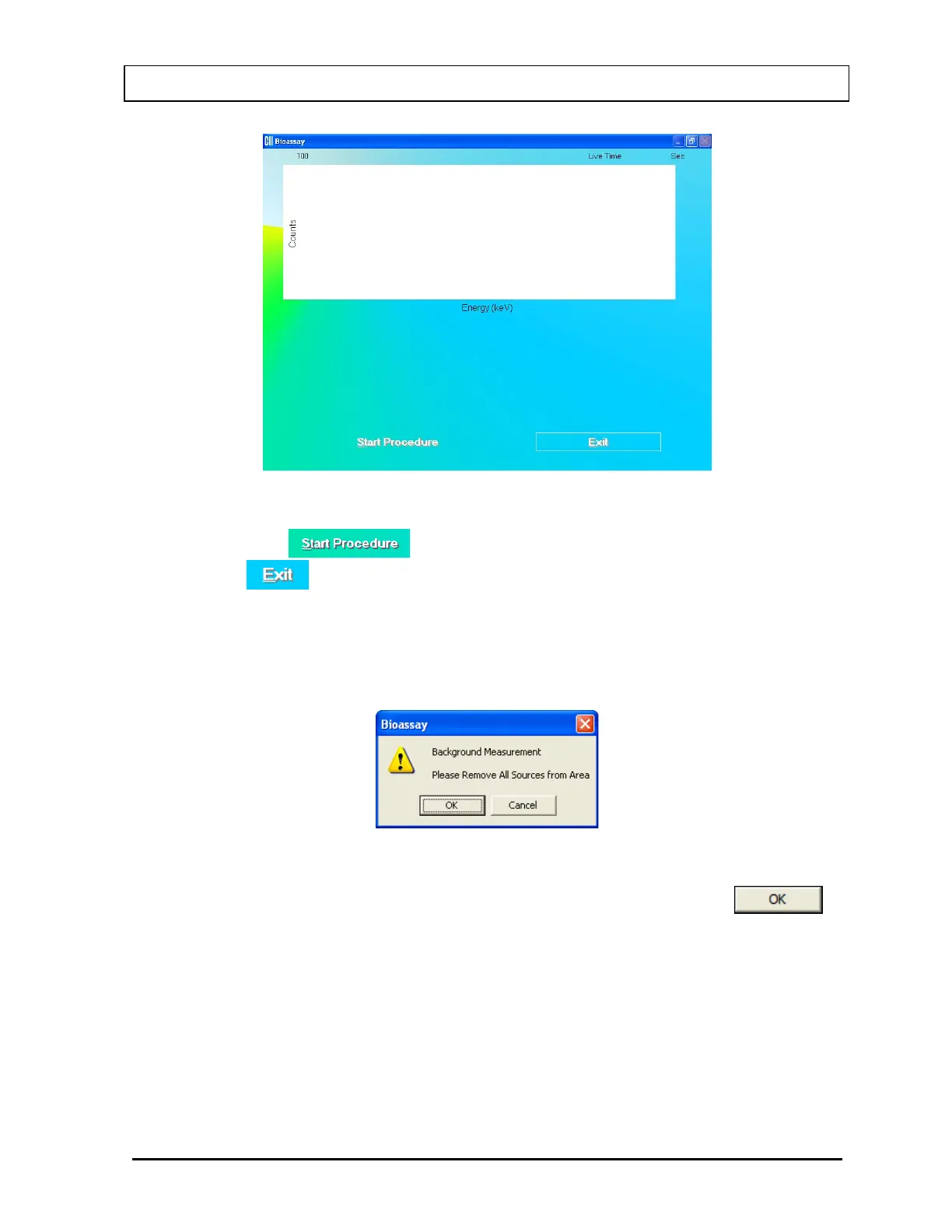
Figure 11-5
iv. Click the
button or press Alt+S to start measurements, or click
the
button or press Alt+E to return to the Bioassay Setup screen (Figure
11-2).
When the procedure is started, the program will lead you through a sequence of
measurements. Simply follow the on-screen instructions to complete the efficiency
measurement. The first screen to appear is Figure 11-6.
Figure 11-6
v. Verify that there are no radioactive sources in the area and click the
button to measure background counts. The Data Acquisition screen (Figure 11-7)
is displayed.
November 13 BIOASSAY 11-5



 To Next Page