CAPINTEC, INC. CAPTUS
®
3000
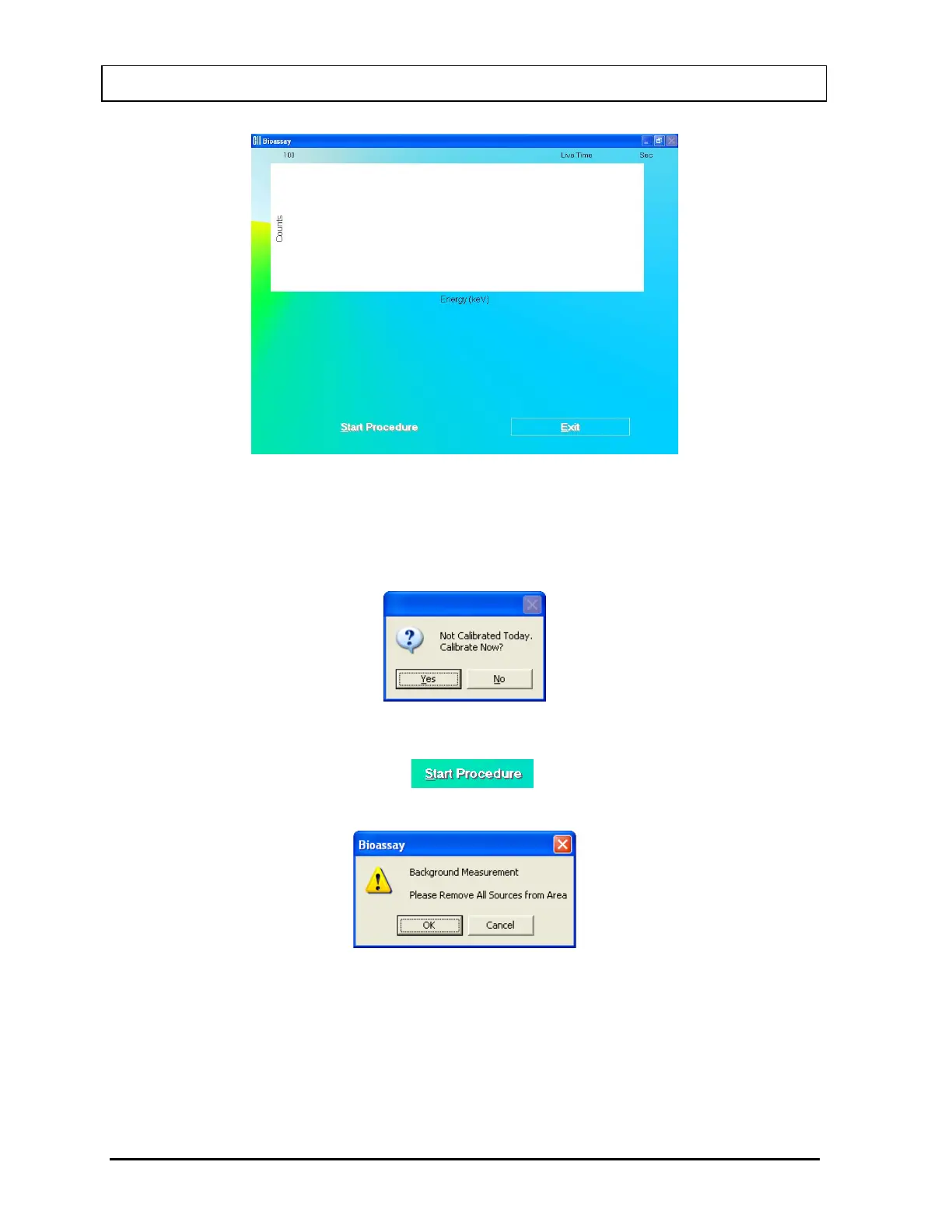
Figure 11-18
Note: If calibration has not been performed, you will be prompted with the screen as
shown in Figure 11-19. After the calibration is complete, the program will return to
the Schilling Test measurement screen shown in Figure 11-18.
Figure 11-19
3. To start the measurement, click the
button or press Alt+S. The screen
appears as shown in Figure 11-20.
Figure 11-20
Beginning from here, the program leads you through a sequence of measurements.
Simply follow the on-screen instructions as explained below.
11-14 BIOASSAY November 13



 To Next Page