CAPINTEC, INC. CAPTUS
®
3000
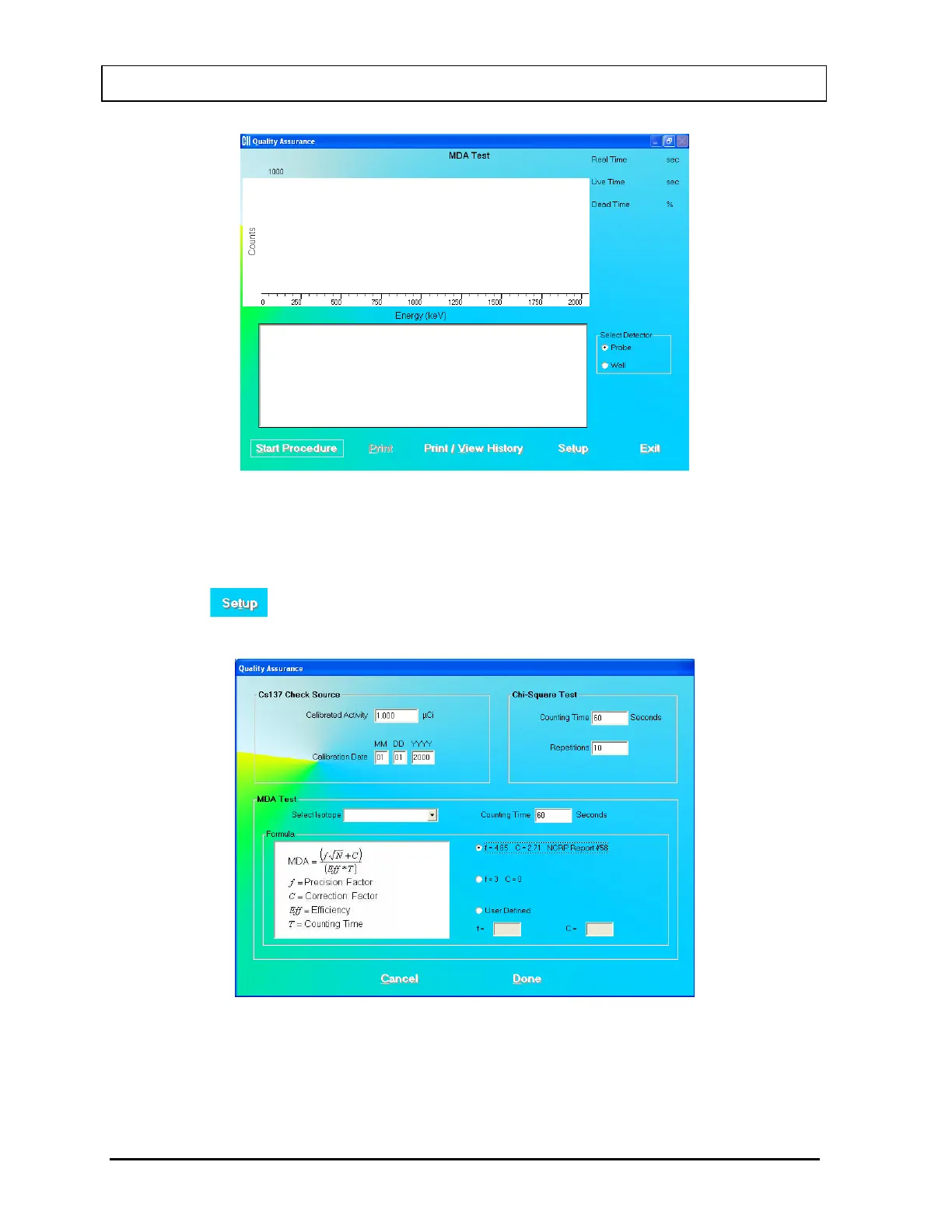
Figure 5-22 MDA Test Screen
2. Note that in the Select Detector frame, PROBE is selected by default. To change the
detector to Well, click the WELL radio button.
3. Click the button or press Alt+T. Figure 5-23 Quality Setup Screen will appear.
Only the MDA Test frame values are used in this test.
Figure 5-23 Quality Setup Screen
4. To change the Counting Time click in the text box and input the new value.
Note: The Counting Time can be set between 1 and 9,999 seconds.
5-20 QUALITY ASSURANCE July 14



 To Next Page