Registering Folders
217
7
Deleting a Folder
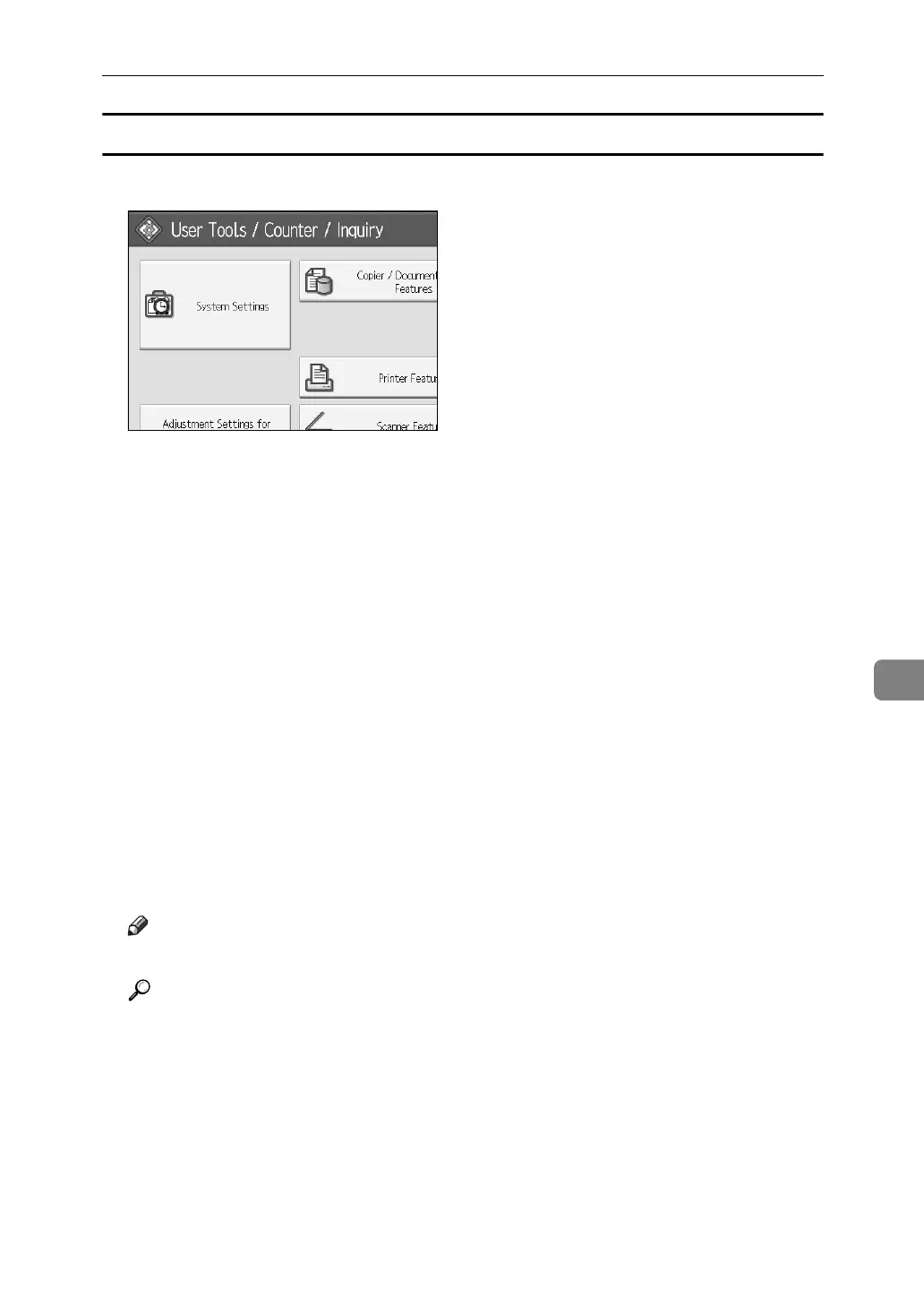
A Press [System Settings].
B Press [Administrator Tools].
C Press [Address Book Management].
D Check that [Proglam/Change] is selected.
E Select a user of the folder you want to delete.
Press the name key, or enter the registered number using the number keys.
You can search by the registered name, user code, folder name, or e-mail address.
F Press [Folder].
G Press the protocol which is not currently selected.
A confirmation message appears.
H Press [Yes].
I Press [OK].
J [Exit].
Note
❒ To delete a name entirely, see Deleting a Registered Name”.
Reference
p.186 “Deleting a Registered Name”



 To Next Page