Preventing Information Leaks
114
3
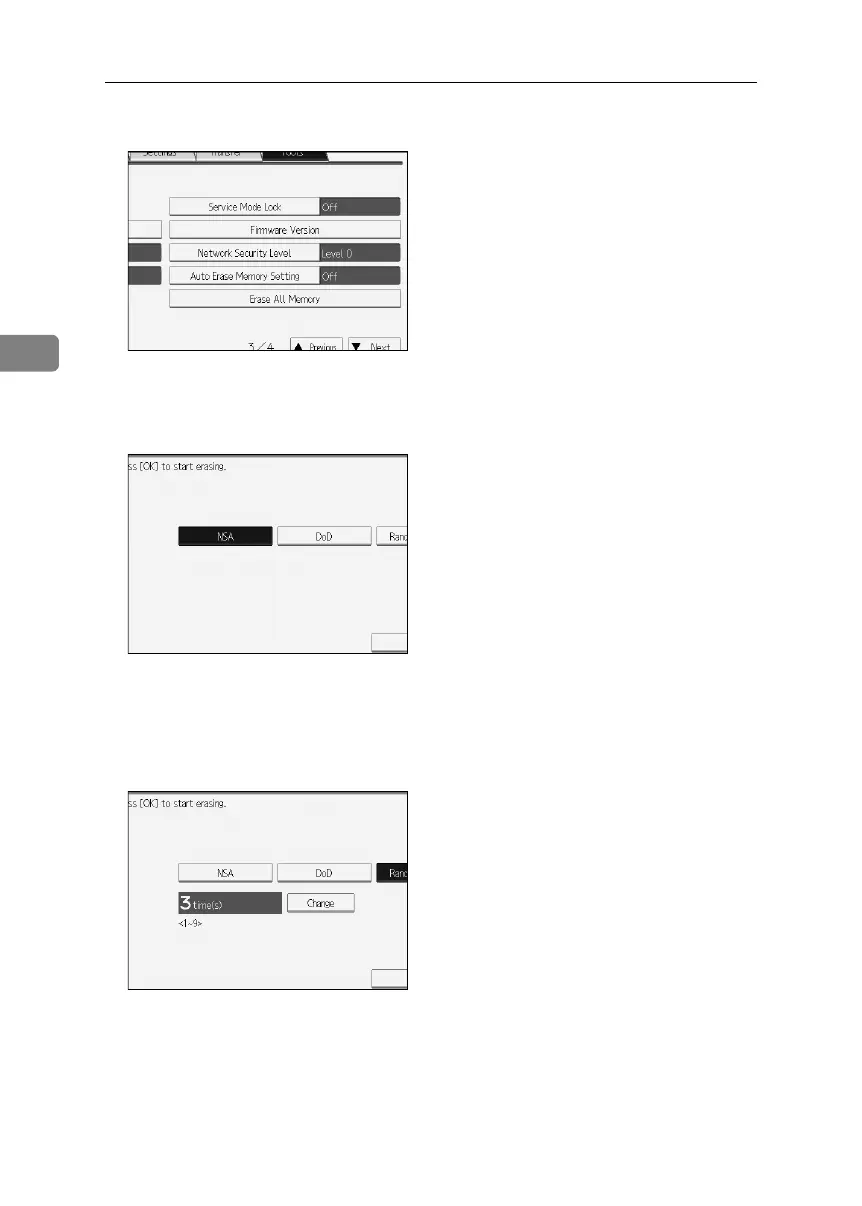
E Press [Erase All Memory].
If the setting to be specified does not appear, press [TNext] to scroll down to
other settings.
F Select the method of erasing the data.
Select the method of erasing the data from [NSA], [DoD], or [Random Numbers].
If you select [Random Numbers], proceed to step
G
.
If you select [NSA] or [DoD], proceed to step
I
.
G Press [Change].
BelliniC3-EN_Sec_F_FM_forPaper.book Page 114 Friday, December 16, 2005 9:16 AM



 To Next Page