Deleting Data on the Hard Disk
115
3
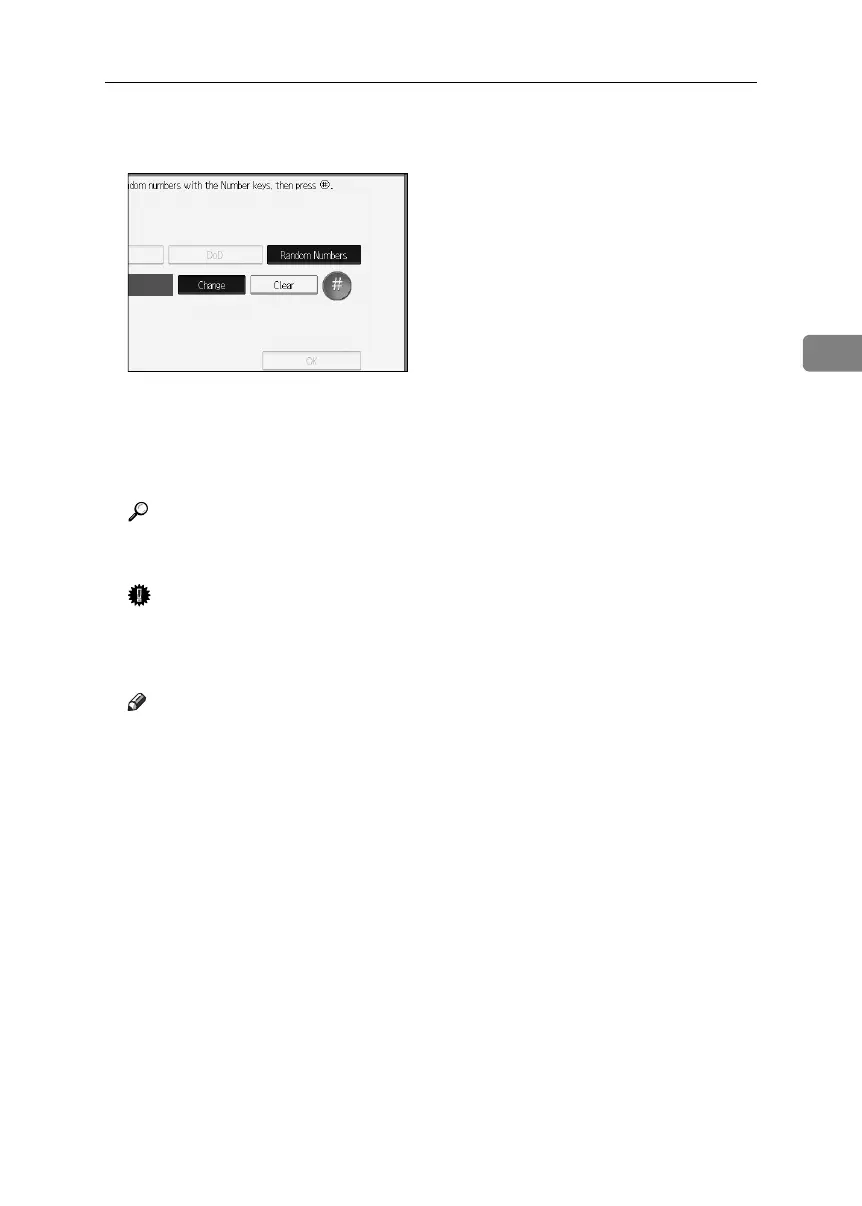
H Enter the number of times that you want to overwrite using the number
keys, and then press [q].
I Press [OK].
J Press [Yes].
K When overwriting is completed, press [Exit], and then turn off the power.
Reference
Before turning the power off, see “Turning On the Power”, About This Ma-
chine.
Important
❒ Should the main power switch of the machine be turned off before Erase
All Memory is completed, overwriting is canceled.
❒ Make sure the main power switch is not turned off during overwriting.
Note
❒ If the main power is turned off when Erase All Memory is in progress,
overwriting will start again when you next turn on the main power.
❒ If an error occurs before overwriting is completed, turn off the main pow-
er. Turn it on again, and then repeat from step
B
.
BelliniC3-EN_Sec_F_FM_forPaper.book Page 115 Friday, December 16, 2005 9:16 AM



 To Next Page