Specifying the Extended Security Functions
160
6
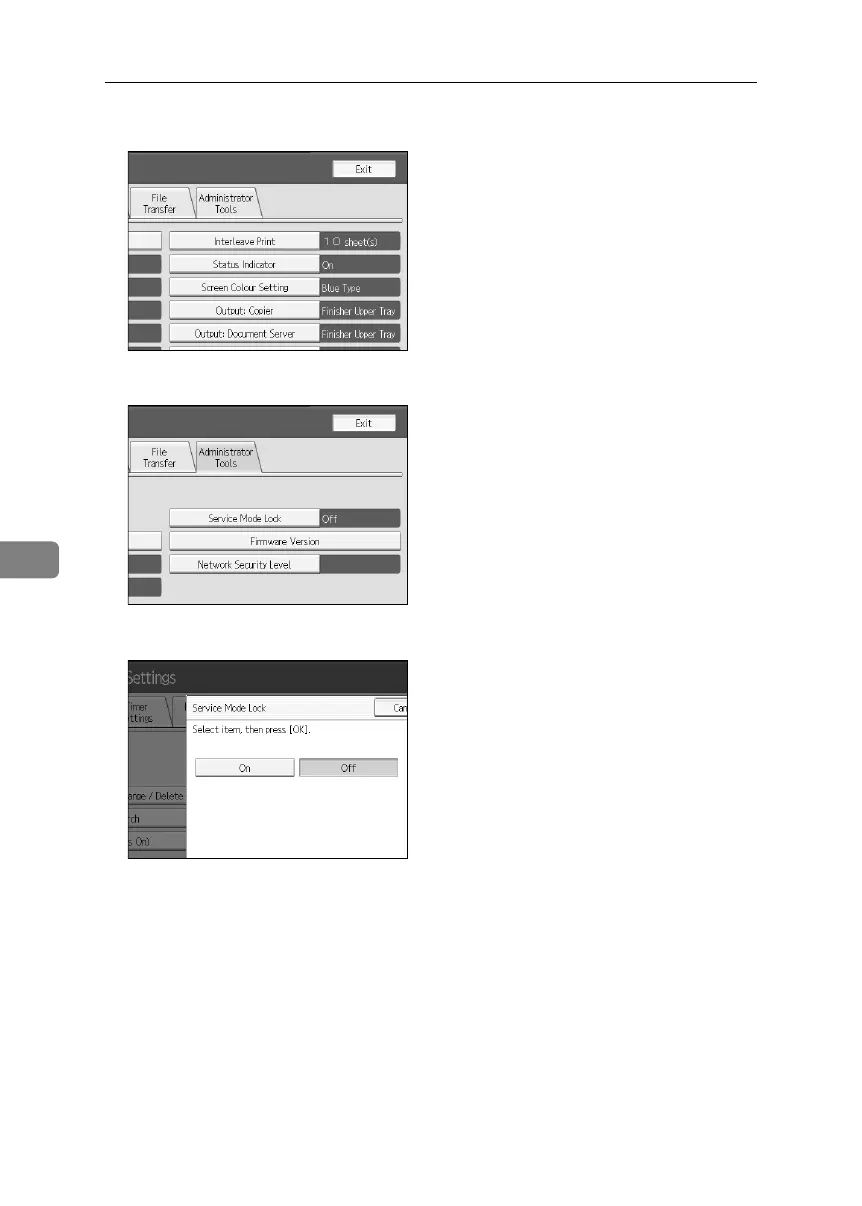
C Press [Administrator Tools].
D Press [Service Mode Lock].
E Press [On] and then [OK].
A confirmation message appears.
F Press [Yes].
G Press the {User Tools} key.
BelliniC3-EN_Sec_F_FM_forPaper.book Page 160 Friday, December 16, 2005 9:16 AM



 To Next Page