Limiting Machine Operation to Customers Only
161
6
Canceling Service Mode Lock
For a customer engineer to carry out inspection or repair in service mode, the
machine administrator must log onto the machine and cancel the service mode
lock.
Preparation
For details about logging on and logging off with administrator authentica-
tion, see p.24 “Logging on Using Administrator Authentication”, p.26 “Log-
ging off Using Administrator Authentication”.
A Press the {User Tools} key.
B
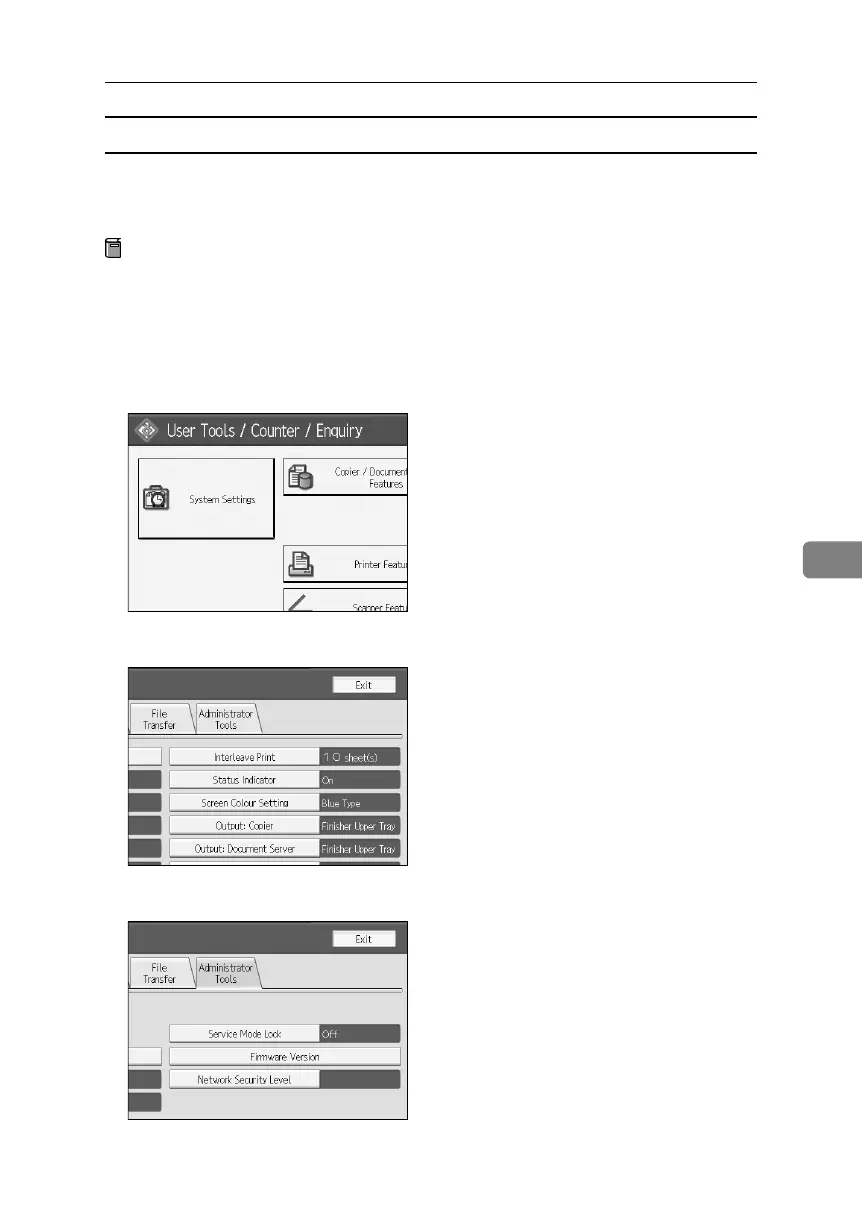
Press [System Settings].
C Press [Administrator Tools].
D Press [Service Mode Lock].
BelliniC3-EN_Sec_F_FM_forPaper.book Page 161 Friday, December 16, 2005 9:16 AM



 To Next Page