11
1. Placing Originals
This chapter describes the types of originals you can set and how to place originals.
Originals
This section describes the types of originals that can be placed, paper sizes that
are automatically detected, and missing image area.
Sizes and Weights of Recommended Originals
The following describes recommended paper sizes and non-recommended orig-
inals for the ADF.
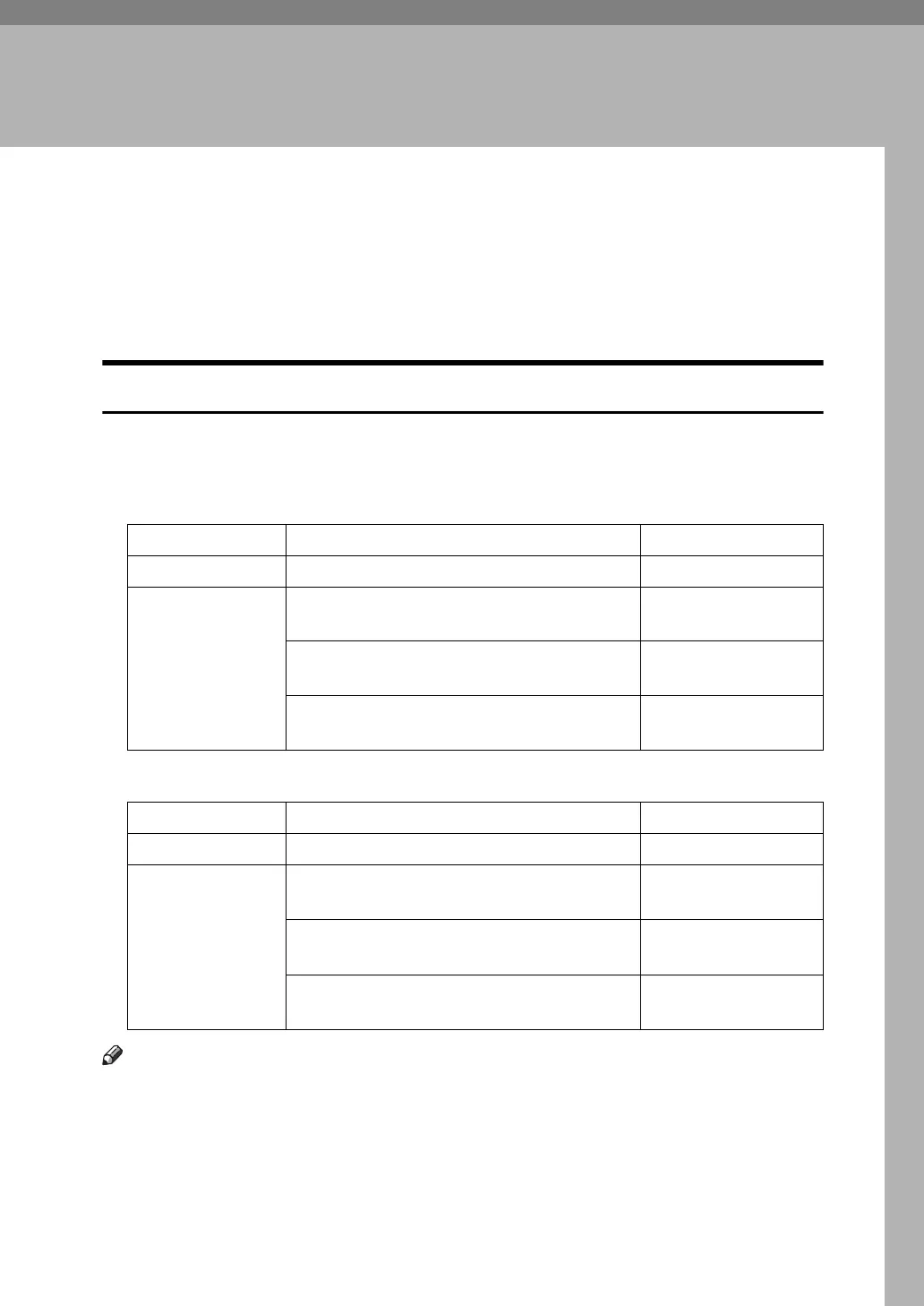
❖ Metric version
❖ Inch version
Note
❒ The maximum number of originals that can be placed in the ADF is about 100
(paper weight is 80 g/m
2
, 20 lb.).
❒ The weight range for originals when using Mixed Size mode is 52-81 g/m
2
(13.8-21.5 lb.).
Original location Original size Original weight
Exposure glass Up to A3 -
ADF One-sided originals:A3L - A5KL
52-128 g/m
2
(45-110 kg)
Two-sided originals: A3L-A5KL
52-105 g/m
2
(45-90 kg)
Thin Paper mode: A3L-A5KL
40-128 g/m
2
(35-110 kg)
Original location Original size Original weight
Exposure glass Up to 11" × 17" -
ADF One-sided originals:
11" × 17"L-5
1
/
2
" × 8
1
/
2
"KL
14-34 lb.
Two-sided originals:
11" × 17"L-5
1
/
2
" × 8
1
/
2
"KL
14-28 lb.
Thin Paper mode:
11" × 17"L-5
1
/
2
" × 8
1
/
2
"KL
11-34 lb.



 To Next Page