Copier Functions
137
2
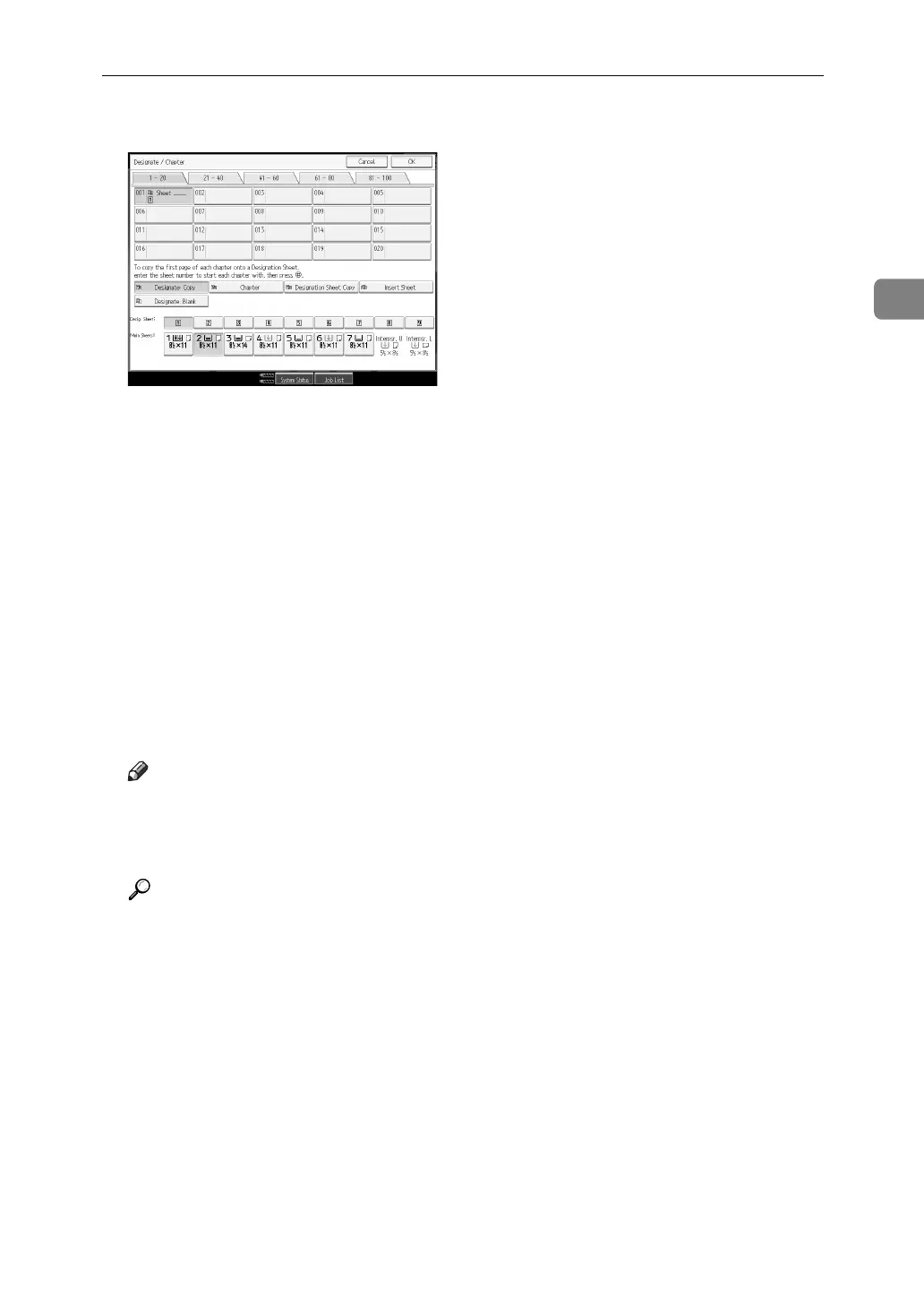
D Press [Designation Sheet Copy].
E Enter the sheet number of the first original using the number keys, and
then press the {q} key.
F Press [Page to Page].
G Enter the sheet number of the last original using the number keys.
H Select the tray for designate sheet are set, and then press the {q} key.
I To specify another page location, repeat step
E
to
H
.
J Select the tray for main sheets.
K After all settings, press [OK] twice.
L Place originals, and then press the {Start} key.
Note
❒ When this function is combined with the 2 Sided function, the first page of
the designated pages is copied on the front side of a slip sheet.
❒ You can specify up to 100 locations.
Reference
“Tray Paper Settings”, General Settings Guide



 To Next Page