Connect Copy
156
3
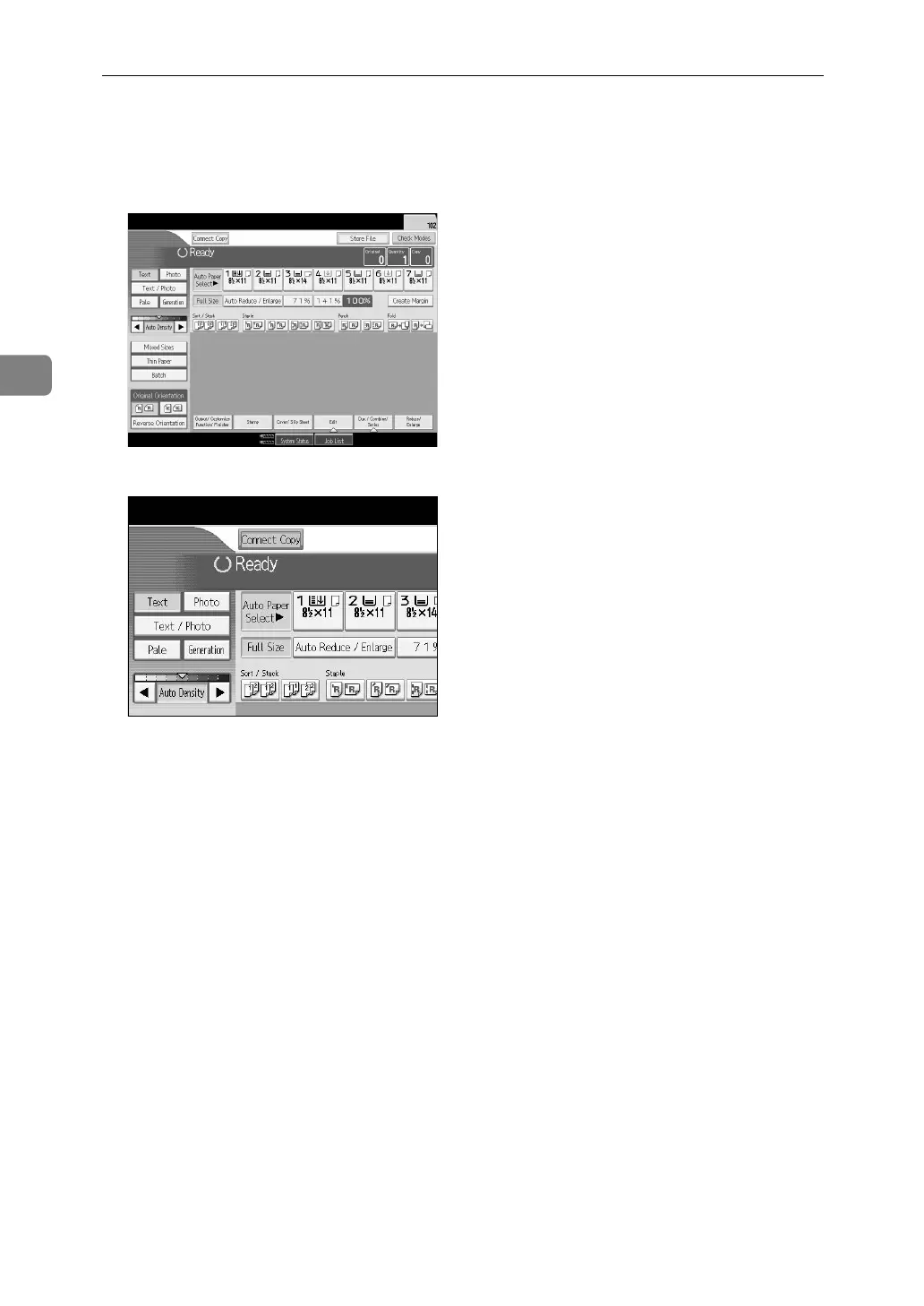
B Press [Connect Copy] on the machine that you want to use as the main.
[Connect Copy] becomes highlighted, and the two machines are connected.
•Main machine
• Sub-machine
C Set the originals on the main machine.
D Make the necessary settings using the main machine.
If you have made any copy settings before using Connect Copy, the settings
remain effective. However, if optional finishers are not installed on both main
and sub machines, the Stack, Staple, Punch and Z-fold functions are automat-
ically disabled.
E Enter the required number of copies using the number keys.
The maximum copy quantity that can be set is 9999.
When the number of originals or copies is small, copying will be done on only
the main machine.
F Press the {Start} key on the main machine.
When placing originals page by page on the exposure glass, press the {q}
key after you have finished scanning all the originals.
When placing multiple originals in the ADF, wait till an original has been fed
before placing the next.
Copying starts if the main machine is not in use. The sub-machine starts copy-
ing after data transfer from the main machine is completed.



 To Next Page