Supplementary Information
203
5
❖ Combine
• In this mode, the machine selects the reproduction ratio automatically.
This reproduction ratio depends on copy paper sizes and the number of
originals.
• The reproduction ratios you can specify are 25 - 400%.
• If the calculated ratio is under the minimum ratio, it is automatically ad-
justed to within available range. However, with some ratios, parts of the
image might not be copied.
• You cannot use custom size paper.
• If the orientation of originals is different from that of the copy paper, the
machine will automatically rotate the image by 90° to make copies properly.
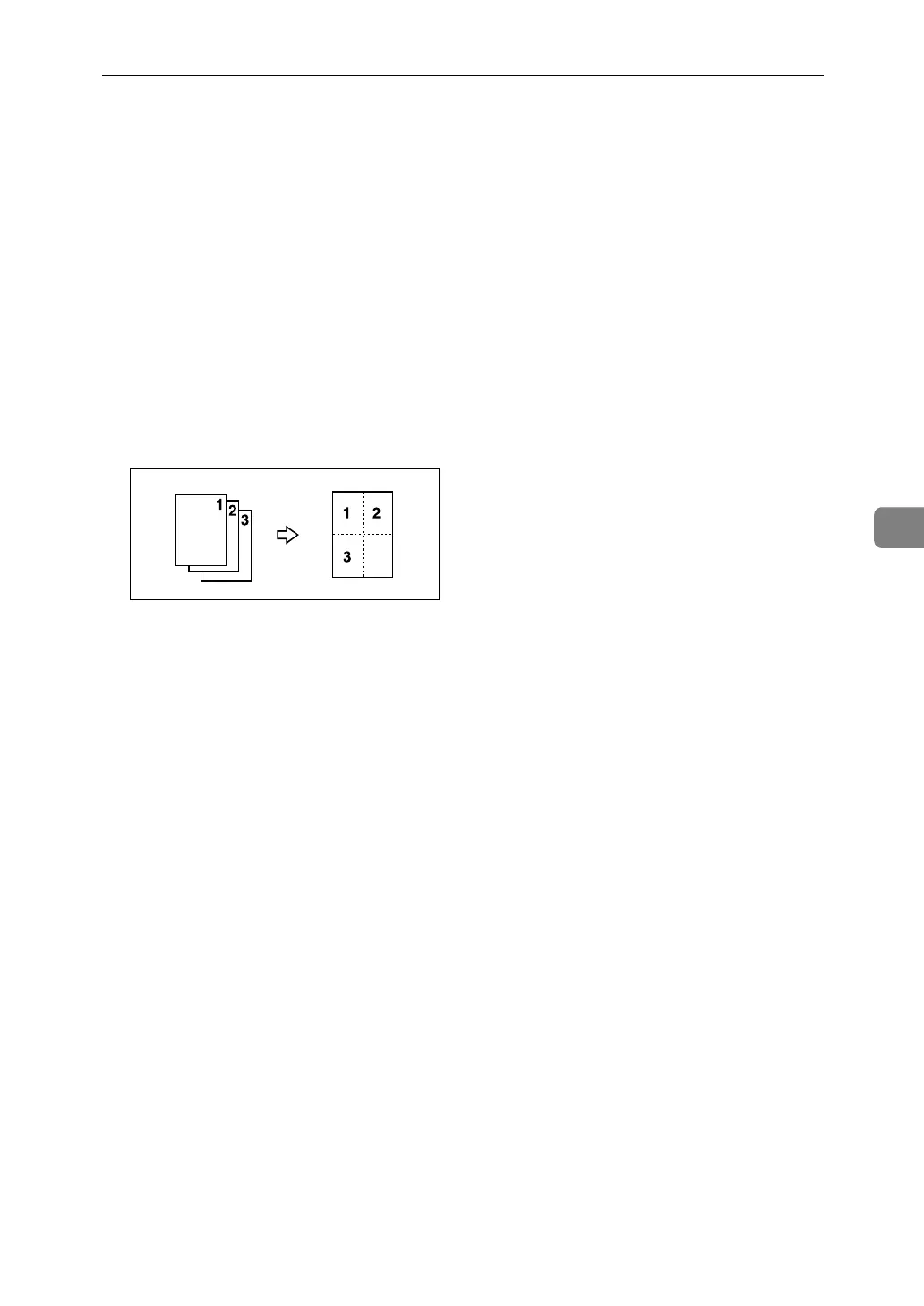
• If the number of originals placed is less than the number specified for com-
bining, the last page segment is left blank as shown.
❖ Booklet/Magazine
• The machine sets the reproduction ratio automatically to meet the paper
size and copies the originals together onto the paper.
• The reproduction ratios you can specify are 25 - 400%.
• If the calculated ratio is under the minimum ratio, it is automatically ad-
justed to within available range. However, with some ratios, parts of the
image might not be copied.
• If the orientation of originals is different from that of the copy paper, the
machine will automatically rotate the image by 90° to make copies properly.
• You cannot copy with originals different in size and orientation.
• If the number of originals scanned is less than a multiple of 4, the last page
is copied blank.
• In Magazine mode, the copying may take some time after scanning originals.
• When the optional booklet finisher is installed, if you select [Staple: Center]
in Magazine mode, the machine staples and folds the paper in the center,
then delivers the paper folded.
❖ Image Repeat
• Depending on the paper size, ratio, and orientation, parts of repeated im-
ages may not be copied.
❖ Centering
• Though the original is set to a different orientation from the paper loaded,
the machine will not rotate the image by 90° (Rotate copy).


 To Next Page