EM500 Open-Loop Vector Control Inverter User Manual
295
0: Run at Energization
1: Run at Star
2: Run at Intelligent
Temperature Control
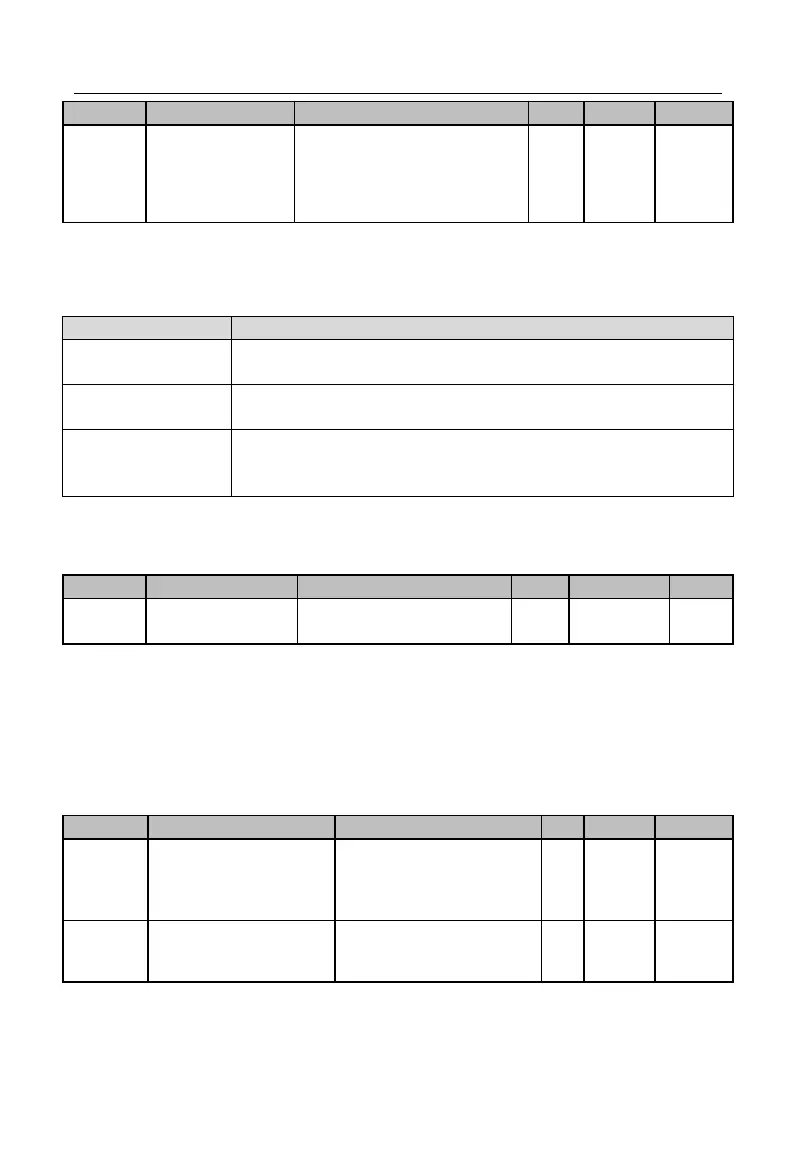
Three fan control modes are available to reasonably use the fan. It is controlled
through F15.34See Table 7-21 for control modes of fan
Table 7-21 Fan Running
Fan runs immediately after inverter is powered on.
Fan starts running after inverter starts running; fan stops running 1
minute after inverter enters the parameter setting status.
2: Run at Intelligent
Temperature Controll
When inverter temperature > 45℃, fan starts running; when inverter
temperature < 40
℃
, fan stops running; when inverter temperature
is not less than 40 ℃, but not greater than 45 ℃, fan keeps running.
★ If “2: Run at Intelligent Temperature Control” is selected, make sure that inverter
temperature detection module works normally.
When the input voltage of inverter is lower than its output frequency, user may
increase the over modulation intensity to enhance the utilization factor of bus voltage and
increase the upper limit of output voltage. If F15.35=1.10, the upper limit of the voltage
may be increased by up to 10%, output current at load may be reduced, but the current
harmonic will go up
PWM Modulation
Method Switching
Options
0: Disabled (7 preset PWM
modulation)
1: Enabled (5 preset PWM
modulation)
PWM Modulation
Method Switching
Frequency
0.00 - Maximum
Frequency F00.16
For PWM modulation method, if F15.36=0, the 7 preset PWM modulation always







 To Next Page