EM500 Open-Loop Vector Control Inverter User Manual
438
Appendix I. Multi-Functional IO Expansion Card
(EC-IO-A1)
EC-IO-A1 card is used for EM500 control terminal expansion, including the
following resources:
4 Numeric Multi-function Inputs
1 Analog Voltage Signal Input
Support -10V - +10V voltage input
or PT100/PT1000 temperature
sensor
I.2
Installation Instructions
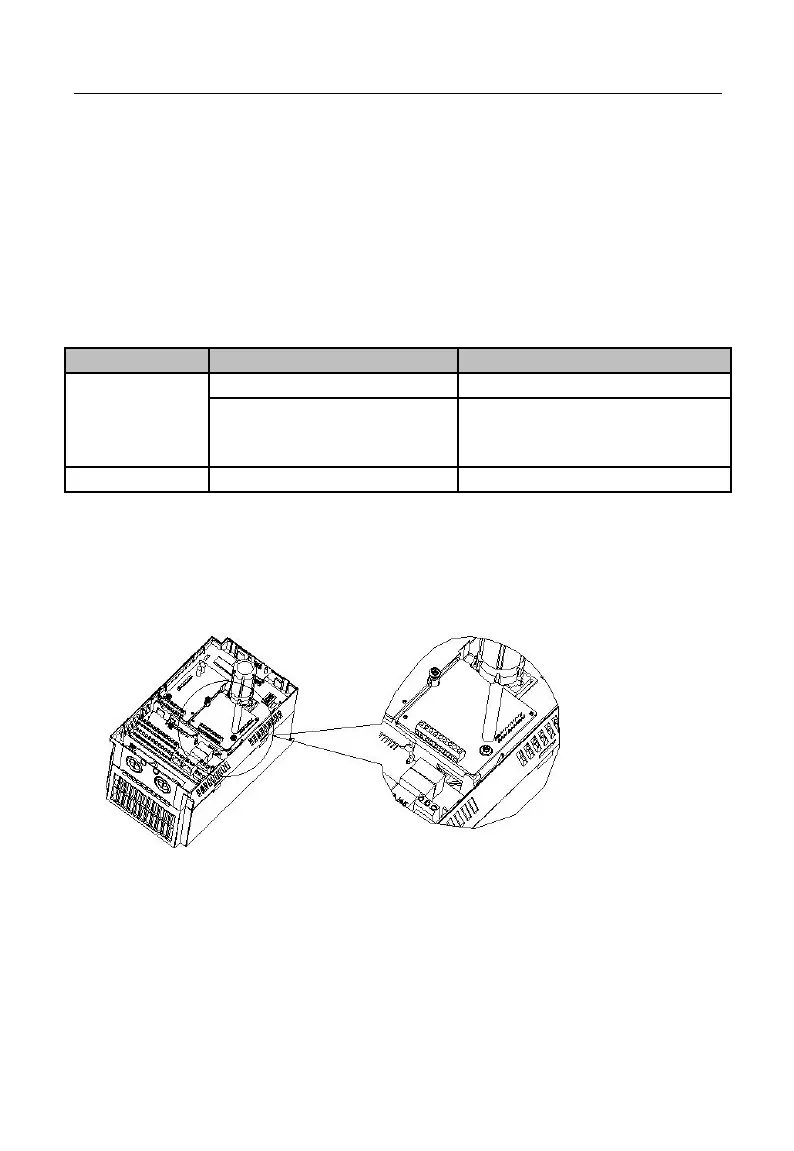
Install IO expansion card into the expansion slot EC-B (make sure that it is
installed and buckled properly).
Disassemble or install IO expansion card only after inverter is powered off.
Figure 1 Installation of IO Expansion Card
Point I/O expansion card at interface and location hole of expansion slot, and fix
them with screws.
Figures of real objects are as follows:







 To Next Page