EM500 Open-Loop Vector Control Inverter User Manual
32
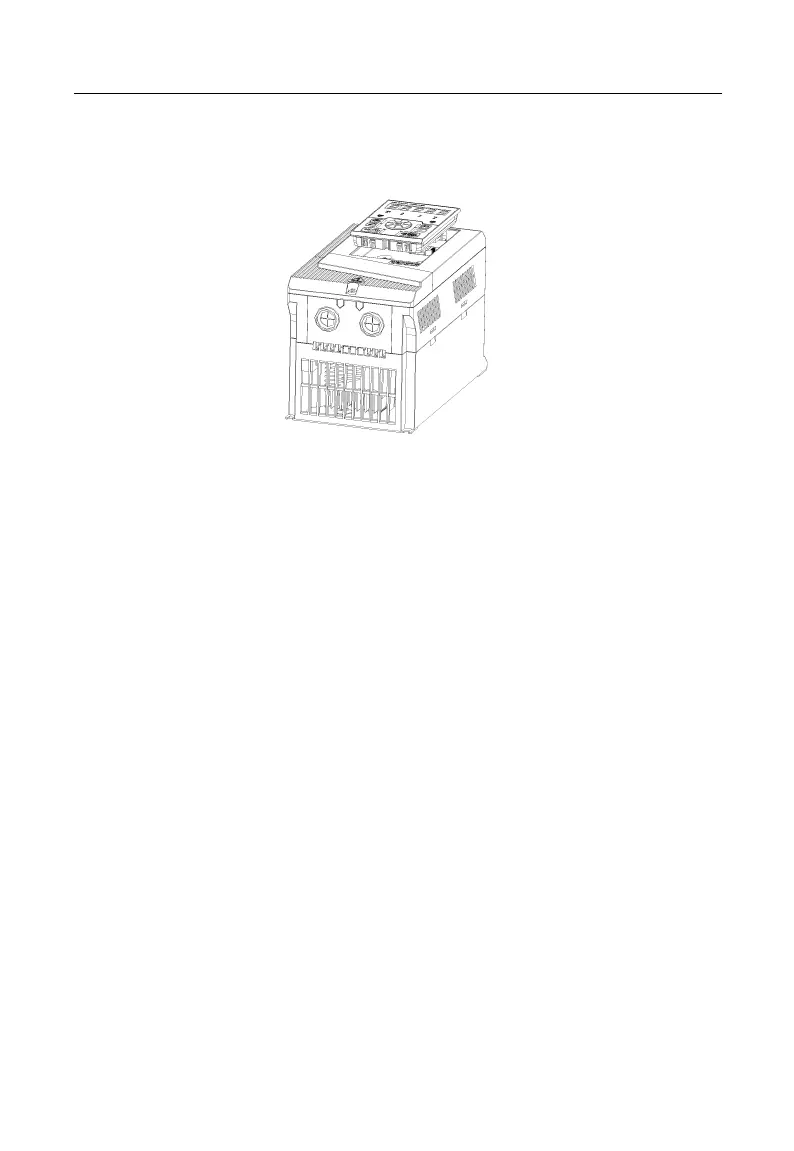
Assemble keypad: Make RJ-45 terminal aligned with the modular plug at the
keypad bottom horizontally, and press the keypad flatly until it clicks into the
right place. See Figure 2–4.
Figure 2-4 Keypad Installation
EM500 inverter (5.5 kW – 200 kW) can be changed to flush mounting type.
Installation of EM500 inverter (22 kW or above): Remove top and bottom mounting
holes of original housing (Figure 2–5) to the position shown in Figure 2–6, and install the
removed bolts back to the said mounting holes again.







 To Next Page