11–48 Altera Corporation
Stratix Device Handbook, Volume 2 July 2005
Configuration Schemes
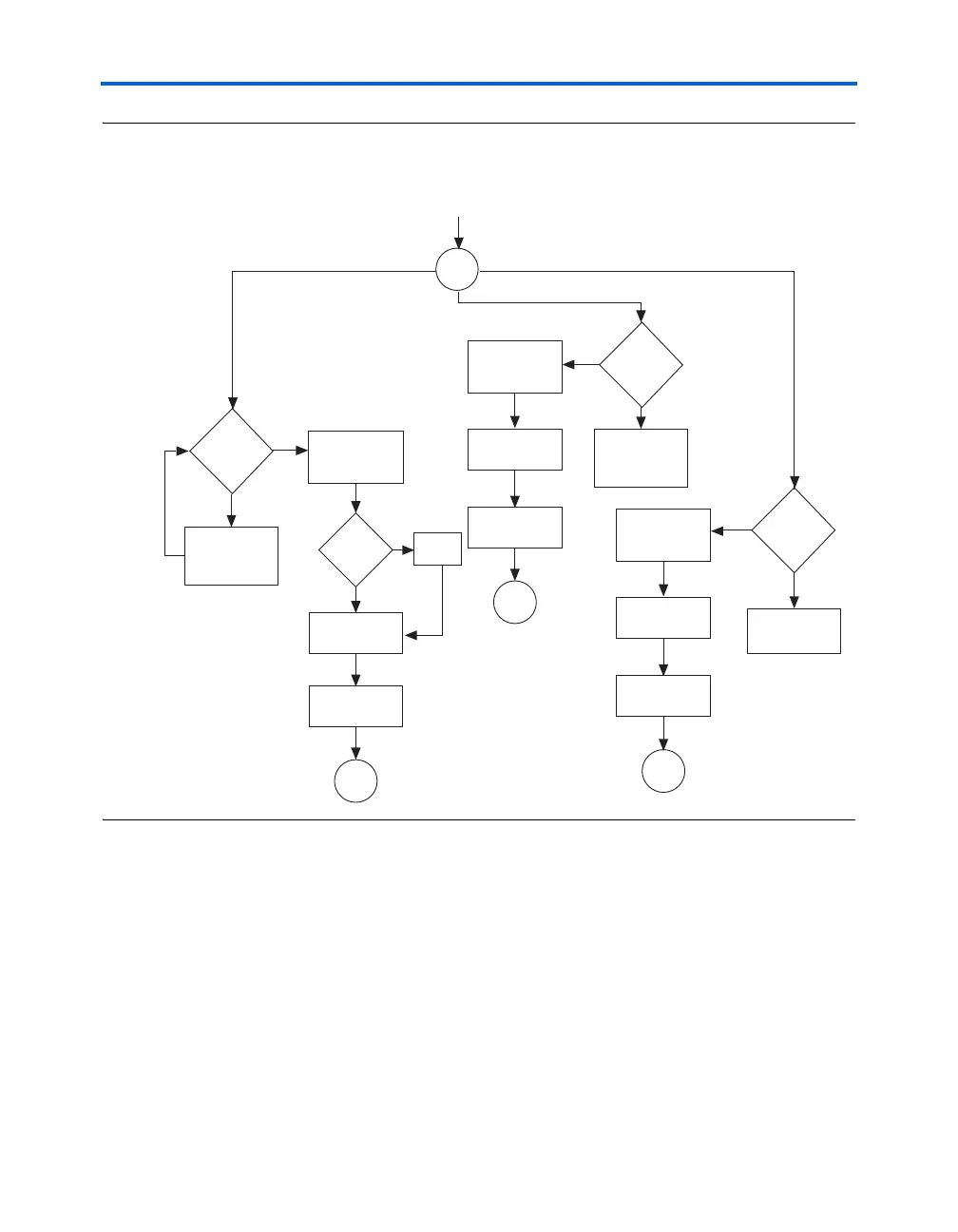
Figure 11–26. Jam Player Flow Diagram (Part 2 of 2)
Execution of a Jam program starts at the beginning of the program. The
program flow is controlled using GOTO, CALL/RETURN, and FOR/NEXT
structures. The GOTO and CALL statements see labels that are symbolic
names for program statements located elsewhere in the Jam program. The
language itself enforces almost no constraints on the organizational
structure or control flow of a program.
1 The Jam language does not support linking multiple Jam
programs together or including the contents of another file into
a Jam program.
Switch
Update-IR
Run-Test/Idle
Set TMS to 1
and Pulse TCK
Set TMS to 0
and Pulse TCK
Switch
Update-IR
Run-Test/Idle
Set TMS to 1
and Pulse TCK
Set TMS to 0
and Pulse TCK
Set TMS to 1
and Pulse TCK
and Store TDO
Set TMS to 0
and Pulse TCK,
Write TDI, and
Store TDO
Shift-DR
Exit1-DR
F
F
T
Report
Error
Default
Case[]
Loop<
DR Length
Set TMS to 1
and Pulse TCK
and Store TDO
Set TMS to 0
and Pulse TCK,
Write TDI, and
Store TDO
Compare
Capture
Exit1-DR
Switch
Update-IR
Run-Test/Idle
Set TMS to 1
and Pulse TCK
Set TMS to 0
and Pulse TCK
Loop<
DR Length
Set TMS to 1
and Pulse TCK
and Store TDO
Set TMS to 0
and Pulse TCK
and Write TDI
Exit1-DR
Continued from
Part 1 of
Flow Diagram
Correct
TDO Value
T
F
F
T
T
Loop<
DR Length



 To Next Page