3. Repair Instructions 1/2010 3 - 40
BA-TE-DE08C M.KAY
Dialog+ SW9xx_sm_Chapter 3_1-2010.doc/pdf <100329> yymmdd
B. Braun Avitum AG
Dialog
+
SW 9.xx
3.4.4 Detection/Boot Sequence from
Bootable USB Sticks
Use only USB sticks supplied by B. Braun as tool for the installation of the
software.
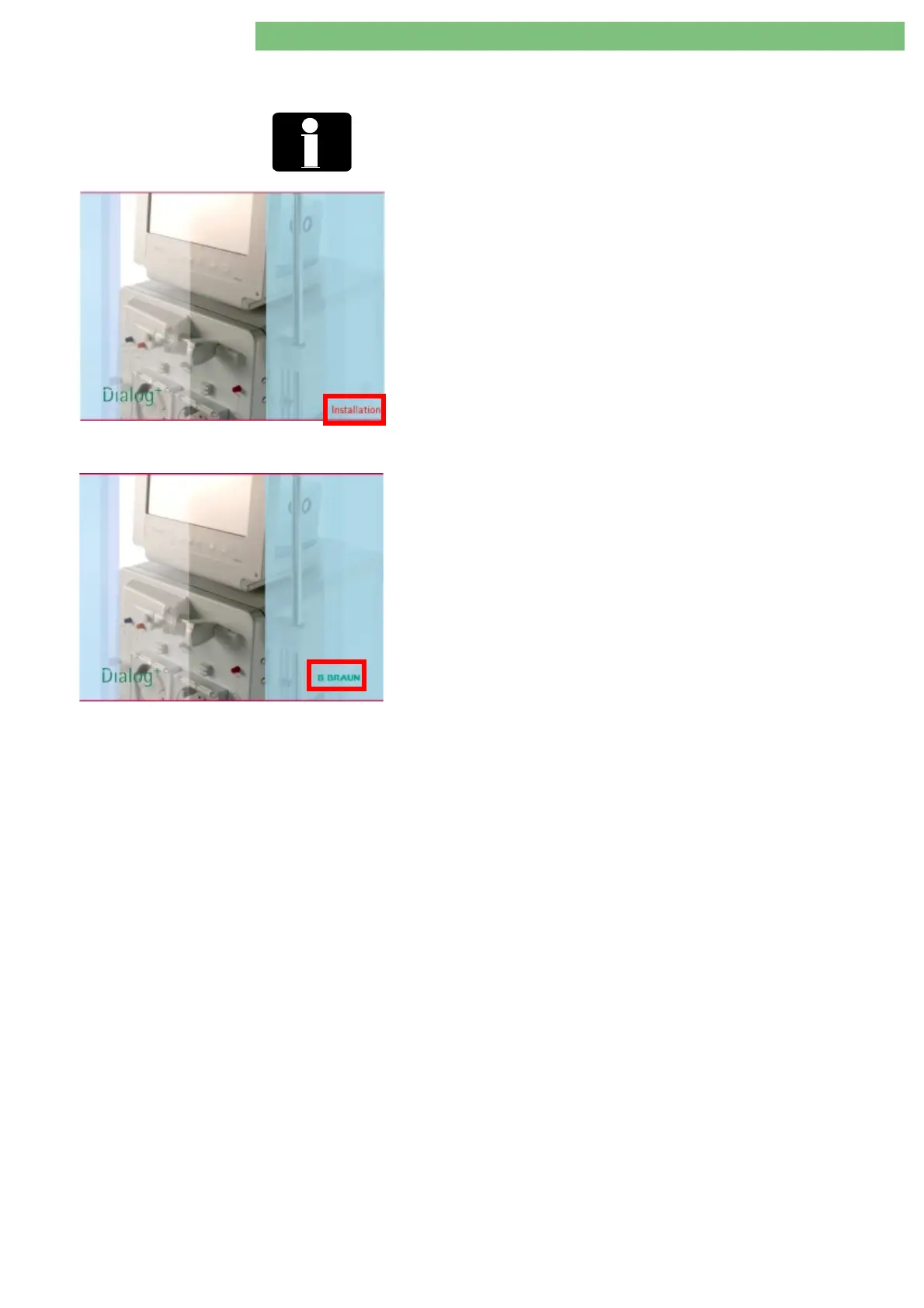
Fig.: Start Screen during Installation of Software with
Installation
Logo
Fig.: Start Screen during Installation of Software with
B
BRAUN
Logo
Dialog+ machines detect automatically connected bootable USB sticks. This is
indicated by the red
Installation
text in start screen.
The following may occur during the installation of the TLC software:
•
a bootable USB stick is not detected or
•
a bootable USB stick is detected, but it is not booted from the USB stick.
If the installation of the software can not be performed from the USB stick, the
B BRAUN
logo is displayed in both cases on the start screen.
•
switch the machine off and on again
•
if necessary check boot sequence in the BIOS















 To Next Page