4. TSM Service Program 1/2010 4 - 63
BA-TE-DE08C M.KAY Dialog+ SW9xx_SM_Chapter 4-2-1_1_2010.doc/pdf <110301> yymmdd B. Braun Avitum AG
Dialog
+
SW 9.xx
4.8.1.2 Monitor Test
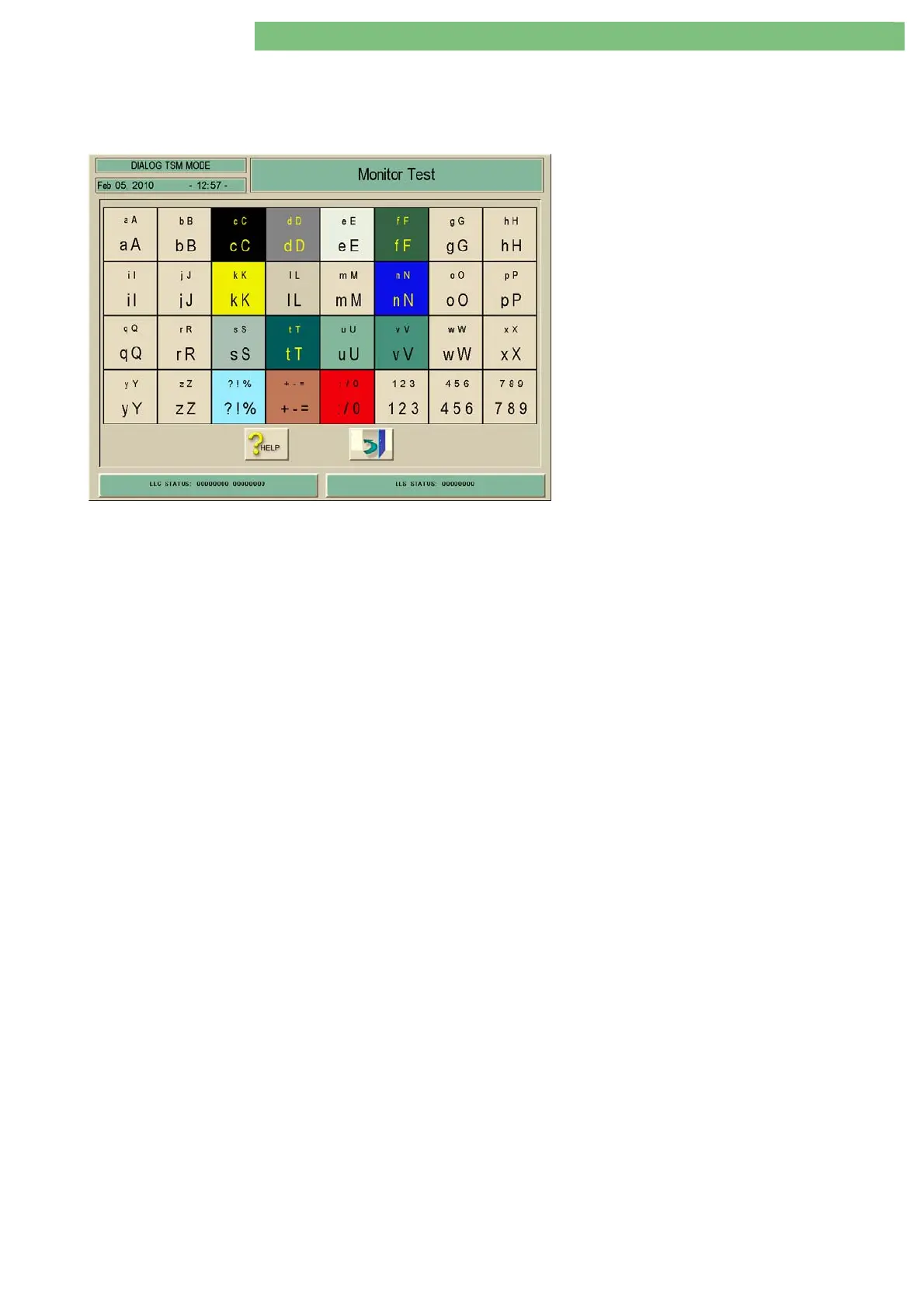
A table appears with all colours. Every square contains an alphanumerical
character with different character fonts. The brightness and the contrast of the
monitor can be checked with this test image.
1. Activate the Monitor Test menu with the
Monitor Test key in the TL Manual Test and
Calibration menu. The following menu is
displayed.















 To Next Page