4. TSM Service Program 1/2010 4 - 18
BA-TE-DE08C M.KAY Dialog+ SW9xx_SM_Chapter 4-1-1_1-2010.doc/pdf <110301> yymmdd B. Braun Avitum AG
Dialog
+
SW 9.xx
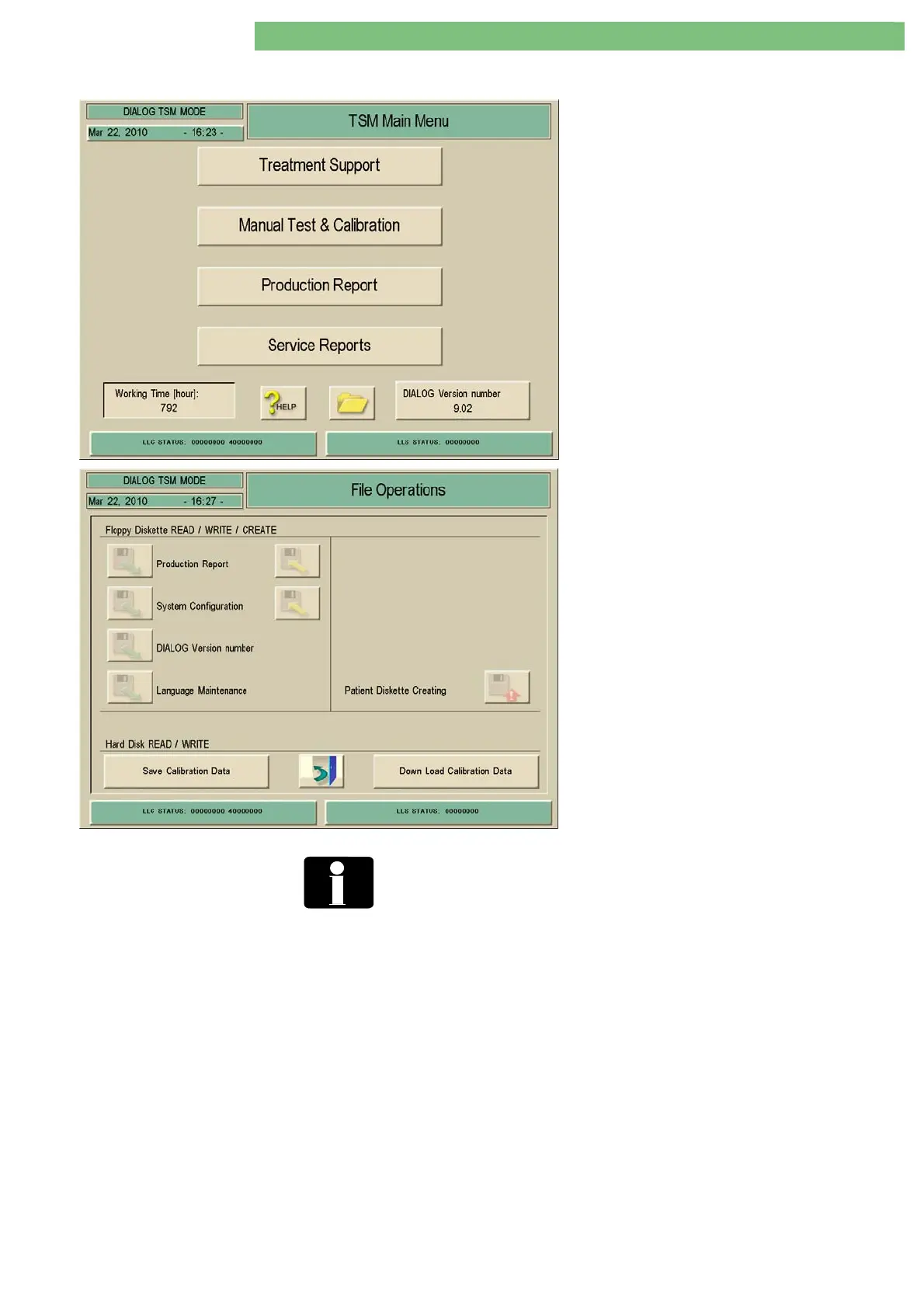
4.6 File Operations
The File Operations menu is selected with the File
icon in TSM Main Menu.
The following parameters can be selected:
Floppy Diskette Read/Write/Create
Not applicable.
Hard Disk (Compact Flash Card) Read/Write
• Save Calibration Data
• Down Load Calibration Data
The Field Service Utilities FSU can be used for all relevant service
activities. Details can be found in chapter 2 repair instructions.
4.6.1 Hard Disk Read/Write
Save Calibration Data
The calibration data must be saved to the compact flash card CFC (hard disk
drive) by LLC/LLS after every calibration.
Down Load Calibration Data
The calibration data can be downloaded from the compact flash card CFC (hard
disk drive) to the exchanged digital board DB.















 To Next Page