3. Repair Instructions 1/2010 3 - 59
BA-TE-DE08C M.KAY
Dialog+ SW9xx_sm_Chapter 3_1-2010.doc/pdf <100329> yymmdd
B. Braun Avitum AG
Dialog
+
SW 9.xx
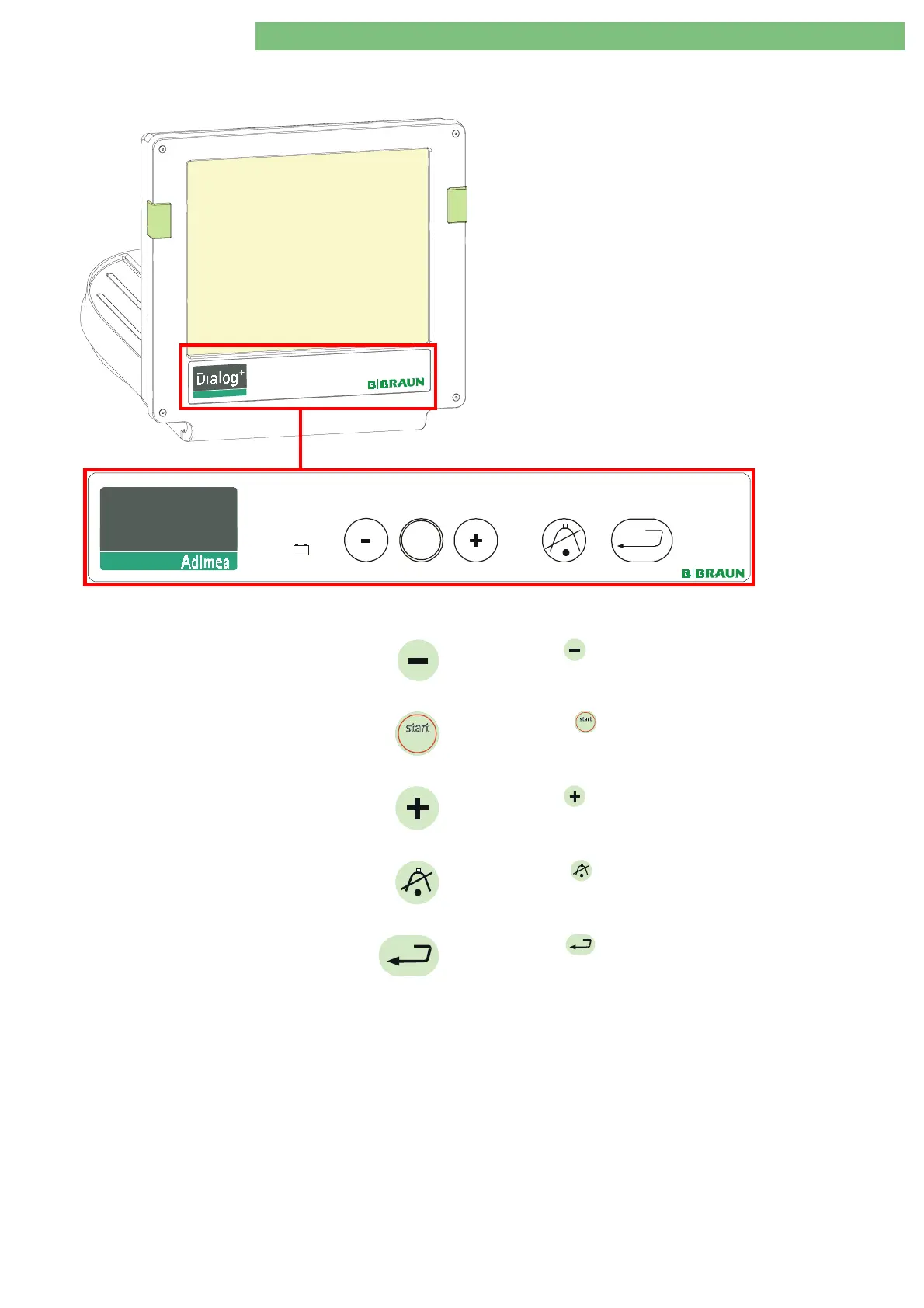
3.6.3.1 Hardware Keys for FSU
Use the hardware keys on the front panel of the TFT monitor to
navigate through the FSU main menu/sub-menu. The general
functions of the hardware keys are (may differ slightly in sub-
menus):
Press the
BP
hardware key to move the cursor up.
stopstop
Press the
BP
stopstop
hardware key to select the next digit (e.g.
during the setting of the working time counter).
Press the
BP
hardware key to move the cursor down.
Press the
AQ
hardware key to exit the FSU menu or to skip
back to the previous menu.
Press the
EQ
hardware key to execute a selected utility.
+
-
stopstop
start
Dialog
+















 To Next Page