3. Repair Instructions 1/2010 3 - 53
BA-TE-DE08C M.KAY
Dialog+ SW9xx_sm_Chapter 3_1-2010.doc/pdf <100329> yymmdd
B. Braun Avitum AG
Dialog
+
SW 9.xx
18.
Switch off the machine after the successful installation
of the TLC software.
19.
Remove USB stick.
20.
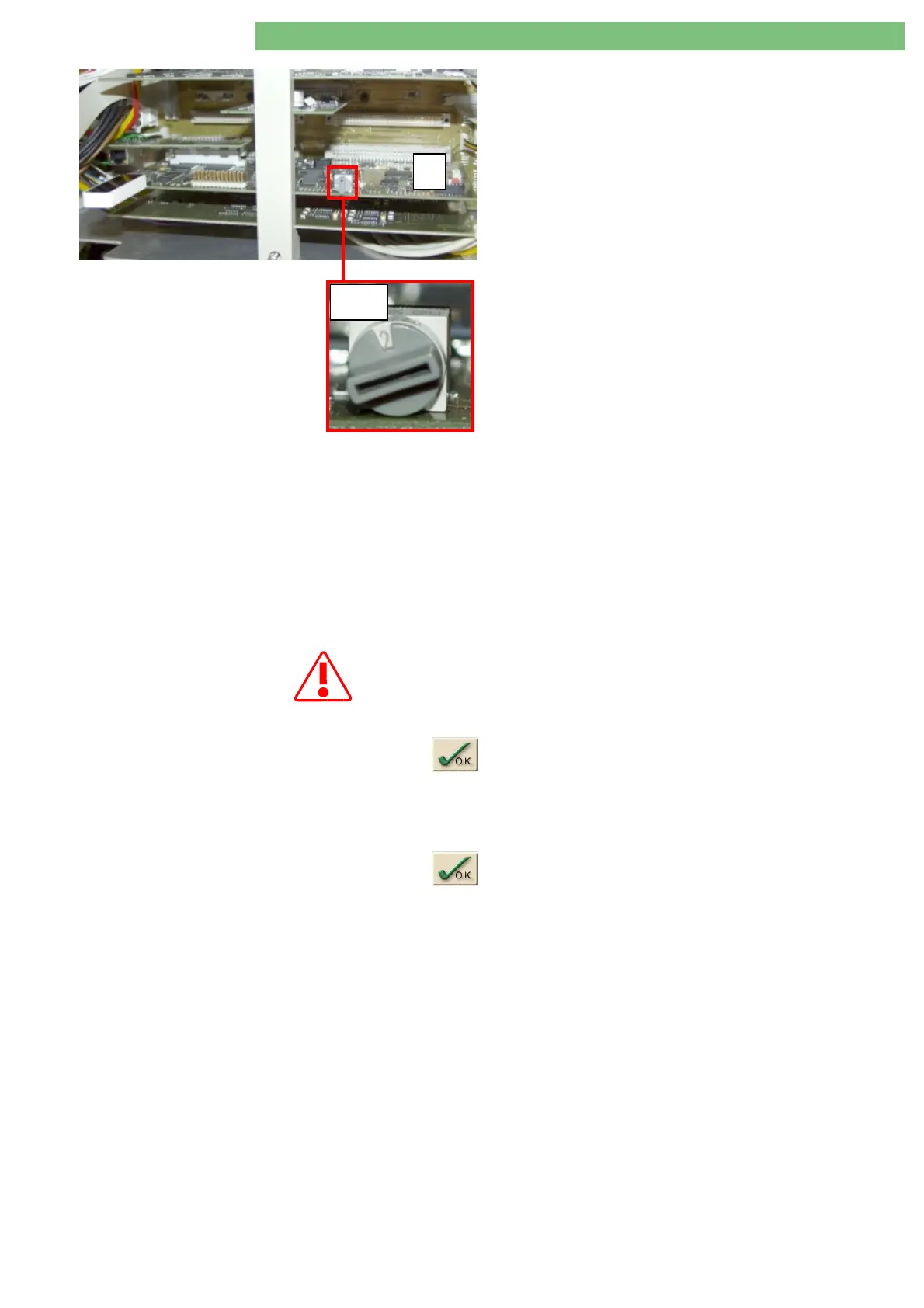
Turn service switch
S1
(on digital board
C
) to position 2
- TSM.
3.5.4 Boot Machine /Check Version
Number
21.
Switch on machine.
22.
Check whether machine boots correctly.
23.
Open menu
Production Report
,
Version Number
and check the version
numbers.
3.5.5 Select Options
All available options in TSM service program (
Production Report
and
Low
Level Options
) must be selected again and saved with the OK button after
the software installation.
Low Level Options 24.
Select and activate all present options in the
Low Level Options
with the
button. Thus, the data is saved when quitting the menu.
Production Report 25.
If necessary enter the serial number (see type plate
SN
) in the
Production
Report
menu.
26.
Select and activate all present options in the
Production Report
with the
button. Thus, the data is saved when quitting the menu.
3.5.6 Enter Customer Specific Default
Values
The customer specific default values of the machine must be entered after the
software installation.
27.
Enter customer default values from default table and save
S1
C















 To Next Page