3. Repair Instructions 1/2010 3 - 89
BA-TE-DE08C M.KAY
Dialog+ SW9xx_sm_Chapter 3_1-2010.doc/pdf <100329> yymmdd
B. Braun Avitum AG
Dialog
+
SW 9.xx
3.6.10.4 Read Screenshots
The utility reads the screenshots from Dialog+ hard disk drive (CFC) and writes
them to the USB stick. Files from different Dialog+ machines are placed in
different subdirectories on the USB stick. The subdirectory names
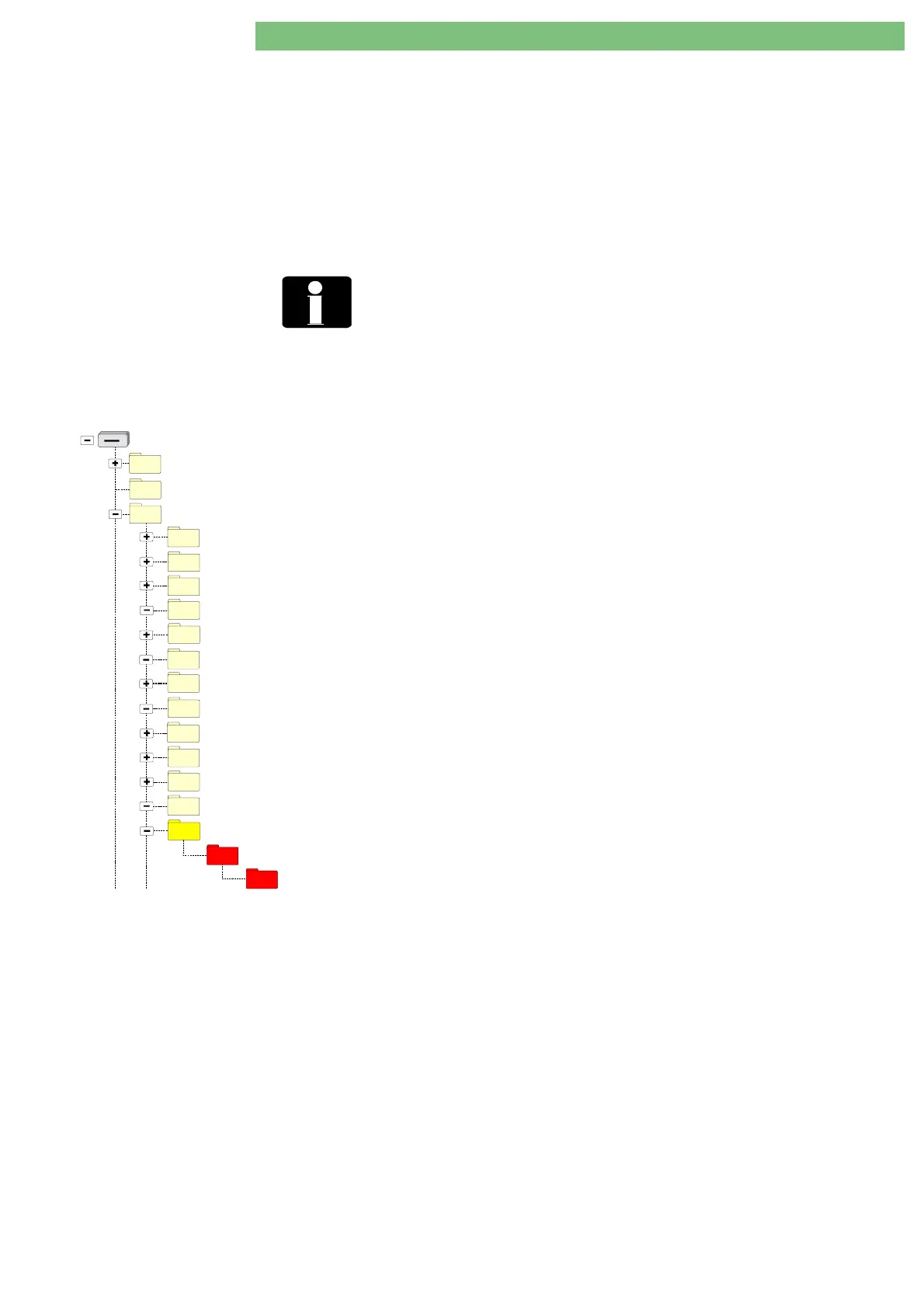
/USER/13_Read_Screenshots/ <SERNUM>/<DATE>/
are created from the serial
numbers of the Dialog+ machines. Files from the same machine are placed in
different subdirectories where the subdirectory names are created from the
current date of reading
<DATE>.
Create Screenshots A keyboard is required to create screenshots. Connect a keyboard to the
motherboard. Use the ALT + F5 key on the keyboard to take a screenshot.
<SERNUM>
The subdirectory name is created from the serial number <SERNUM> of
the Dialog+. If the serial number is not set on the Dialog+ <SERNUM> is
equal to ‘-----‘.
<DATE>
The subdirectory name is created from a creation date. Format: YYYY-
MM-DD.hh.mm.
12_Read_All_Trends
BlueCat
Removable Disk (X: - FSU USB Stick)
DISKTYPE
USER
05_Write_Calibration_Data
04_Write_Languages
06_Write_System_Configuration
09_Card_01_Read_Card_Image
09_Card_02_Write_Card_Image
09_Card_03_Read_Patient_Diskette
09_Card_04_Write_Patient_Diskette_to_Card
09_Card_05_Read_Patient_Card
10_Read_System_Configuration
09_Card_06_Write_Patient_Card
11_Read_Calibration_Data
13_Read_Screenshots
23532
2007-08-30.15.28.44
See the results in the directories with the following path for
the
Read Screenshots
files:
Read Screenshots
USB:\USER\13_Read_Screenshots\{Serial Number}\{YYYY-
MM-DD.hh.mm.ss}\{DEFAULT and other directories}
Example:
USB:\USER\13_Read_Screenshots\23532\2007-08-
30.15.28.44\{DEFAULT and other directories}
23532: Serial Number of the Dialog machine
YYYY: Year 2007
MM : 08 month August
DD : 30 Thursday
hh : 15 hours
mm : 28 minutes
ss : 44 seconds
The screenshots are stored in vga*.zip files in the DEFAULT (and/or in other)
subdirectories on the Dialog+. The vga*.zip files copied to USB stick are deleted
from the Dialog+ hard disk drive (CFC) (similarly to the log files) but the
subdirectory structure on the Dialog+ hard disk drive (CFC) is left untouched.















 To Next Page