4. TSM Service Program 1/2010 4 - 61
BA-TE-DE08C M.KAY Dialog+ SW9xx_SM_Chapter 4-2-1_1_2010.doc/pdf <110301> yymmdd B. Braun Avitum AG
Dialog
+
SW 9.xx
4.8 Manual Test and Calibration
The menu contains test and calibration functions.
The user can test all basic operations and calibrate
components (e.g. sensors and pumps).
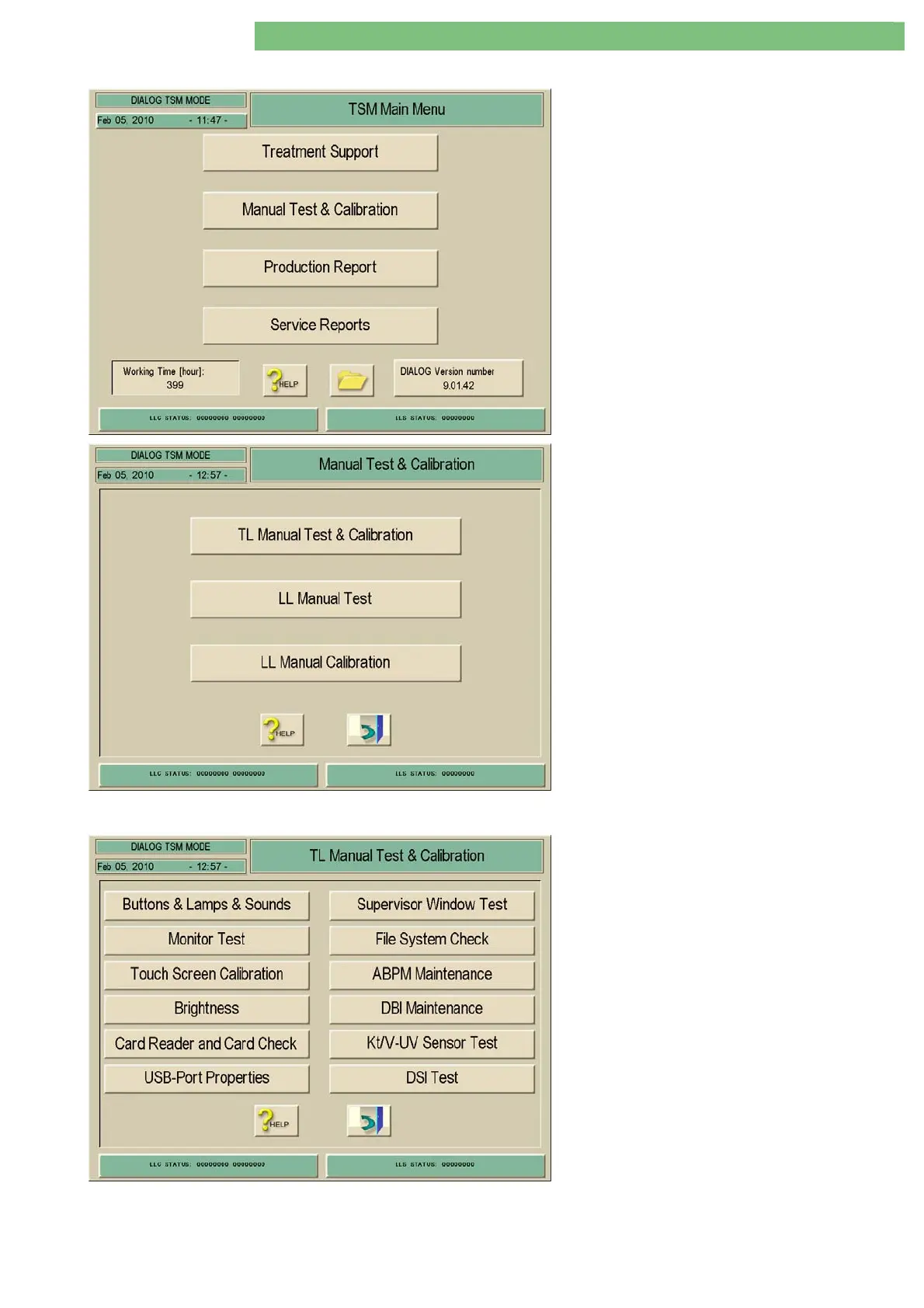
The TSM Main Menu appears after the machine is
switched on.
1. Activate the Manual Test and Calibration
menu with the Manual Test and Calibration
key in the TSM Main Menu. The following
menu is opened.
4.8.1 Top Level Manual Test and Calibration
You can perform functional tests, a touch screen
calibration, and the test of present options in the
Top Level Manual Test and Calibration menu.
1. Activate the TL Manual Test and Calibration
menu with the TL Manual Test and Calibration
key.
• Buttons, Lamps and Sounds
• Monitor Test
• Touch Screen Calibration
• Brightness
• Card Reader and Card Check (Option Card
Reader)
• USB Port Properties
• Supervisor Window Test
• File System Check
• ABPM Maintenance (Option ABPM)
• DBI Maintenance (Option Nexadia-BSL)
• Kt/V-UV Sensor Test (Option Adimea)
• DSI Test (Option Crit-Line)















 To Next Page