4. TSM Service Program 1/2010 4 - 20
BA-TE-DE08C M.KAY Dialog+ SW9xx_SM_Chapter 4-1-1_1-2010.doc/pdf <110301> yymmdd B. Braun Avitum AG
Dialog
+
SW 9.xx
4.7 Treatment Support
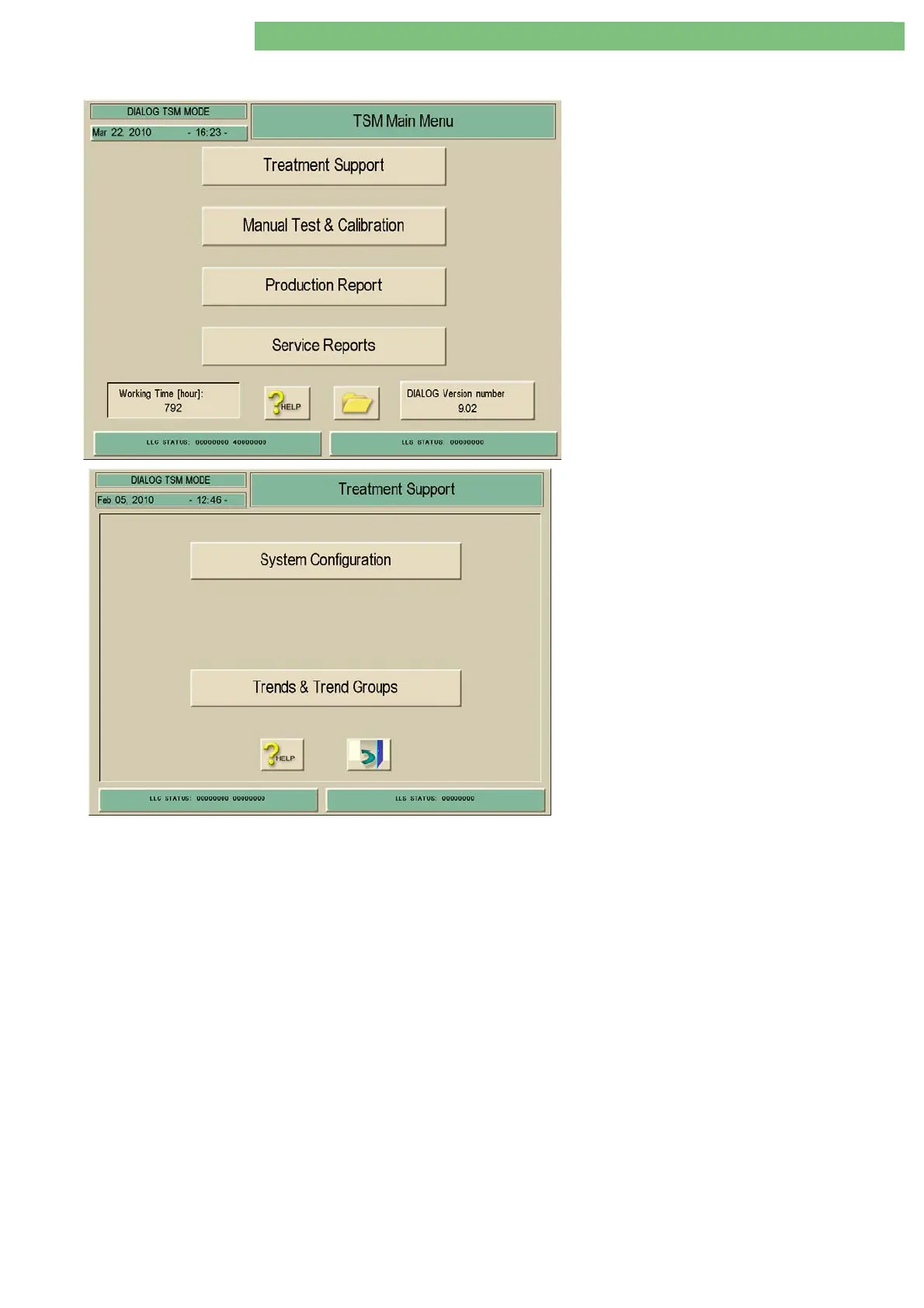
1. Activate the Treatment Support menu with the
Treatment Support key in menu TSM Main
Menu. The following menu is opened.
Two sub-menus can be selected in the Treatment
Support menu.
System Configuration
This is a special editor to set the configuration of the treatment mode (e.g.
limits, default values). The new settings are valid after the restart of the
machine.
Trends and Trend Groups
There are five trend groups, which can be selected for the treatment program.
Every group has three treatment parameters.















 To Next Page