3. Repair Instructions 1/2010 3 - 60
BA-TE-DE08C M.KAY
Dialog+ SW9xx_sm_Chapter 3_1-2010.doc/pdf <100329> yymmdd
B. Braun Avitum AG
Dialog
+
SW 9.xx
3.6.4 Set System Version Number
The
System Version Number
for the Dialog+ can be set with this utility. The
utility is typically used after updating the LLC software, because the TLC
software can not be accessed during the installation of the LLC. There is no file
exchange between the USB stick and Dialog+ hard disk drive (CFC).
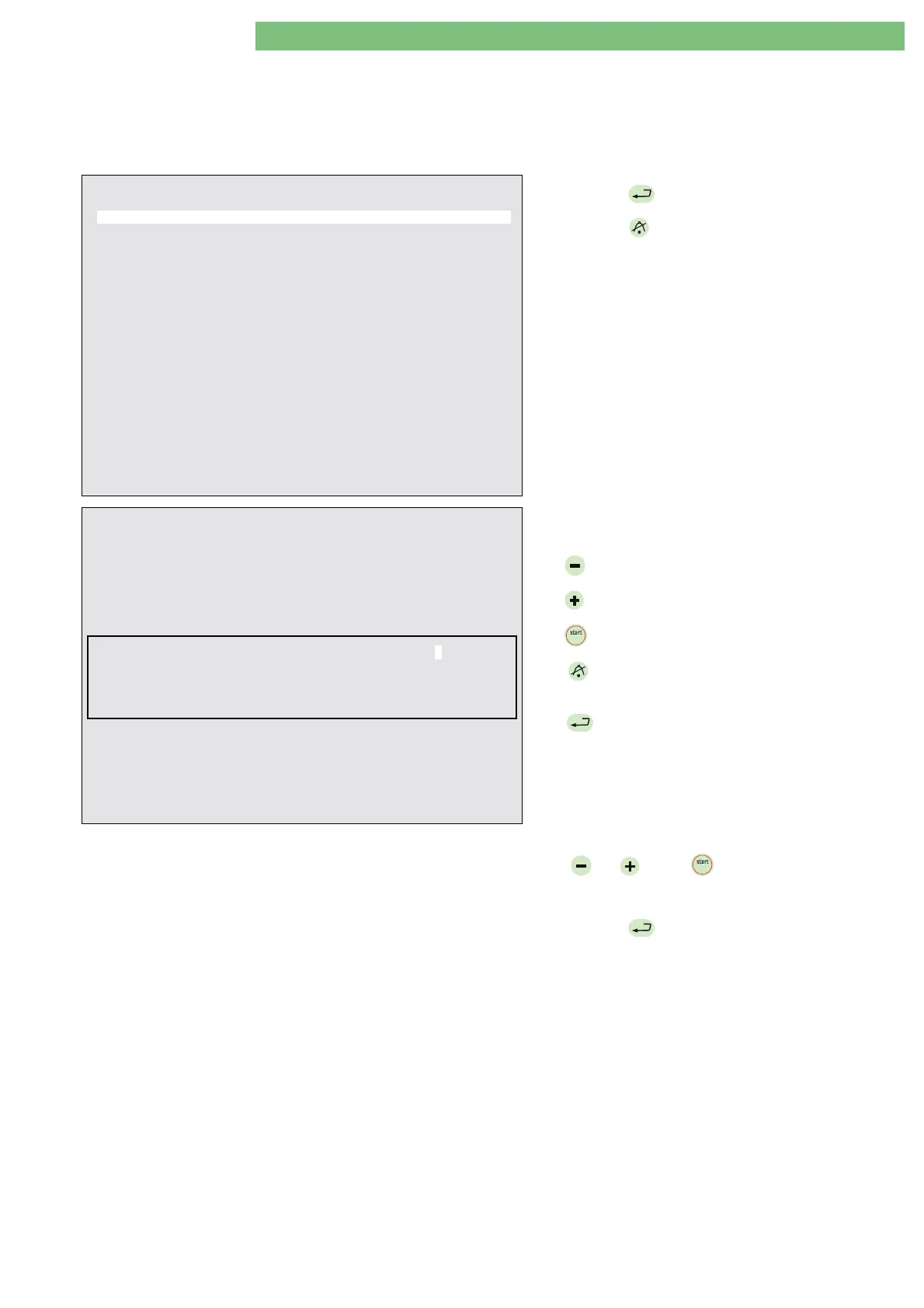
Field Service Utilities V2.00 - SetMST
CRC = XXXX - OK
01. Set System Version Number
02. Set Working Time Counter (WTC)
03. Kill Masterboot Record (Dialog+ Hard Disk)
04. Write Languages (USB Stick
→
Dialog+ Hard Disk)
05. Write Calibration Data (USB Stick
→
Dialog+ Hard Disk)
06. Write System Configuration (USB Stick
→
Dialog+ Hard Disk)
07. Undo Last Written (USB Stick
→
Dialog+ Hard Disk)
08. USB Stick Self Test
09. Select Menu of Card Reader Commands
10. Read System Configuration (Dialog+ Hard Disk
→
USB Stick)
11. Read Calibration Data (Dialog+ Hard Disk
→
USB Stick)
12. Read All Trends (Dialog+ Hard Disk
→
USB Stick)
13. Read Screenshots (Dialog+ Hard Disk
→
USB Stick)
14. Get Error (ErrorDisk) (Dialog+ Hard Disk
→
USB Stick)
BP-
: move cursor up
BP+
: move cursor down
AQ
: exit – see
Important Note
EQ
: execute
Important Note:
To prevent the corruption of USB stick, before removing it,
please press
AQ
, then follow the instructions on the screen!
1.
Press
EQ
to execute the utility.
2.
Press
AQ
to exit the FSU menu.
Dialog+ System Version Number Setting
-------------------------------------
If you want to set the System Version Number create the new value with the HW-keys.
If not, exit with the AQ key.
New value for System Version Number: n.nn
BP-
: decrement digit
BPstart
: next digit
BP+
: increment digit
AQ
: cancel
EQ
: accept
An input screen opens to set the new
System Version
Number
with the following hardware keys:
BP
: decrements the current digit
BP
: increments the current digit
BP
stopstop
: selects the next digit (from right to left)
AQ
:
cancels the operation, system version
number is not changed
EQ
:
sets the new system version number value
3.
Set the new system version number with the
BP
,
BP
and
BP
stopstop
hardware keys.
Note
: (n.nn = the version number)
4.
Press
EQ
to accept the entered value.
The main menu is displayed after a few seconds.















 To Next Page