4. TSM Service Program 1/2010 4 - 99
BA-TE-DE08C M.KAY Dialog+ SW9xx_SM_Chapter 4-2-1_1_2010.doc/pdf <110301> yymmdd B. Braun Avitum AG
Dialog
+
SW 9.xx
4.8.2.21 Test 1.21 Emptying
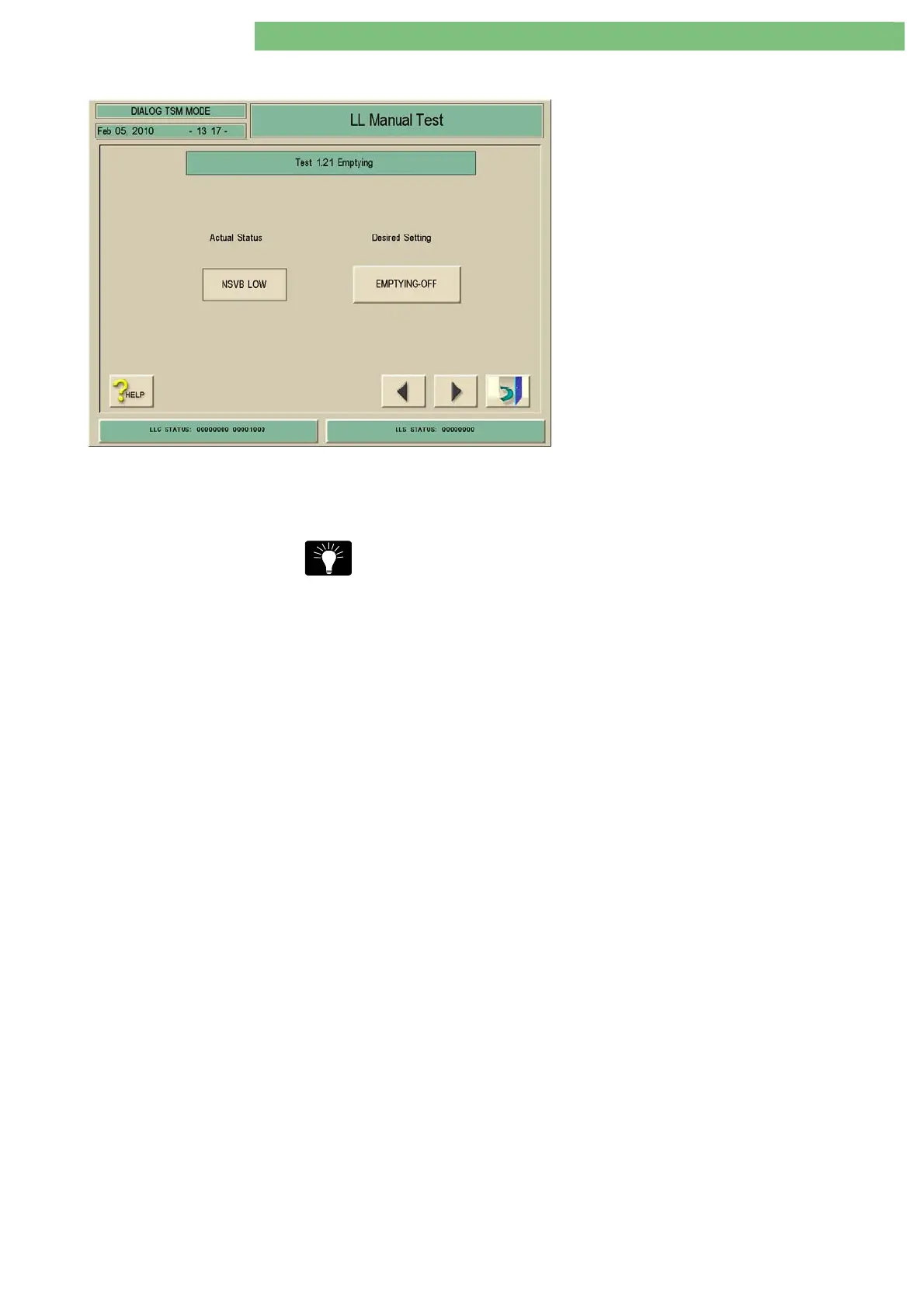
1. Activate the Emptying menu with the
Emptying key in the LL Manual Test menu. The
following menu is displayed.
2. Check the functions with the appropriate keys.
You can drain the system. After the emptying key is activated the drain
procedure is started. The actual value, i.e. the fluid level of the upline tank VB
is displayed by the level sensors NSVB.
Start the Emptying ON at least three times and manually clamp the bypass
(tubing) to ensure a sufficient emptying (for transportation).















 To Next Page