4. TSM Service Program 1/2010 4 - 112
BA-TE-DE08W M.KAY Dialog+ SW9xx_SM_Chapter 4-3-1_1_2010.doc/pdf <110301> yymmdd B. Braun Avitum AG
Dialog
+
SW 9.xx
Software Keys and Icons
The software keys and icons are displayed in
the respective menus of the TSM service
program and can be used via the touch screen.
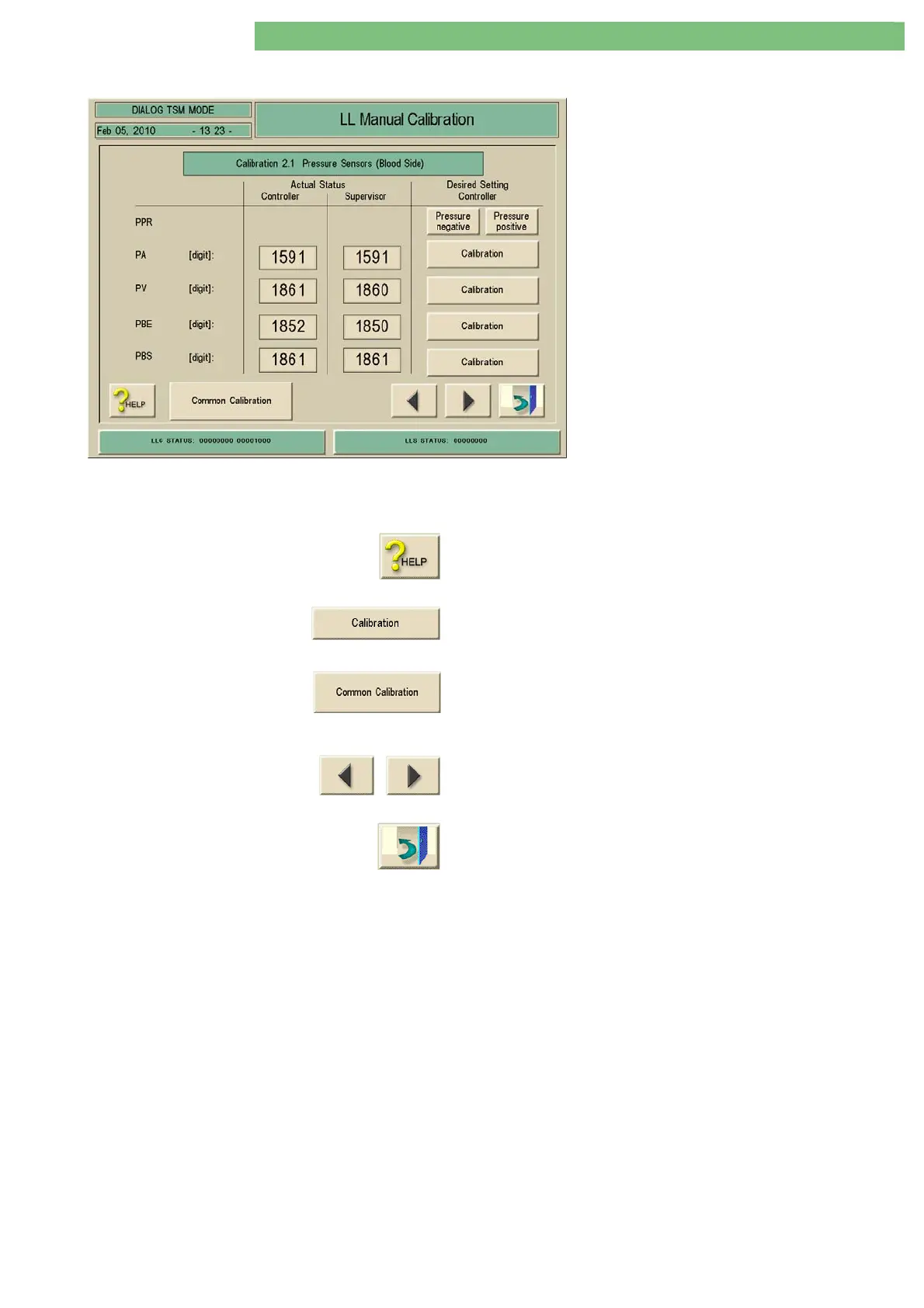
The procedure for calibration of the sensors is
similar in all Low Level Manual Calibration
menus.
Example
Select the menu via the following menus:
• TSM Main Menu
• Manual Test and Calibration
• Low Level Manual Calibration
• Calibration 2.1 Pressure Sensors (Blood Side)
Function of the Software Keys and Icons
The function of the software keys and icons are as follows:
Press the HELP key to see the help information of the menu.
A single sensor can be selected for calibration with the Calibration
key. A lower calibration window is opened (see second figure).
A combined sensor calibration can be selected with the Common
Calibration key. A lower calibration window is opened (see second
figure on next page).
If required, the previous calibration menu or the next calibration
menu can be selected with the Previous and Next Arrow keys.
The menu can be closed with the Exit Door key.















 To Next Page