6. GUI orientation
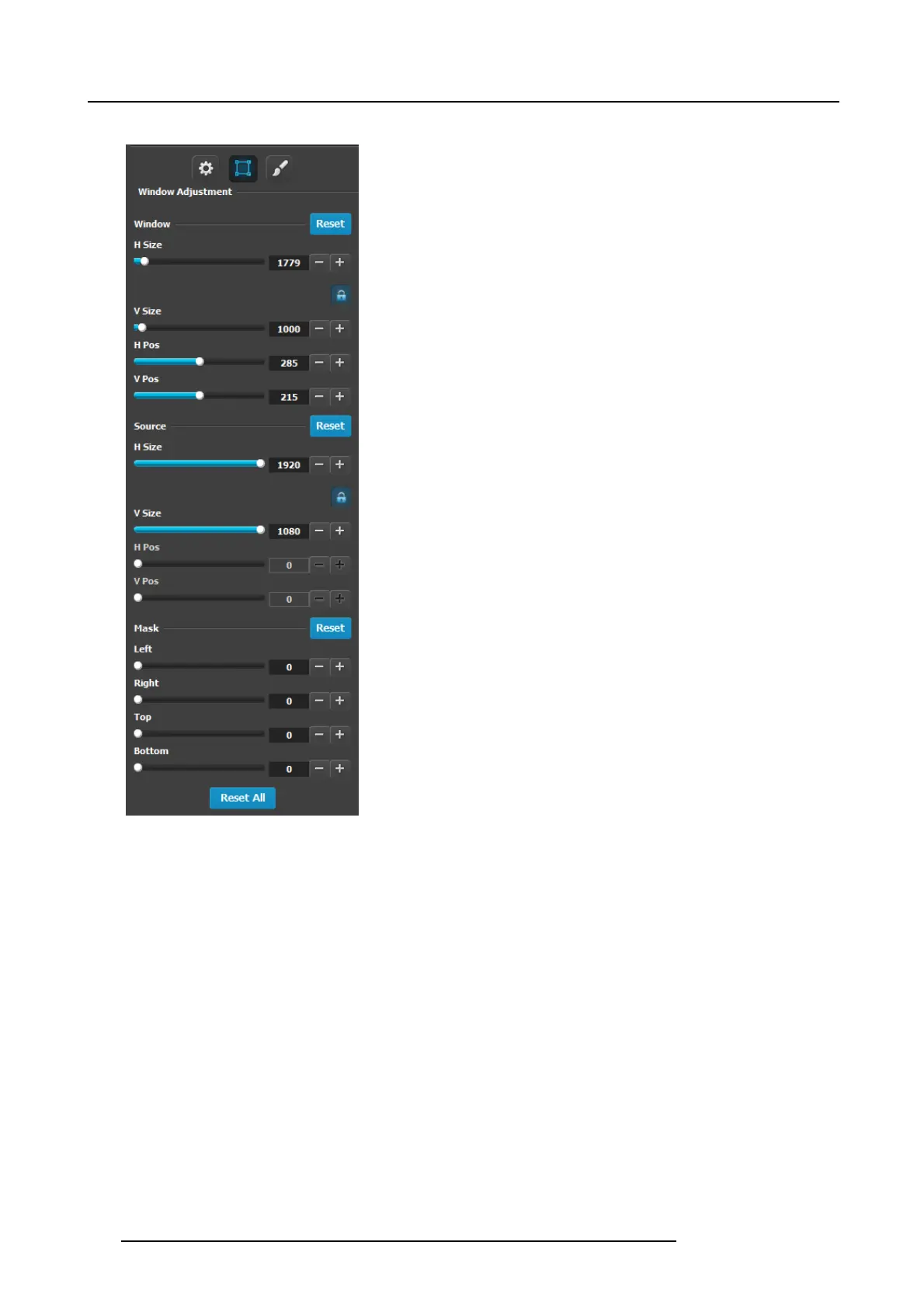
Layer adjustment panel > Layer Window adjus tment
The following P IP Adjustment Menu functions are provided: (All
figures are in pixels)
• H Size — adjusts the P IP’s horizontal size.
• V Size — adjusts the PIP’s vertical size.
• H Position — indicates the PIP’s position, relative to the
horizontal center of the screen (00), as measured from the
exact center of the PIP. Th us, the value -34 is 34 pixels to
the left of c enter.
• V Pos ition — indicates the PIP’s position, relative to the
vertical center of the screen (00), as meas ured from the
exact center of the PIP. Thus, the value 70 is 70 pixels
above cen ter.
• Mask: The Mask Panel enables y ou to mask (crop) the top,
bottom, left, and right edges of the PIP or key.
• Reset A ll : P ress to return all numbers to their default
values.
124
R5905948 E2 12/12/2014



 To Next Page