CAPINTEC, INC. CAPTUS
®
3000
To abort the procedure, click the button or press the Y key. Figure 11-
5 will re-appear. Click the
button to restart the measurement or
the
button to return to the Bioassay Setup screen (Figure 11-2).
vii. If more than one isotope was selected for the efficiency measurement, you will be
returned to Figure 11-8 and prompted to measure the next isotope.
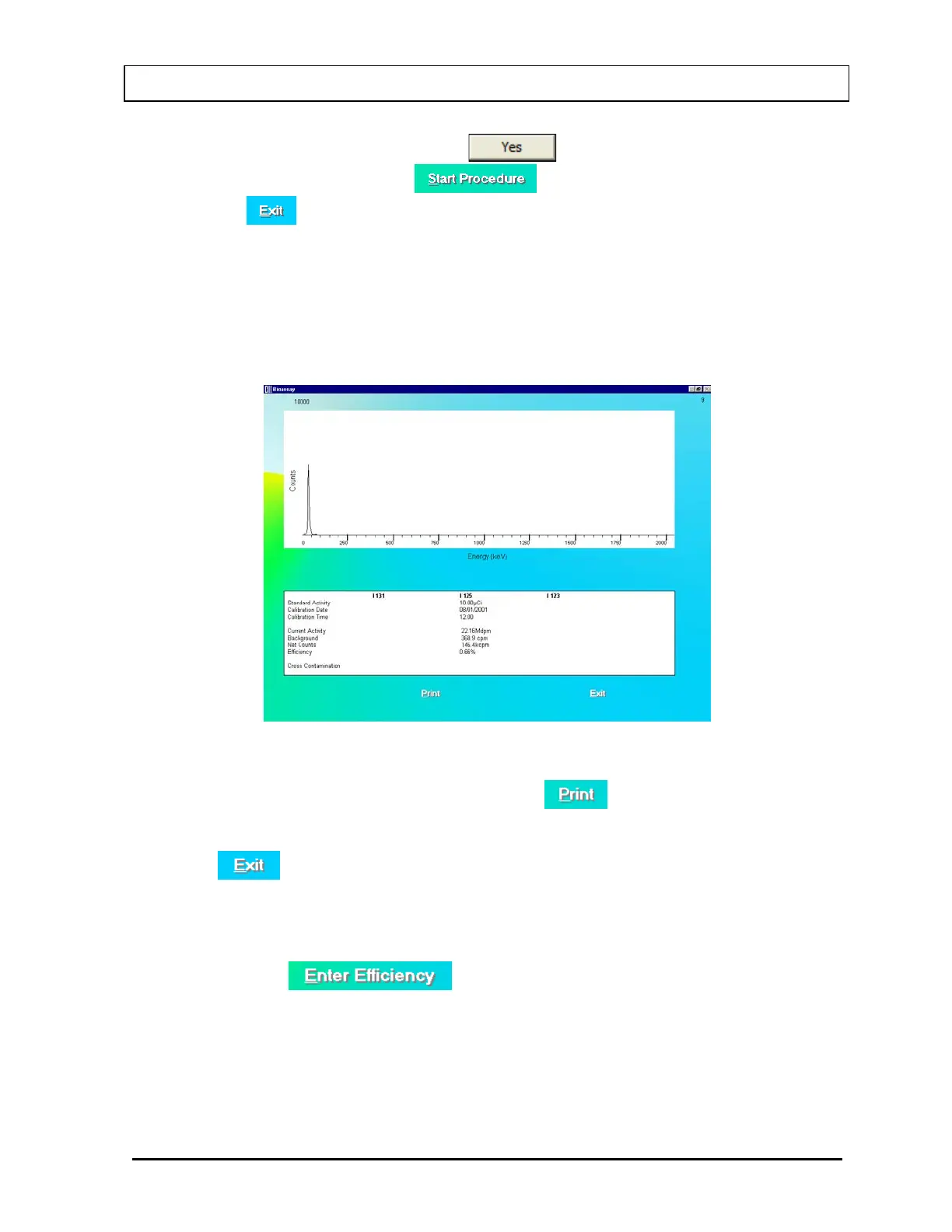
viii. After all measurements are completed, the screen shown in Figure 11-10 will
appear. The results in the lower part of the screen show all measured counts and
calculated values for activity and cross contamination.
Figure 11-10
ix. To print the results on the screen, click the
button or press Alt+P.
x. To exit and return to the main Bioassay Setup screen (Figure 11-2), click the
button or press Alt+E.
b. To directly enter the Efficiency of a selected isotope or Cross Contamination ratio,
follow the steps below:
i. Click the
button or press Alt+E. The screen appears as
shown in Figure 11-11.
November 13 BIOASSAY 11-7



 To Next Page