CAPINTEC, INC. CAPTUS
®
3000
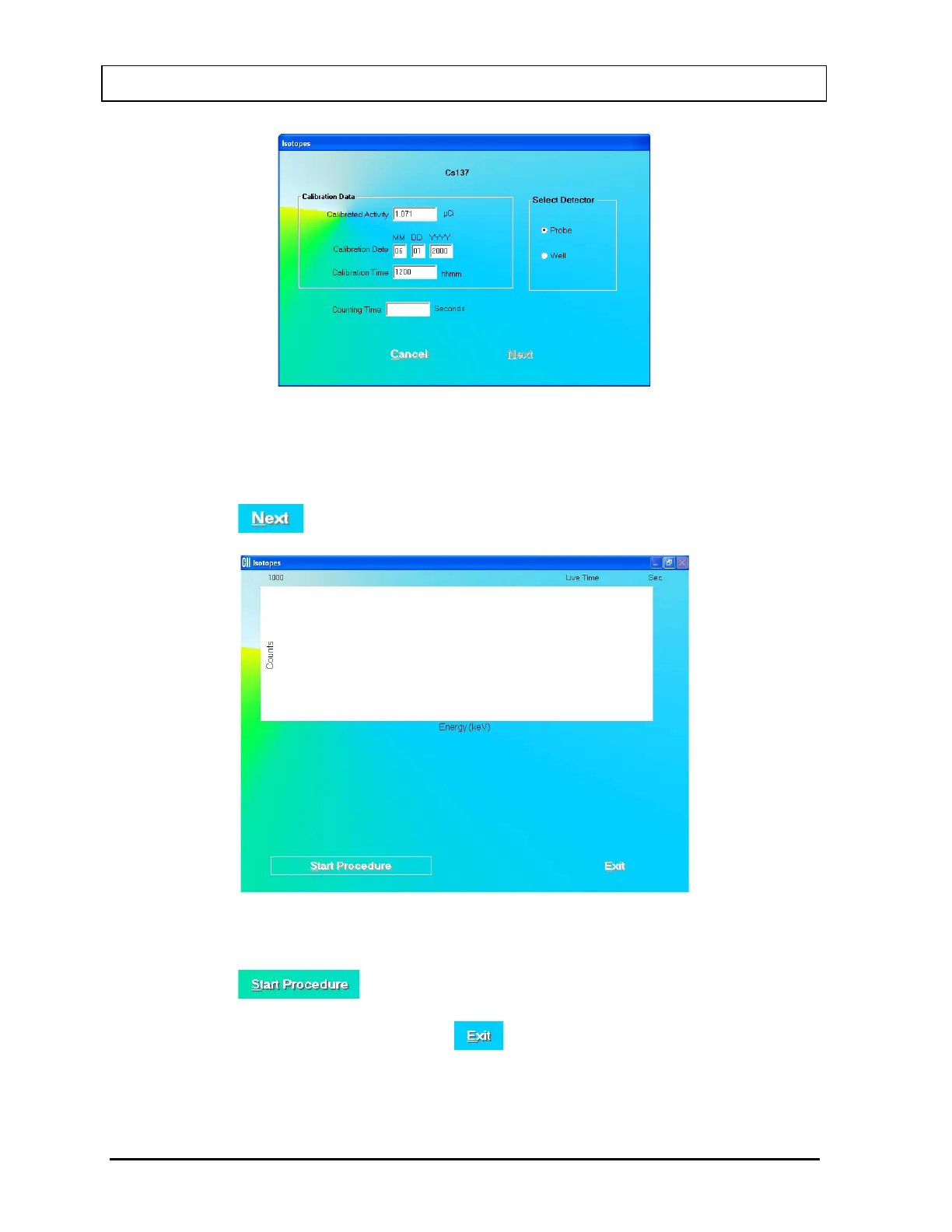
Figure 5-12
b. Input the Counting Time in seconds.
c. Note the detector selection. To change the selection, click the appropriate radio
button in Select Detector frame.
d. Click the button. Figure 5-13 will appear.
Figure 5-13
e. Click the button or press Alt+S to start measurements. Follow the on-
screen instructions.
f. After efficiency is measured, click the button to return the Constancy Test
screen.
5-12 QUALITY ASSURANCE July 14



 To Next Page