Battery
22-1
Chapter 22 Battery
22.1 Overview
The monitor is equipped with a built-in rechargeable battery. When the AC power supply is connected the battery
can be charged automatically until full regardless of whether the device is turned on or not. In the event of
unexpected power outage the system will automatically use the battery to supply voltage, thus avoiding
interruption of device operation. After the AC power supply is cut off, the battery indicator light flashes, indicating
the battery is being used to supply voltage, and device operation will not be affected.
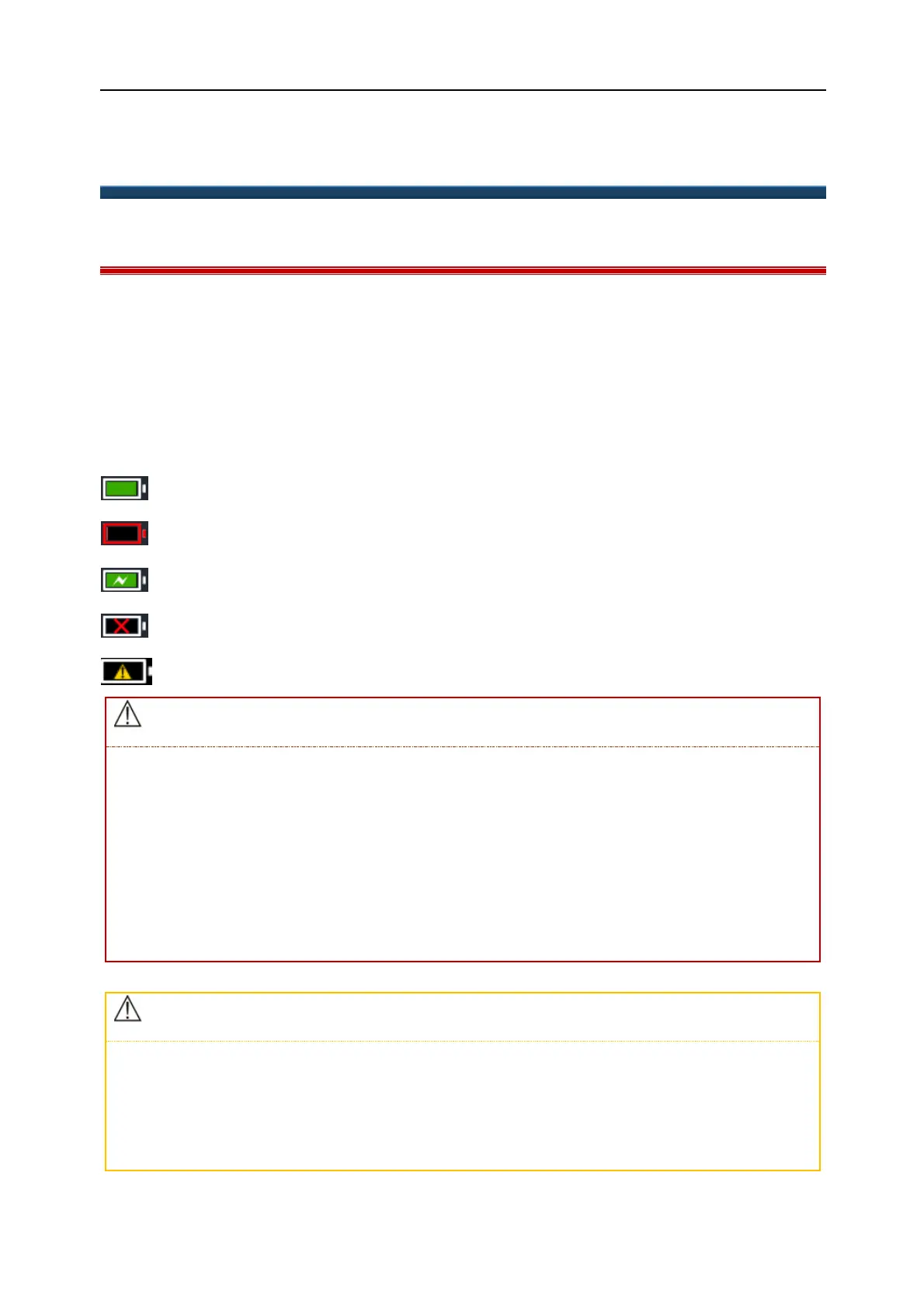
The Battery icon shown on the screen indicates the current battery status;
indicates that the battery is working normally. The green portion represents the remaining charge.
indicates battery level is low and charging should be considered.
indicates the battery is being charged.
indicates absence or damage of the battery.
indicates battery failure.
Improper replacement of the lithium battery will result in unacceptable risks.
Replacement of the lithium battery by unprofessional personnel may result in risks.
Battery electrolyte is hazardous. If the battery electrolyte comes into contact with your skin or enters
your eyes please wash with clean water immediately and seek medical advice.
Please keep the battery out of the reach of children.
When the battery is used for operation the monitor will power off automatically when the battery
capacity is low.
If the battery is to be left unused for a long period of time, please remove the battery and keep it stored
safely.
It is suggested that the battery should be optimized when in use, or after being in storage for three
months, otherwise the operating performance of the battery is significantly shortened.



 To Next Page