Overview
2-3
2.2 Monitor Appearance
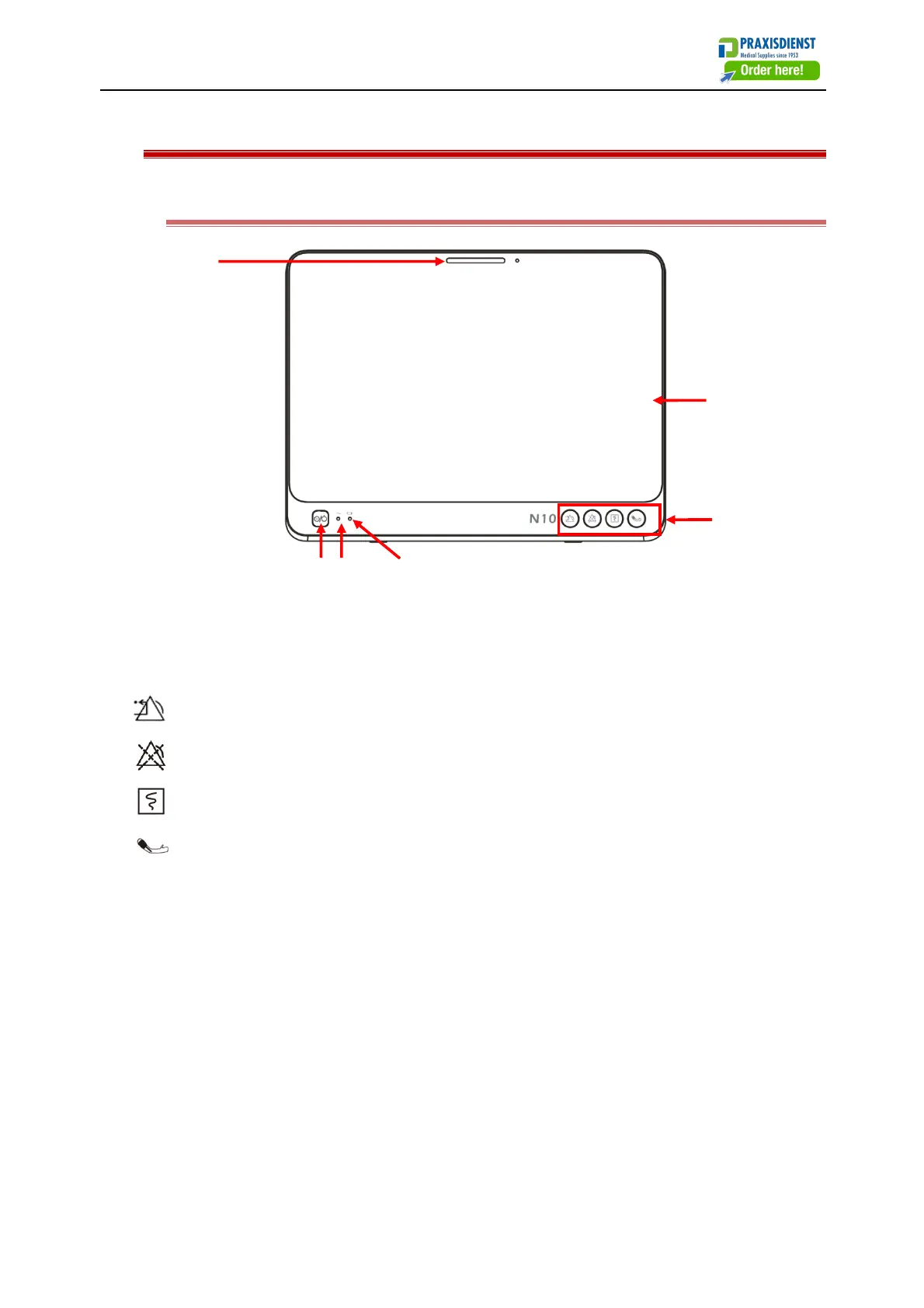
2.2.1 Front View
(1) Alarm indicator
(2) Display screen
(3) Function keys
: (Alarm reset) Press this key to reset current alarm.
: (Alarm paused) Press this key to pause or resume an alarm.
: (Graphical recorder) Press this key to start or stop recording.
:(NIBP start/stop)Press this key to start or stop NIBP measurement.
(4) Battery indicator
Indicator light remains on: Battery is being charged
Indicator light flashes: Battery is used to supply voltage
Indicator light off: Battery is fully charged, is not installed or malfunctions
(5) AC indicator
Indicator light on: AC power supply is connected
Indicator light off: AC power supply is not connected
(6) Power switch



 To Next Page