99
DISC mode
Video DVD playback
The Video Settings menu includes the
following functions:
Aspect ratio, see page 99
Brightness, color and contrast, see
page 99
Video reset, see page 100
Close the Video Settings menu
Briefly press the button.
Aspect ratio
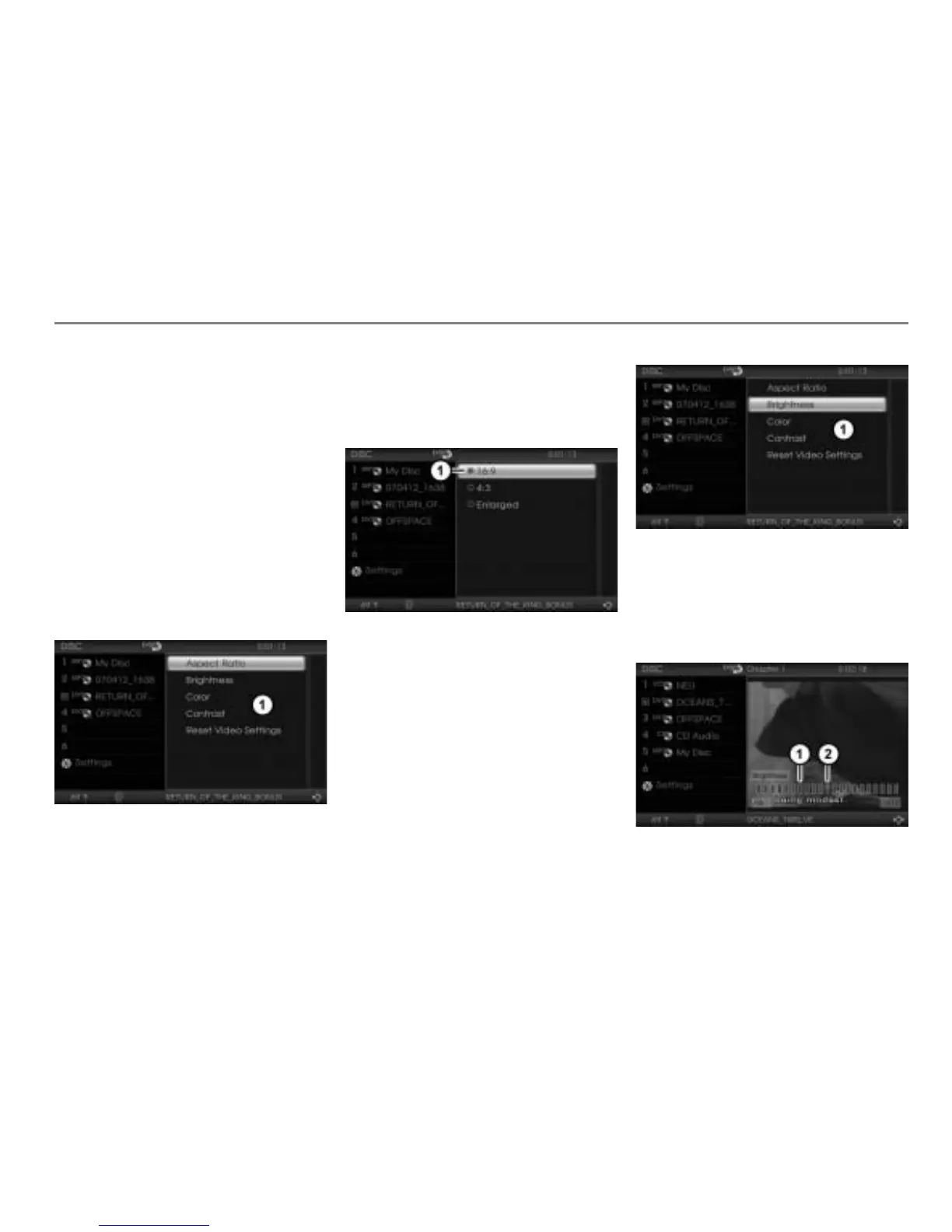
Open the Video settings menu, see
section “Open the Video Settings
menu” on page 98.
Video settings menu
To open the Aspect Ratio menu: In
the Video Settings menu, select the
menu item
Aspect Ratio.
The Aspect Ratio menu appears.
Icon for currently active setting
To set the aspect ratio: Select the
desired setting.
Brightness, color and contrast
Open the Video settings menu, see
section “Open the Video Settings
menu” on page 98.
Video settings menu
To open the desired menu: In the
Video Settings menu, select either the
menu item
Brightness, Color or
Contrast.
The corresponding menu appears.
The illustration shows the brightness setting
Scale for the brightness setting
Indicator



 To Next Page