131
AUX mode
iPod playback
Navigating within the iPod
®
menu
Navigating within the iPod
®
menu can be
delayed depending on file names and sizes.
Navigating forwards
Select a menu item in the iPod
®
menu.
If the selected item is the last submenu
item, the playable track list will be
displayed.
Selecting a list item automatically
results in the corresponding track being
played.
Navigating backwards
Press the button.
Skipping directly to the track currently
playing
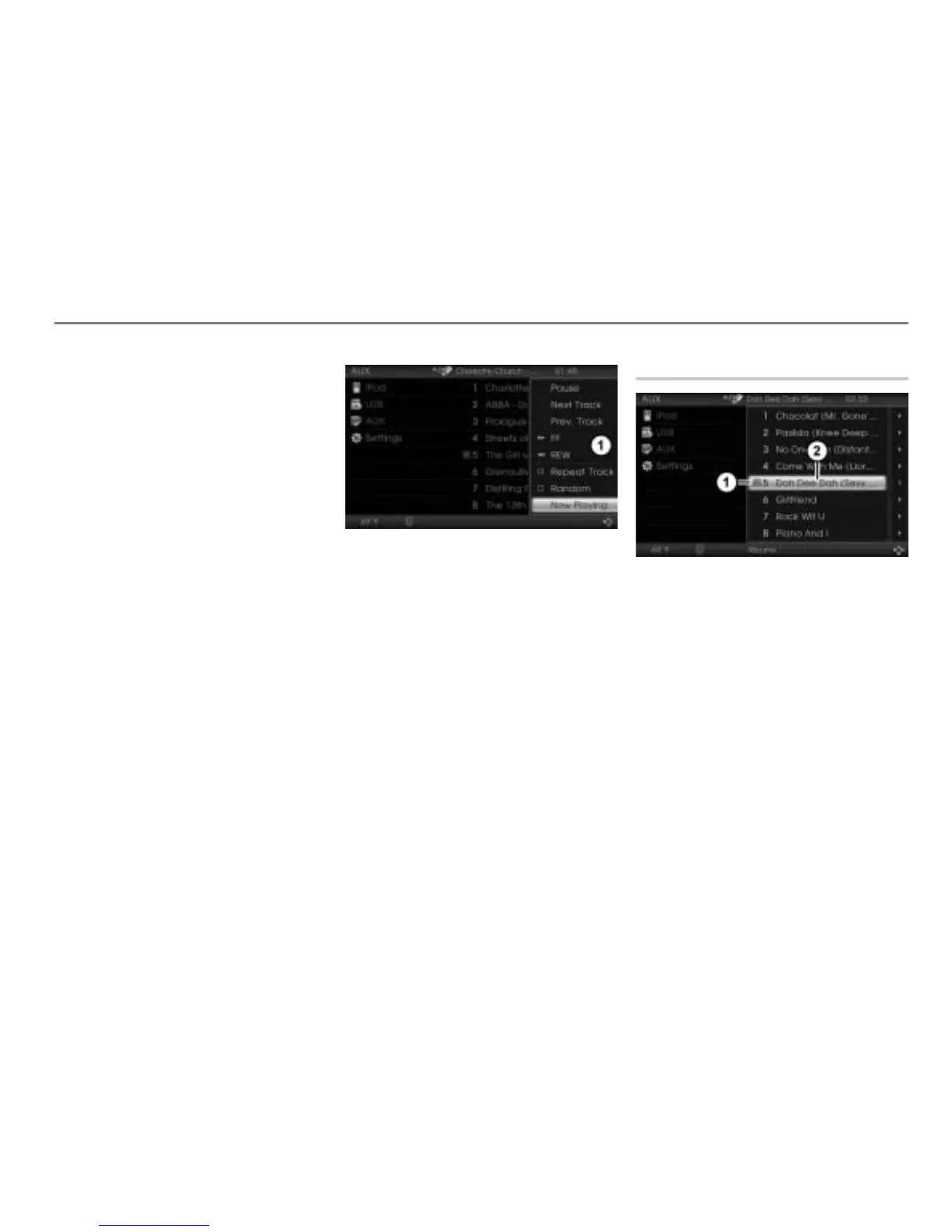
To open the Options menu: In the
iPod
®
menu, push the controller .
Options menu
Skipping to the track: In the Options
menu, select the menu item
Now
Playing
.
Abbreviated menu items in the iPod
®
menu
Menu items in the iPod
®
menu may be
displayed in abbreviated form. This is
indicated by the three dots “…” at the end
of a menu item.
Pausing or resuming playback
Play icon
Track currently playing (highlighted)
Option 1
Pausing playback
In the iPod
®
menu, highlight the track
currently playing and press the
controller .
The play icon
will change to the
pause icon
.



 To Next Page