163
PHONE
Options
Setting the default phone
With this function you can set a certain
mobile phone as default for the
autoconnection process. When set, the
autoconnection process will attempt a
connection to the set mobile phone only.
When not set, the autoconnection process
will attempt a connection with another
available mobile phone already previously
paired with the system.
For information on the autoconnection
process please refer to section “Connecting
automatically” on page 156.
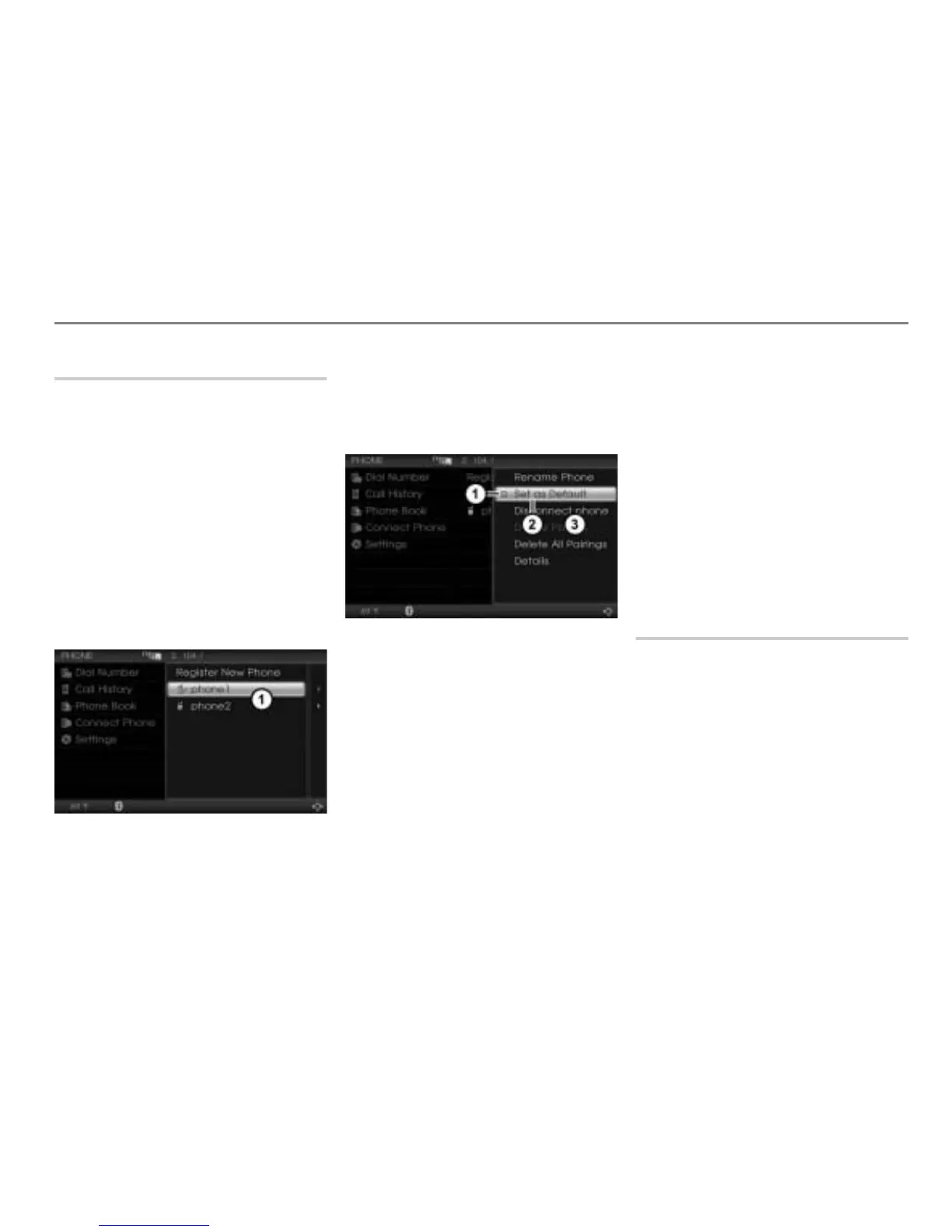
Call up the device list, see the section
“Calling up the device list” on page 161.
Device list
Highlight the desired mobile phone in
the device list.
Push
the controller once.
The Options menu appears.
Status display
Menu item Set as Default
Options menu
The status display
shows whether the
mobile phone is already set as the default
phone or not.
Display
= Mobile phone is set as the
default phone
Display
= Mobile phone is not set as
the default phone
To set or to cancel a mobile phone as
the default phone: In the Options
menu, select the menu item
Set as
Default
.
Depending on the previous status, the
mobile phone will be set or cancelled as
the default phone. The status display
changes accordingly.
You can set only one mobile phone as the
default phone. Setting a mobile phone as
the default phone cancels the previously
default setting of a different mobile phone.
Connecting/Disconnecting a mobile
phone
Both functions are also available outside the
Options menu, see sections “Connecting
manually” on page 156 and “Terminating a
connection” on page 158.
If you disconnect a mobile phone, the
autoconnection process (see page 156) will
be suspended until the system is switched
off/on or until a phone will be connected
manually (see page 156).



 To Next Page