47
FM and AM mode
Tuning to stations
Tuning to a station via the presets
There are 16 presets available for the AM
band and 32 presets for the FM band. The
32 FM presets are distributed among 2 FM
modes (
FM1 and FM2).
You can use the FM modes to tune to
separate set of stations for different regions.
For information on switching the mode,
please refer to the section “Switching mode/
band” on page 43.
If you tune via the presets to a no longer
receivable sub channel of a FM HD Radio
TM
station, the system mutes playback and
shows the message
Acquiring HD Signal
in the upper statusline in place of station
name.
After a certain time without receiving the sub
channel, the upper statusline shows the
message
No HD signal. After a certain
time, the system will tune to the analog
signal of the corresponding frequency.
Using the central control panel
To call up a preset: Open the FM or
AM main menu, see section “Switching
to FM or AM mode” on page 42.
In the FM or AM main menu, select the
menu item
Presets.
In case of AM, the presets appear in the
form of a list.
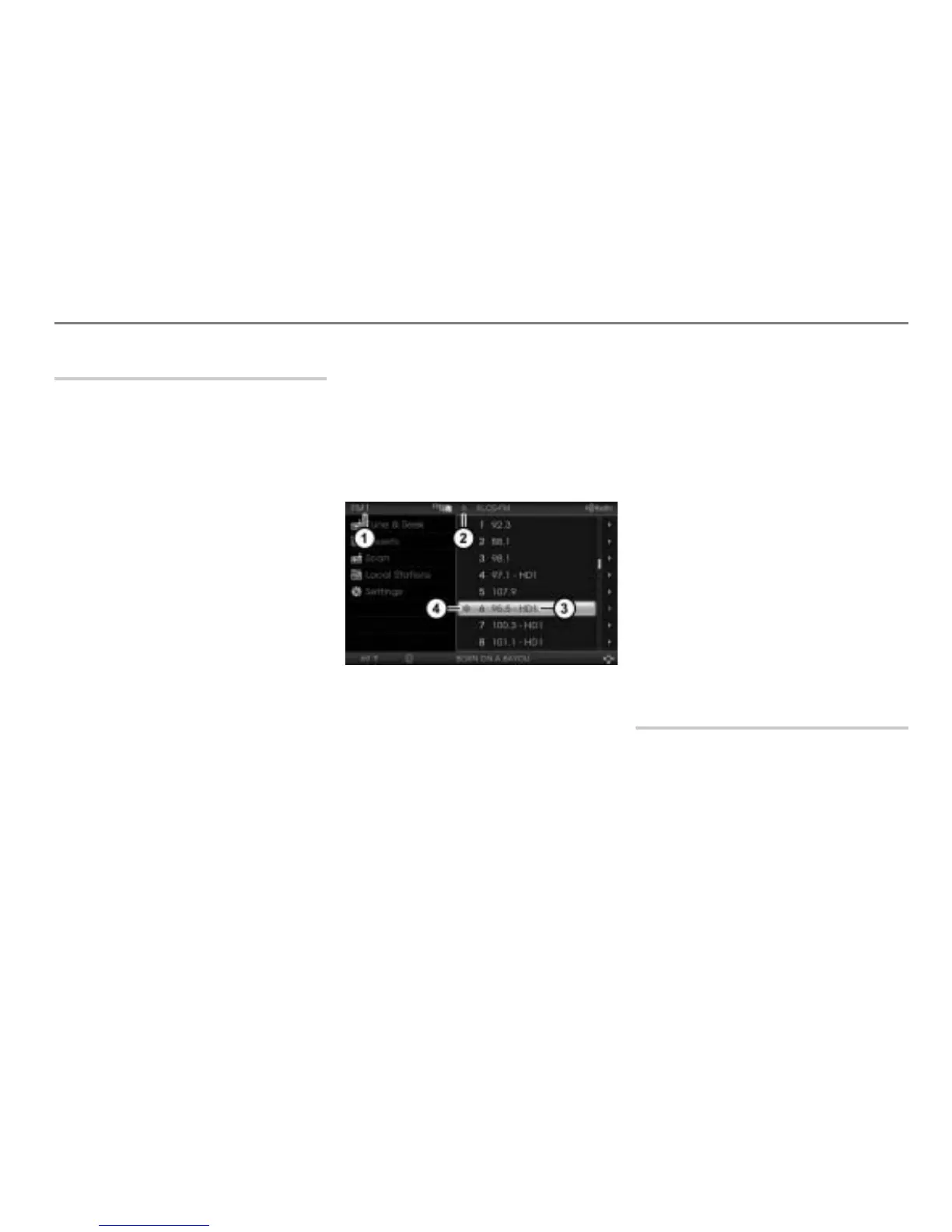
In case of FM, the presets of the
currently active FM mode appears in
the form of a list.
The illustration shows the FM presets
Currently active FM mode (FM1 or FM2)
Preset number of the currently tuned
station
HD Radio
TM
channel display (HD1 =
main channel, HD2 - 8 = sub channels)
Icon for the currently tuned station
The display only appears if the stored
station is a HD Radio
TM
station and HD on
is activated in the settings, see section
“Audio and FM/AM HD Radio (TM) settings”
on page 52.
If
HD on is not activated, the channel
display
disappears and access to the
digital signal of stored HD Radio
TM
stations
is not possible. In this case, you will have
access to the analog signal only.
To tune to a station: Select the
desired station in the list.
Using the steering wheel
Briefly press the or button.
The system will tune to the previous or
next station stored in the presets.
Tuning to a station via the Scan
function
The Scan function searches through the
selected band, stops at a receivable station,
plays the station for five seconds and goes
to the next receivable station. It will not
search for FM HD Radio
TM
sub channels.



 To Next Page