270
Voice control
General information
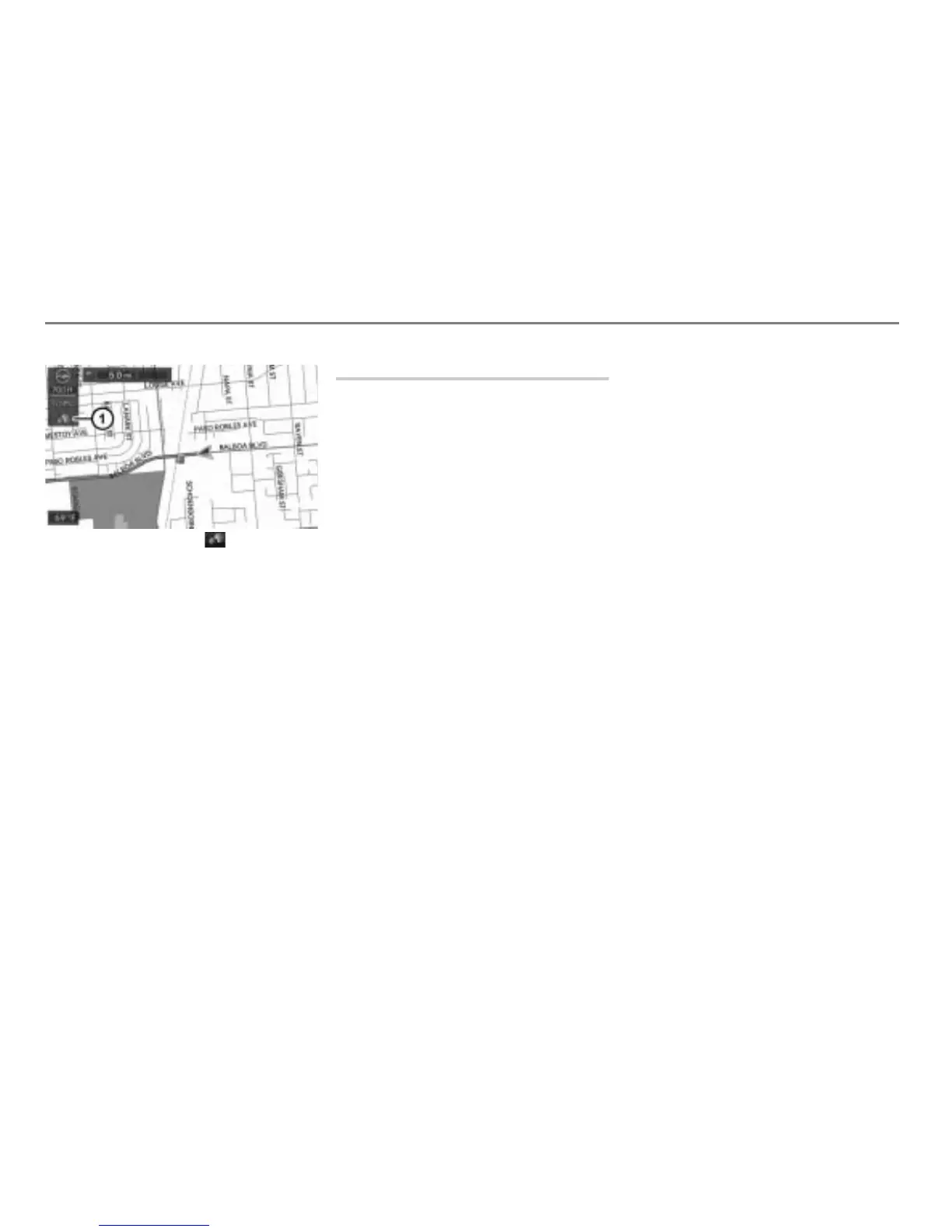
Voice control symbol in the
navigation map
Setting the volume
The volume of the voice control system is
independent of the volume set for the
phone/audio system.
You can adjust the volume of the
announcements made by the voice control
system, for example in response to
variations in ambient noise during the
journey.
Activate the voice control system and
say a command such as “Help”.
During the subsequent announcement,
turn the volume control on your unit to
increase or lower the volume.
Commands
The commands that you can use to operate
your voice control system are divided into
two categories:
Local commands
Local commands can only be used
within the respective main function, for
example “Next track” when in DISC
mode.
You can call up the available local
commands whenever you use the
teleprompter. Please refer also to the
section “Help function (teleprompter)”
on page 271.
Group commands
Group commands can be used within
any operating mode. They cover the
main functions, the individual operating
areas of your Driver Information System
and the help function.
Calling up the help function:
Help
Group commands for the main
functions:
Main menu
Group commands for tuner mode:
Radio commands
Station commands
Frequency commands
Group commands for DISC and AUX
mode:
Media commands
Disc commands
Track commands
Folder commands
Group commands for PHONE mode:
Phone commands



 To Next Page