209
Navigation
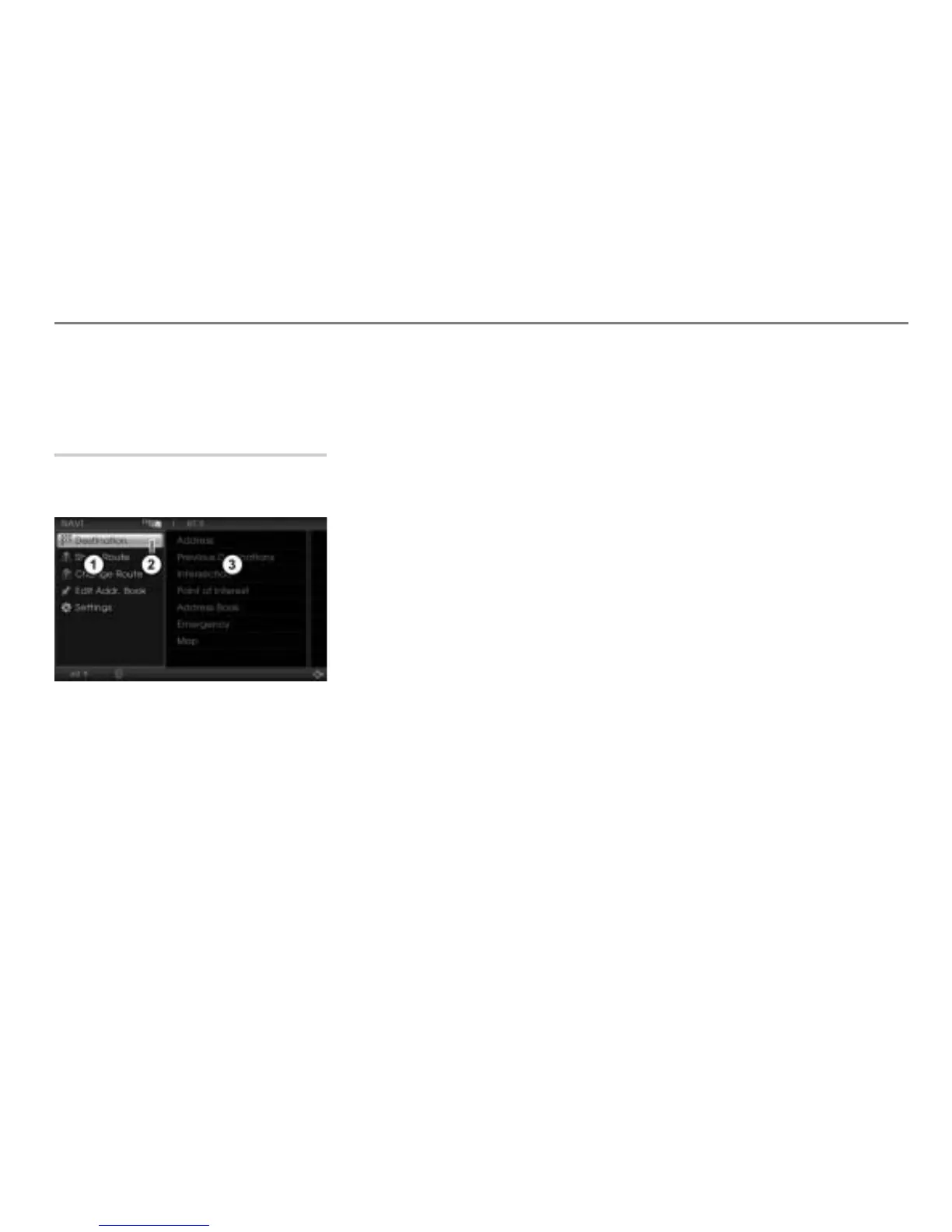
Navigation main menu
For information on general system
operation, please refer to the chapter
“Functional introduction” from page 17.
Opening the Navigation main menu
Press the button.
The Navigation main menu appears.
Navigation main menu
Highlighted menu item
Submenu items of the highlighted menu
item
You can access the following menu items in
the Navigation main menu:
Destination, see the section “Entering
destinations” on page 210
Show Route, see the section “Show
route” on page 237
The menu item Show Route is only
available when route guidance is active.
Change Route, see the section
“Change route” on page 239
The menu item Change Route is only
available if a destination has been entered.
Edit Addr. Book see the section
“Editing Address Book entries” on
page 254
Settings, see the section “Settings” on
page 258



 To Next Page