132
AUX mode
iPod playback
Resuming playback
In the iPod
®
menu, highlight the track
currently playing once again and press
the controller
.
Playback will be resumed and the
pause icon
will change to the play
icon
.
Option 2
Pausing playback
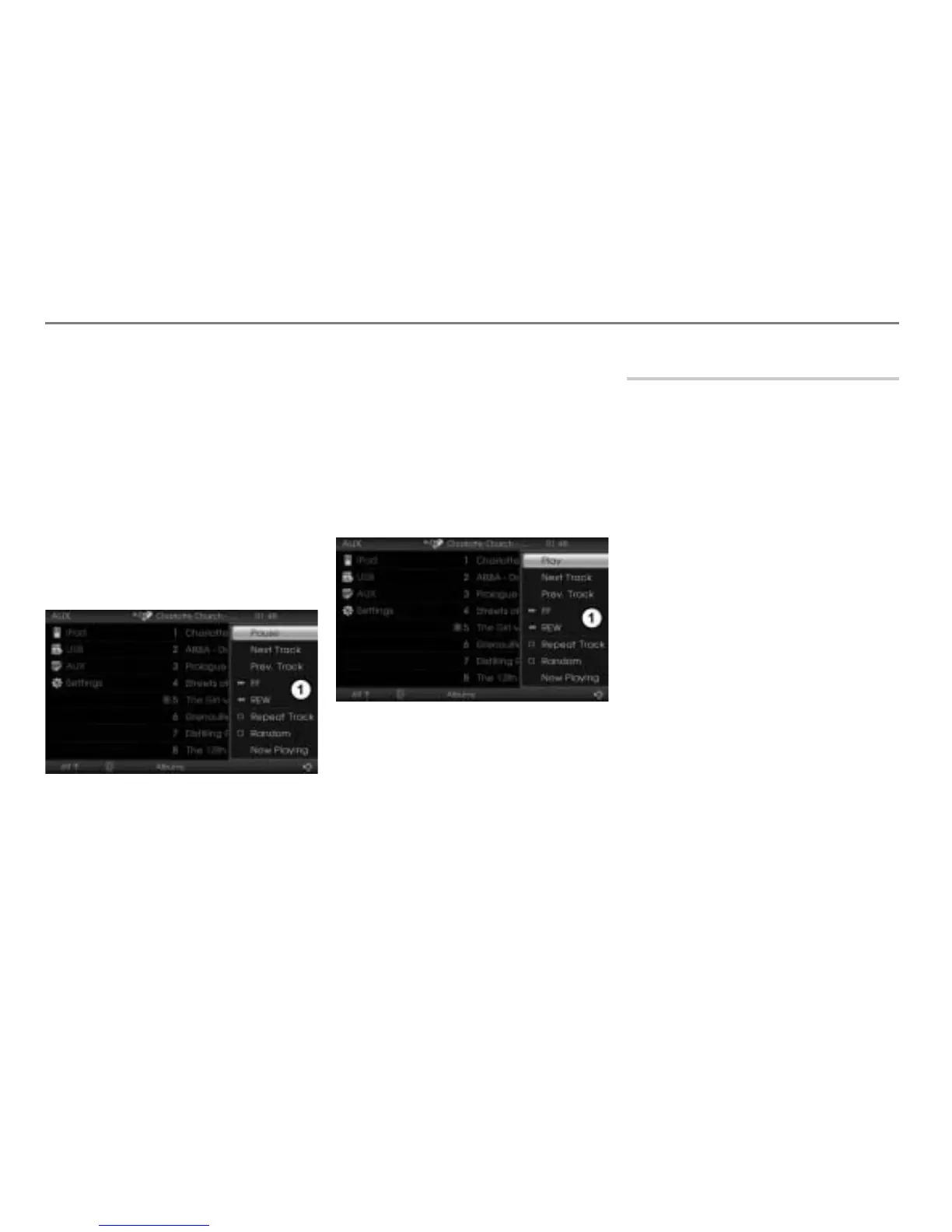
To open the Options menu: In the
iPod
®
menu, push the controller .
Options menu
In the Options menu, select the menu
item Pause.
Playback will be paused and the
Options menu will be closed
automatically.
Resuming playback
To open the Options menu: In the
iPod
®
menu, push the controller .
Options menu
In the Options menu, select the menu
item
Play.
Playback will be resumed and the
Options menu will be closed
automatically.
Selecting a track
Selecting a track in the iPod
®
menu
Navigate through the iPod
®
menu and
select the desired track.
Refer to the section “Navigating within the
iPod
®
menu” on page 131 to find out how to
navigate through the iPod
®
menu.
Skipping tracks forward/back
“Skip track forward” skips to the next track.
“Skip track back” skips to the beginning
of the current track, if the track has been
playing for more than 3 seconds. If the track
has been playing for less than 3 seconds, it
will skip to the beginning of the previous
track.
Using the steering wheel
Briefly press the or button on
the steering wheel.
The system will execute the track skip
corresponding to the button pressed.



 To Next Page