30
Functional introduction
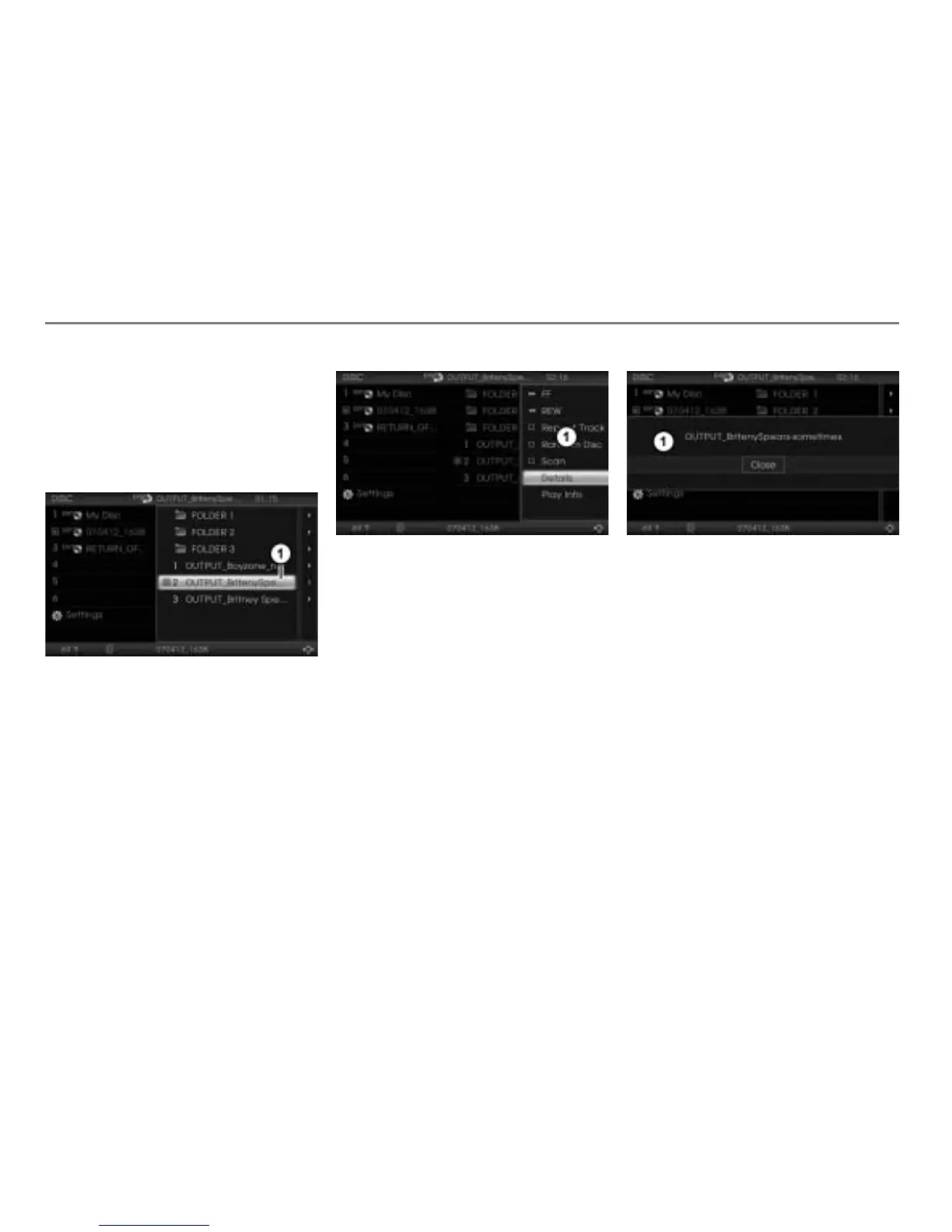
Abbreviated list entries
List entries must be abbreviated for display
in the content area. Abbreviated entries are
indicated by the three dots at the end of the
entry.
Displaying an abbreviated list entry in
full
Abbreviated entry
To call up the Options menu: Push
the controller
repeatedly until the
Options menu is displayed.
Options menu
To call up the complete text: Turn
the controller until the menu item
Details is highlighted.
Press the controller
.
The complete text is displayed.
Complete text
To close the complete text: Press the
controller
again.



 To Next Page