192
PHONE
Phonebook
Editing or entering the name
In the data field menu, select the name
data field
.
The name input menu appears.
Continue as described in the section
“Name input menu”, see page 190.
Editing or entering phone numbers
In the data field menu, select one of the
phone number data fields
- .
The phone number input menu
appears.
Continue as described in the section
“Name input menu”, see page 190.
The phone number input menu is similar to
the name input menu. In the phone number
input menu, only digits can be entered. You
can enter a maximum of 20 digits.
Closing the data field menu
Briefly press the button.
Scrolling through the phonebook
Call up the phonebook, see the section
“Calling up the phonebook” on
page 188.
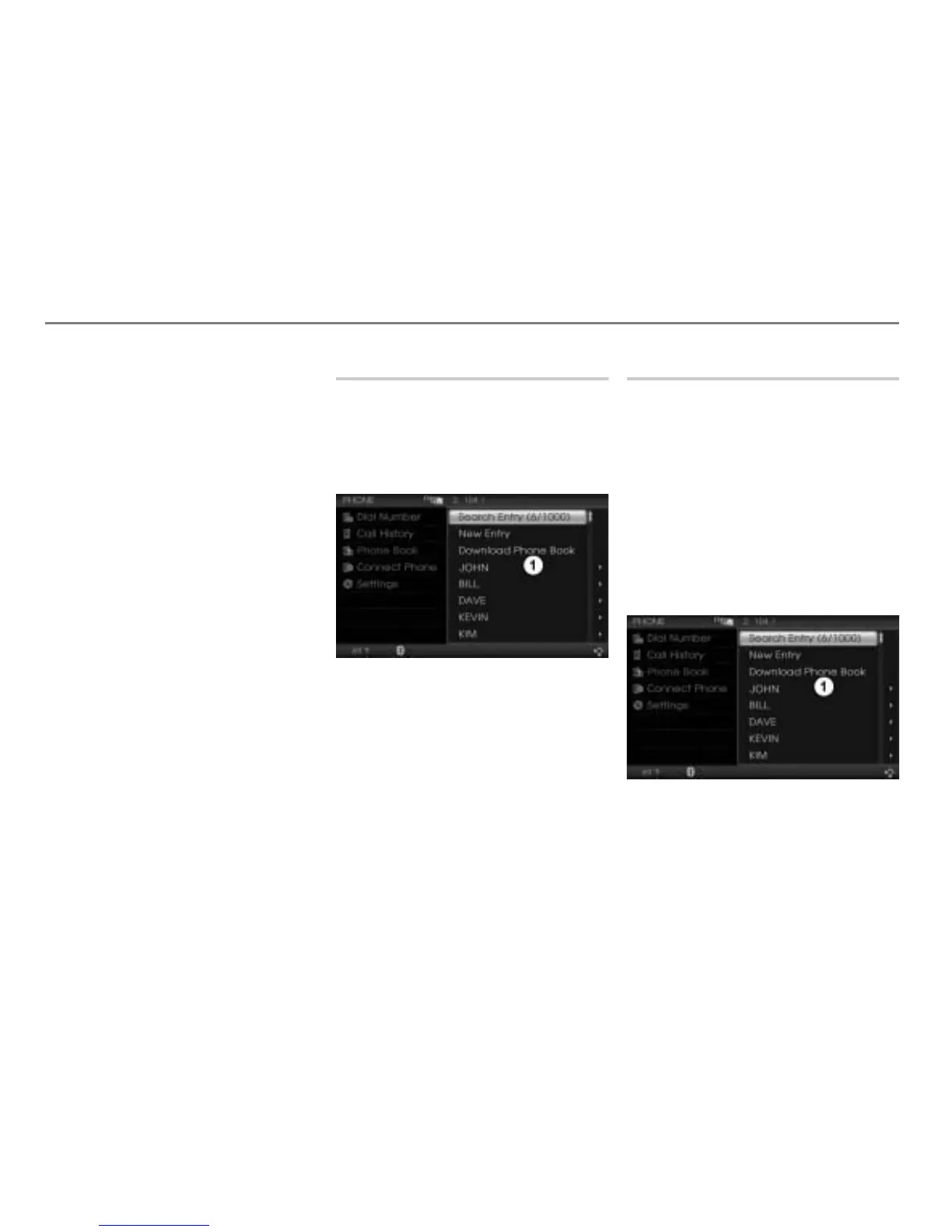
The phonebook appears in the form of
a list.
Phonebook
Scroll through the phonebook by
turning
the controller .
A further scroll option is available. You will
find an operating example in the section
“Lists” on page 29 of the chapter “Functional
introduction”.
Editing an entry
Calling up the phonebook
Call up the phonebook, see the section
“Calling up the phonebook” on
page 188.
The phonebook appears in the form of
a list.
You will find an operating example for a list
in the section “Lists” on page 29 of the
chapter “Functional introduction”. There you
will also find the description of how to scroll
through a list.
Phonebook



 To Next Page