193
PHONE
Phonebook
Editing the desired entry
Highlight the desired entry in the
phonebook.
Push
the controller .
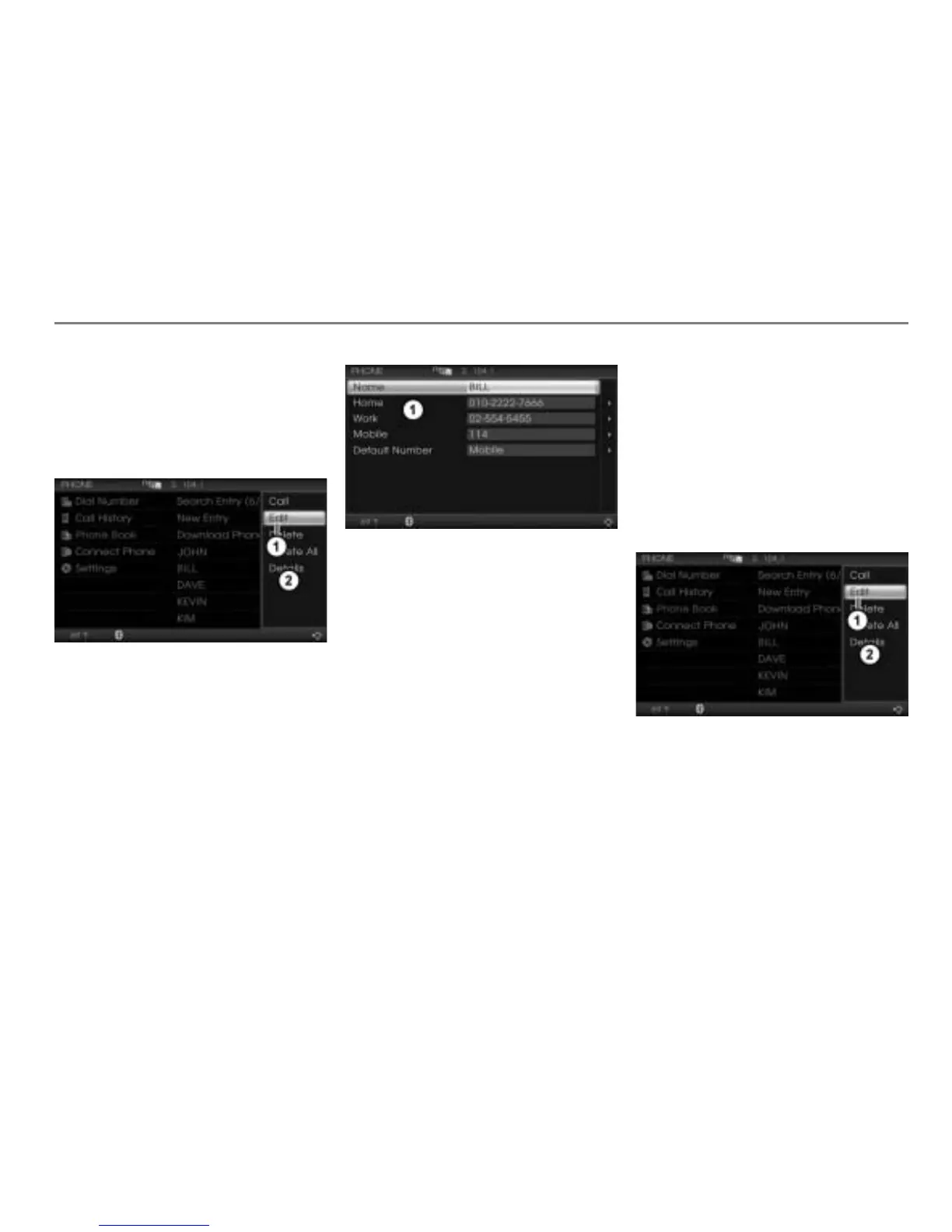
The Options menu appears.
Menu item Edit
Options menu
In the Options menu, select the menu
item
Edit.
A selection list appears.
Selection list
Select the name or a phone number.
Either the name or the phone number
input menu appears.
In both cases, continue as described in
the section “Name input menu”,
see page 190.
The phone number input menu is similar to
the name input menu. In the phone number
input menu, only digits can be entered. You
can enter a maximum of 20 digits.
Setting the default phone number
If you initiate a call to a phonebook entry
which contains more than one phone
number, the system uses the default phone
number for this.
Highlight the phonebook entry you wish
to set as the default phone number.
Push
the controller once.
The Options menu appears.
Menu item Edit
Options menu
In the Options menu, select the menu
item
Edit.
A selection list appears.



 To Next Page