310
Rear camera*
General information and operation
General information
The Driver Information System is
connected to the rear camera, for the
vehicles that are equipped.
Operation
Switching the rear/front camera view on
Switching the gear is described in detail in
the vehicle’s operation manual. Please pay
attention to the corresponding descriptions
and safety instructions in the vehicle’s
operation manual.
To switch the rear camera view on:
Switch the gear in the position of R.
The display of the Driver Information
System will switch to the rear camera
view.
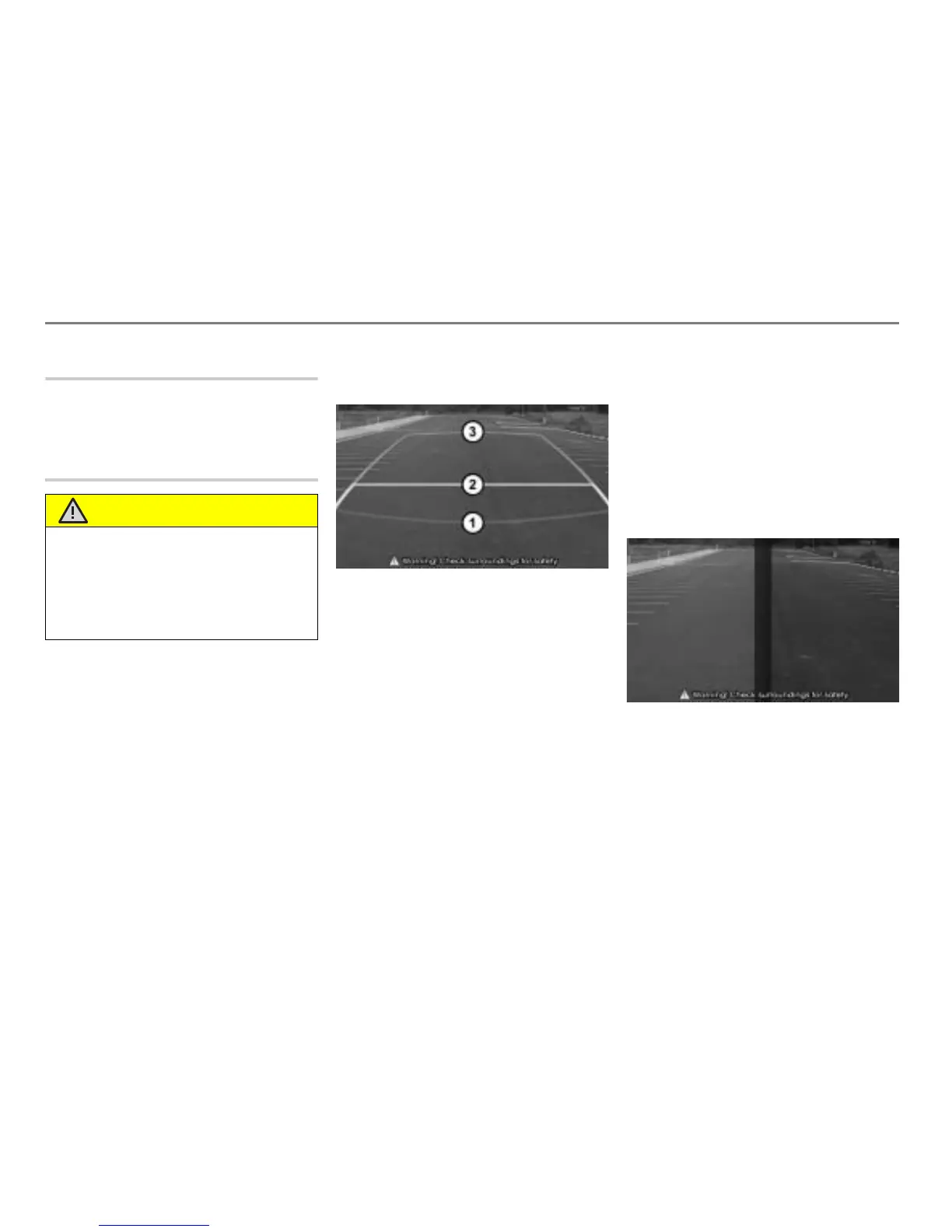
The display in the vehicle may be different
from the picture below.
Red line
Yellow line
Green line
The three lines
, and are showing
the following distances, each measured
from the rear bumper:
Red line
= 1.64 ft (50 cm)
Yellow line = 3.28 ft (100 cm)
Green line
= 9.84 ft (300 cm)
To switch the front camera view on:
Switch the gear in the position of D or N.
If the display does not show the front
camera view, press the vehicle’s
camera button.
The vehicle’s camera button has two states:
On and Off. Everytime you you press the
button, the state changes accordingly.
The display of the Driver Information
System will switch to the front camera
view, provided that the vehicle speed is
less than 5 km/h.
The display in the vehicle may be different
from the picture below.
While the rear/front camera view is shown
on the display, pressing the button
on
the steering wheel will toggle through the
available audio/video sources in the
background.
WARNING
The camera has a wide angle lens to obtain
wider visual field, so the actual distance may
be different from that comprehended
through the camera.
For safety, always check the front, rear, left,
and right of the vehicle.



 To Next Page