196
PHONE
Phonebook
To switch character set: In the
predictive speller, select one of the
menu items
.
The corresponding character set
appears in the predictive speller.
To delete the last character in the
input field: In the predictive speller,
select the menu item
.
The last character entered is deleted.
To delete all characters in the input
field: From the predictive speller,
push
the controller and select the
menu item Delete All.
All characters are deleted.
To make a new entry: Push
the
controller to move back to the
predictive speller and enter characters
as described previously.
Confirming the entry
From the predictive speller, push
the
controller and select the menu item
OK.
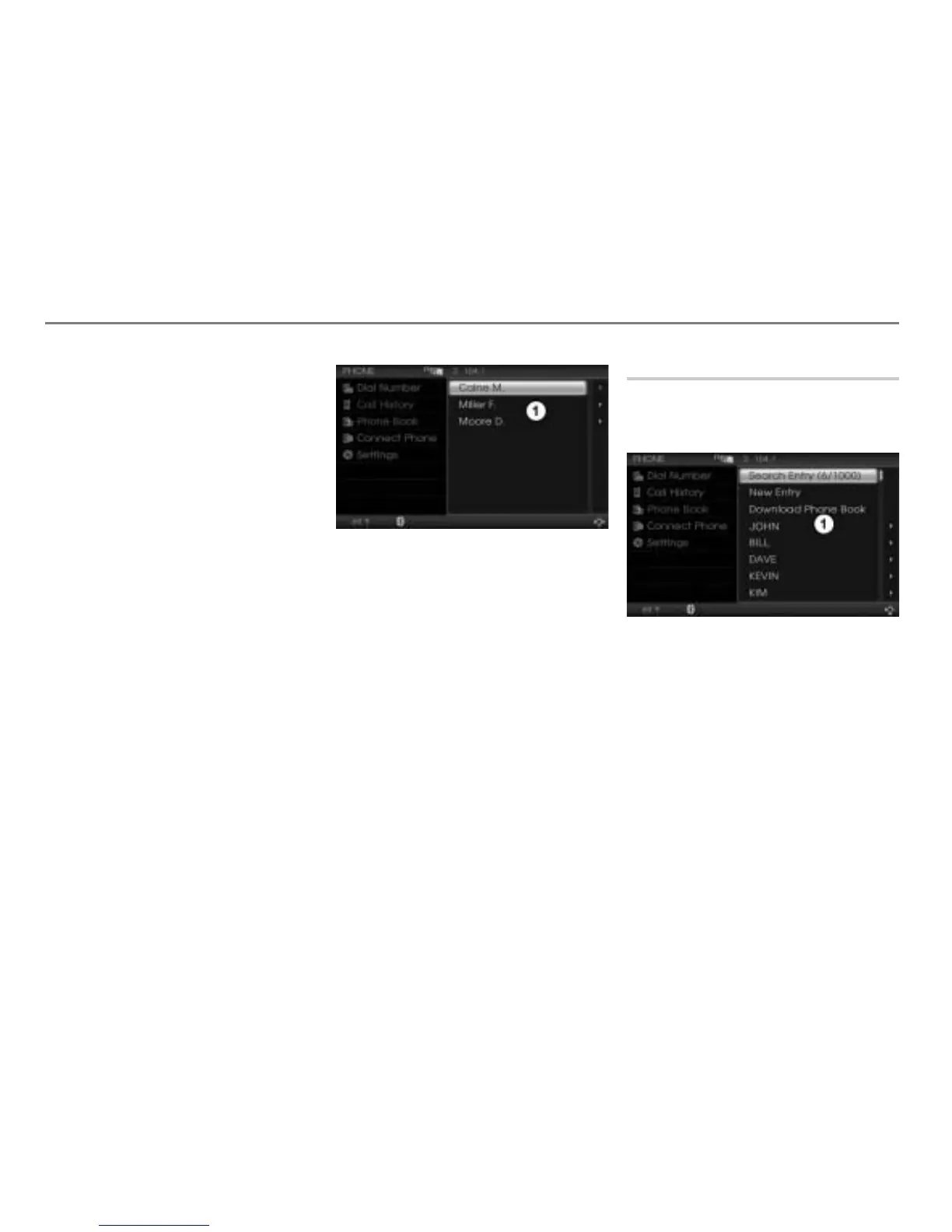
A selection list with one or more entries
containing the entered characters is
displayed.
Selection list
The following functions are now available:
Initiating a call to an entry, see section
“Option 1” on page 196 or section
“Option 2” on page 197.
Editing the desired entry, see page 193
Deleting entries, see page 198
Displaying details on the desired entry,
see page 199
Initiating a call to an entry
Call up the phonebook, see the section
“Calling up the phonebook” on
page 188.
Phonebook
Option 1
Select the desired entry.
If the entry contains only one number,
the system initiates the call to this
number.
If the entry contains more than one
number, the system initiates the call to
the default number.
Please see the section “Setting the default
phone number” on page 193 to find out how
to set the default phone number.



 To Next Page