189
PHONE
Phonebook
Downloading the phonebook
Downloading the phonebook is only
possible if a mobile phone is connected with
the system. During downloading, each
downloaded entry will be compared with
entries already existing in the corresponding
phonebook stored in the internal memory of
the system. If the name of an entry being
downloaded is identical with the name of an
entry already existing, the entry already
existing will be overwritten.
Call up the phonebook, see section
“Calling up the phonebook” on
page 188.
Phonebook
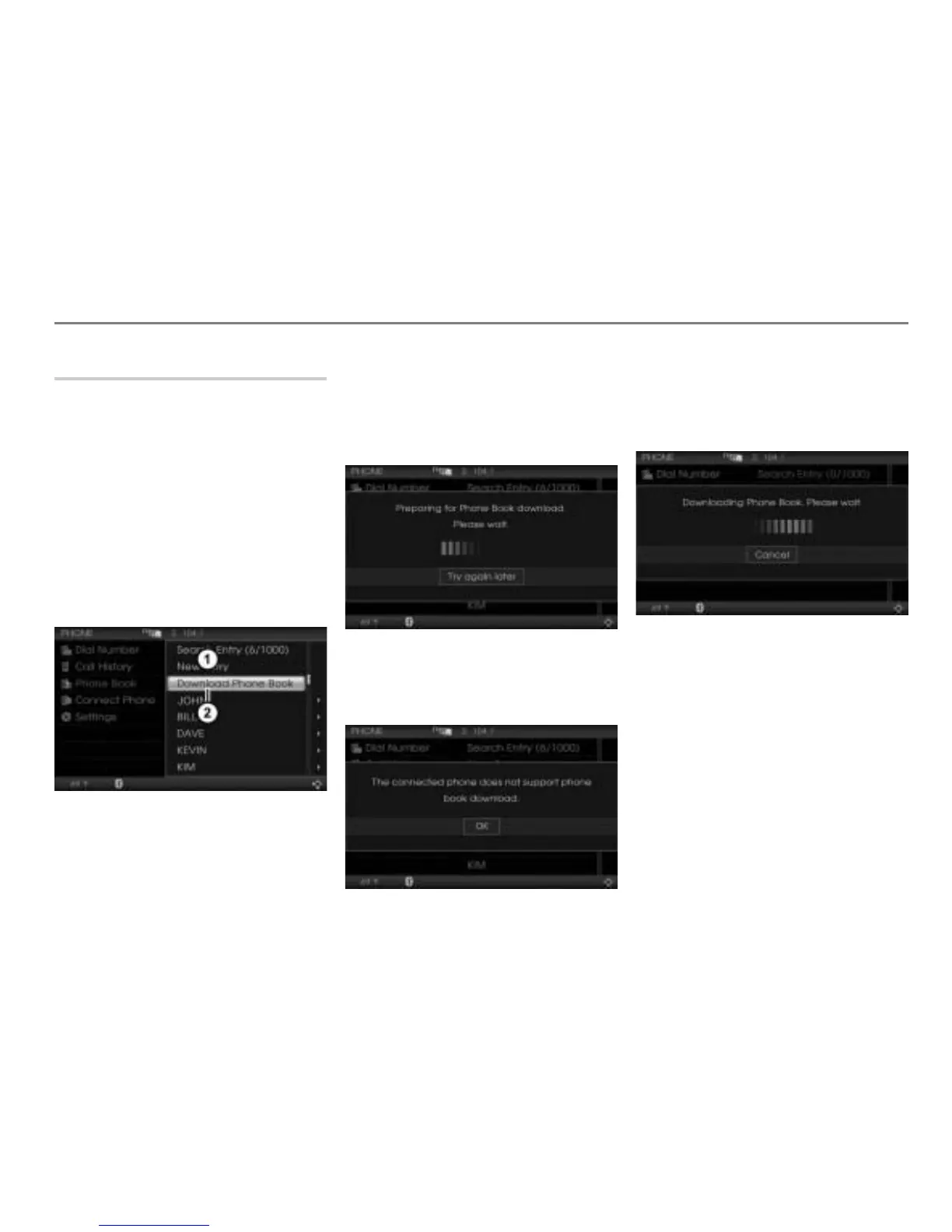
Menu item Download Phone Book
In the phonebook, select the menu item
Download Phone Book.
If the download preparation has not
been finished already, you will see an
appropriate message.
If the connected mobile phone does not
support the phonebook access profile
(PBAP), you will see an appropriate
message.
If the download preparation has been
finished already, the download starts
immediately. You will see an
appropriate message.



 To Next Page