89
DISC mode
Audio disc playback
To open a folder: Select the desired
folder.
You will see the tracks stored in this
folder.
To play a track: Select the desired
track.
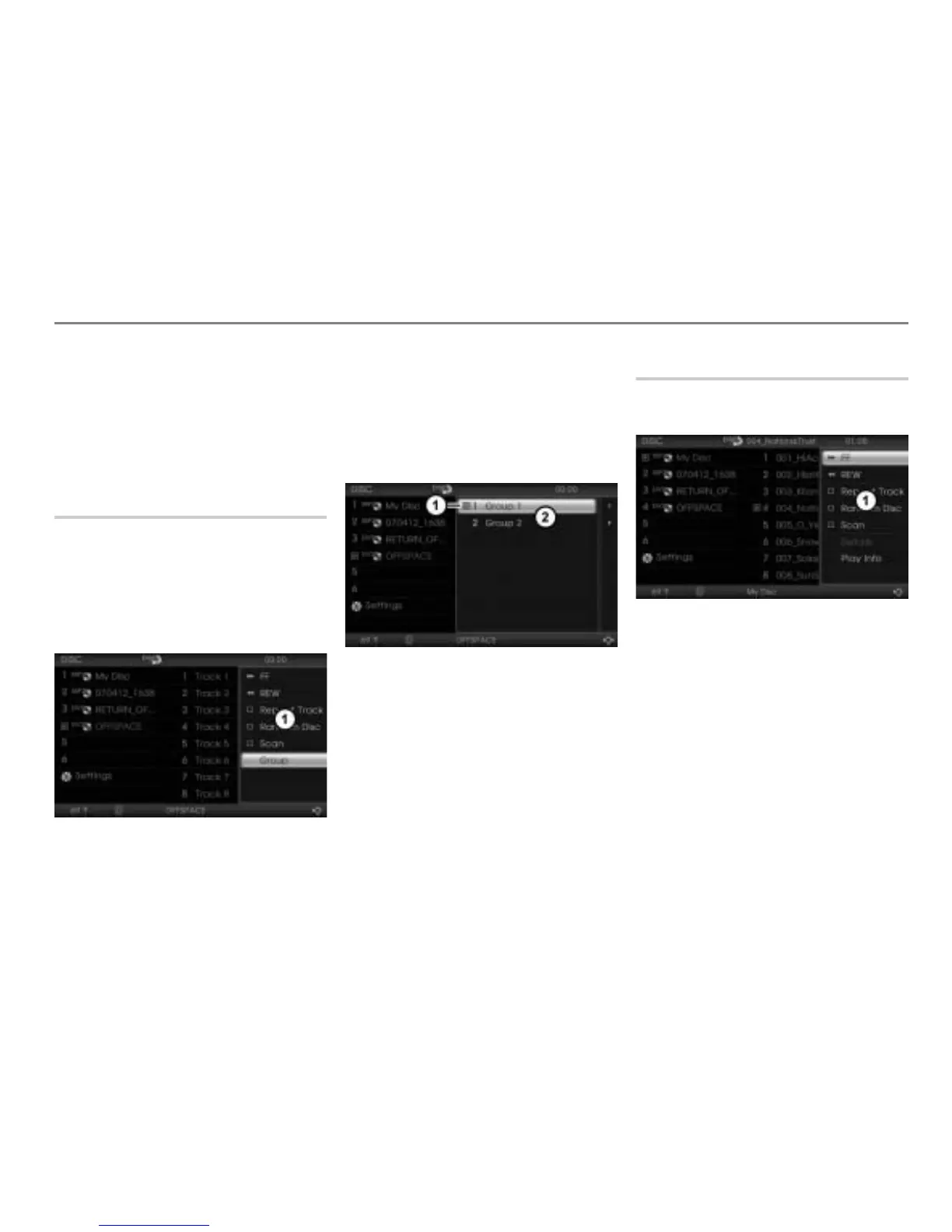
Selecting a group
This function is only available for audio
DVDs. The music tracks on an audio DVD
can be organized into up to nine groups.
To open the Options menu: Highlight
any track and push
the controller .
The Options menu appears.
Options menu
To open the Group menu: In the
Options menu, select the menu item
Change Group.
The Group menu appears. The group
currently being played is marked with
the play icon
.
Play icon
Group menu
Select the desired group.
The system will play the first track in the
chosen group.
Fast forwarding/reversing
To open the Options menu: Highlight
any track and push the controller .
Options menu
To start forwarding: In the Options
menu, select the menu item
FF and
press and hold the controller .
To start reversing: In the Options
menu, select the menu item
REW and
press and hold the controller
.
To terminate forwarding/reversing:
Release the controller
.
During fast forwarding/reversing the track
time changes are displayed in the upper
status line.



 To Next Page