302
INFO
Car Settings
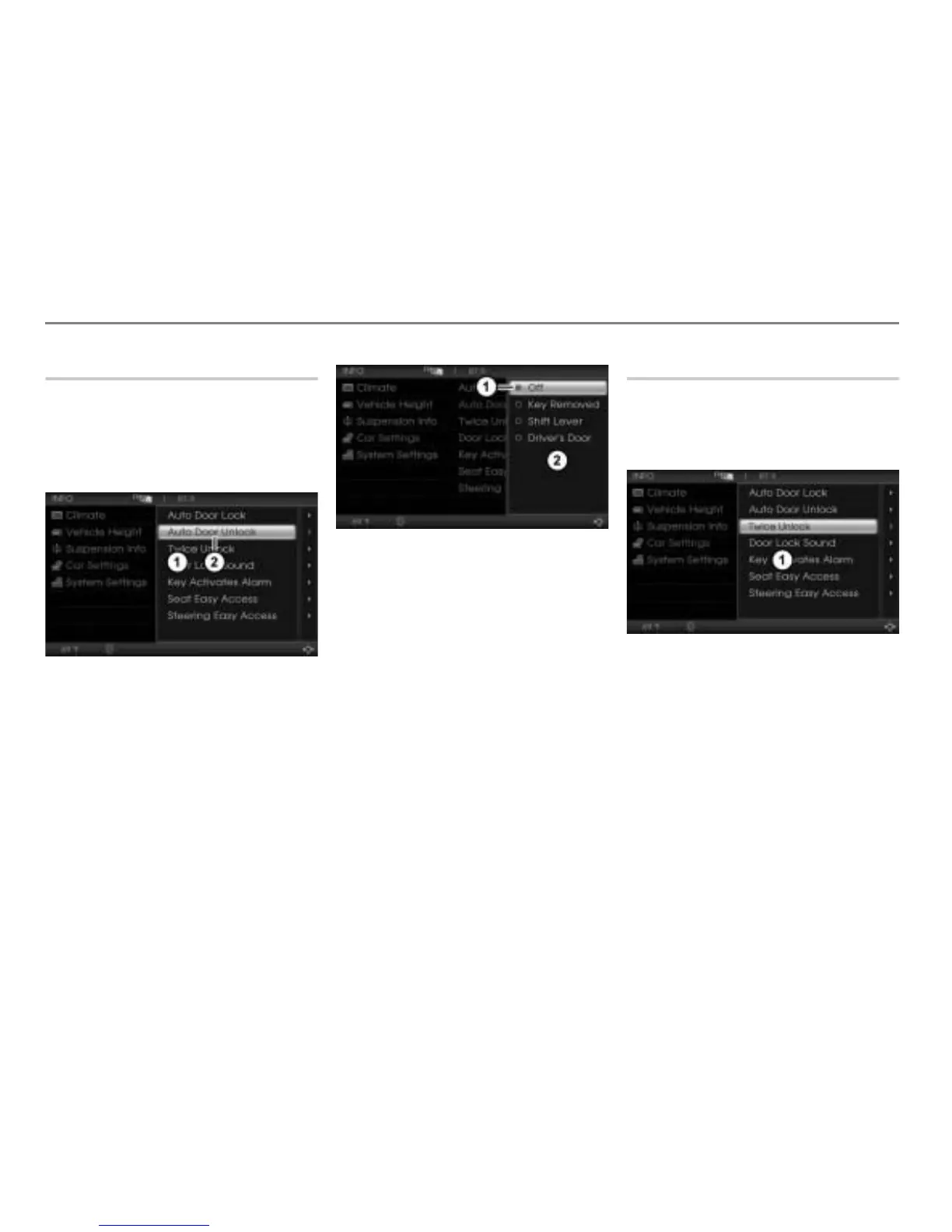
Auto Door Unlock
This function automatically unlocks the
doors as soon as a specific condition is met.
Open the Car Settings menu, see
section “Opening the Car Settings
menu” on page 300.
Car Settings menu
Auto Door Unlock menu item
In the Car Settings menu, highlight the
menu item
Auto Door Unlock.
Push
the controller once.
The Options menu containing the
respective setting options appears.
Icon for currently active setting
Options menu
To change the setting: Select another
setting.
Off = Function is switched off.
Key Removed = Doors will be
unlocked as soon as the ignition key
is removed from the key holder
(vehicles without ignition) or from
the ignition (vehicles with ignition).
Shift Lever = Doors will be unlocked
as a function of the shift lever
position.
Drivers Door = Doors will be
unlocked when the driver's door
is unlocked.
All other functions
All other functions can only be switched on
or off; therefore, only a summarized
description is provided. The individual
functions are explained below.
Car Settings menu
Open the Car Settings menu, see
section “Opening the Car Settings
menu” on page 300.
To select a function: In the Car
Settings menu, highlight the desired
menu item.
Push
the controller once.
The corresponding Options menu
containing the respective setting
options appears. The current setting is
identified by the icon
.



 To Next Page