27
Functional introduction
Operating example for the FM main menu
Switching to FM mode
Option 1: Press the button.
The system will switch to either FM or
AM mode.
If the AM main menu appears:
Press the button again.
The FM main menu appears.
Option 2: Press the button on the
steering wheel repeatedly until the
system switches to FM mode.
If Navigation, INFO or PHONE is the active
mode, switching to FM mode on the steering
wheel does not switch the display, only the
audio source will be switched accordingly.
If you want to switch the display also, you
must use the
button on the control
panel.
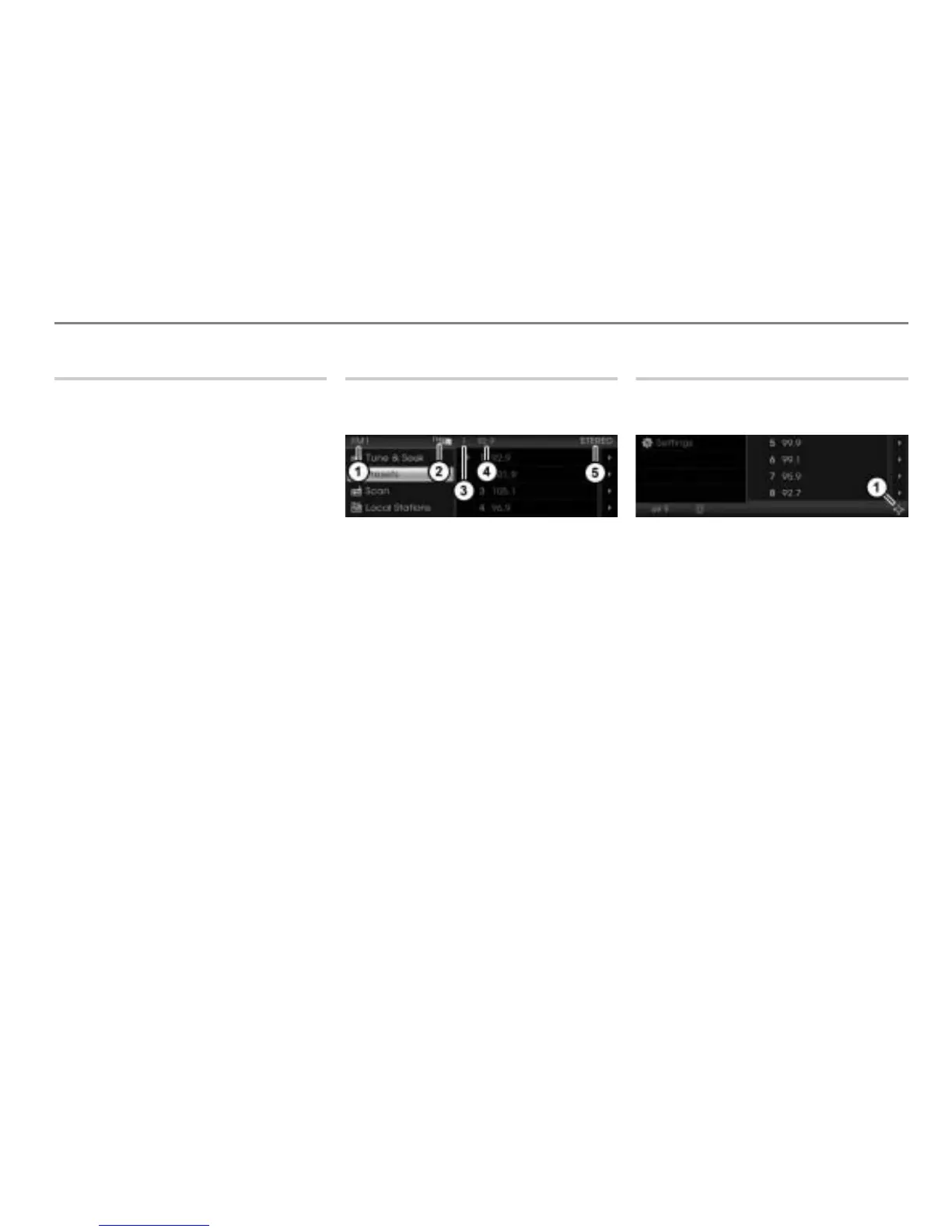
Top status line
The top status line shows various
information.
Currently active main function
Currently active entertainment source
Preset of the currently tuned station in
the presets
Currently played frequency (in case of
DISC mode currently played track or
chapter)
Audio play mode/Stereo availability
Bottom status line
The bottom status line shows the controller
icons amon other things.
Controller icons
The icons , , and represent the
directions of movement of the
controller
.
The icon
represents turning the
controller .
Each individual icon can be shown in white
or gray.
White icon:
Pushing or turning as appropriate initiates
an operation.
Gray icon:
Pushing or turning as appropriate does not
initiate an operation.



 To Next Page