44
FM and AM mode
Tuning to stations
For information on general system
operation, please refer to the chapter
“Functional introduction” from page 17.
Overview
The following options are available:
Tuning to a station via the station list,
see page 44
Tuning to a station via a station search,
see page 45
Tuning to a station via manual tuning,
see page 46
Tuning to a station via the presets, see
page 47
Tuning to a station via the Scan
function, see page 47
Tuning to a station via the station
list
This function is only available in the FM
band. The station list contains all the
currently receivable FM stations. It is sorted
by frequency number and is automatically
refreshed and updated by the system.
To request the station list: Open the
FM or AM main menu, see section
“Switching to FM or AM mode” on
page 42.
In the FM or AM main menu, select the
menu item
Local Stations.
The station list appears.
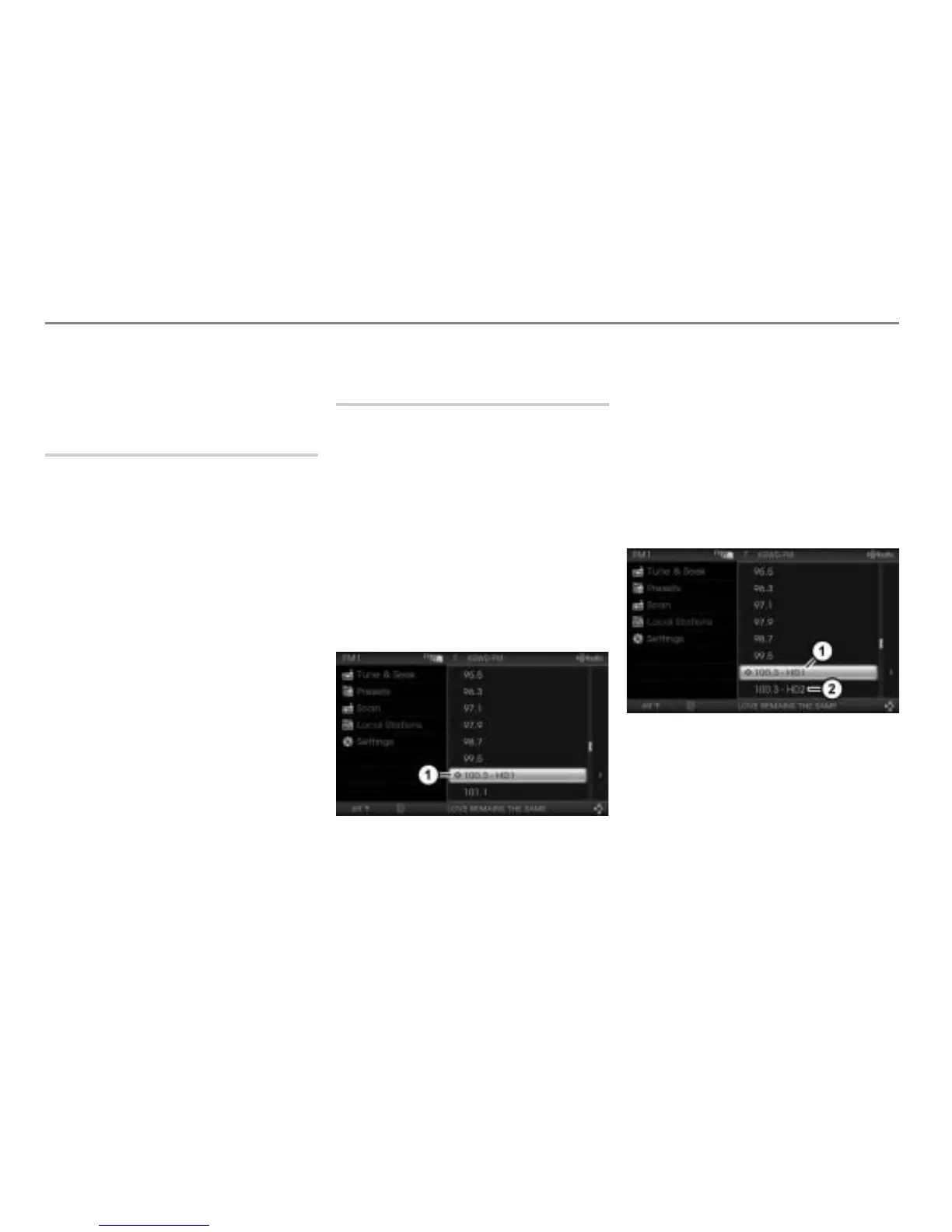
Icon for the currently tuned station
To tune to a station: Select the
desired station in the station list.
The system tunes to the corresponding
station.
If the selected station is a multicasting
HD Radio
TM
FM station, the system
tunes to the main channel of the
corresponding station. The station list
will show the main and the sub channel.
HD1 = main channel
HD2 = sub channel
To tune to a sub or a main channel:
Select the corresponding channel in the
station list.
The system tunes to the corresponding
channel.



 To Next Page